Vibe Coder · Unit 10: APIs · Lesson 3 of 13
Calling Claude
Add your first AI feature: your app sends instructions and the user’s input to Claude and shows the answer.
Read the short notes and pictures.Do everything inside a blue frame.
Your first model call
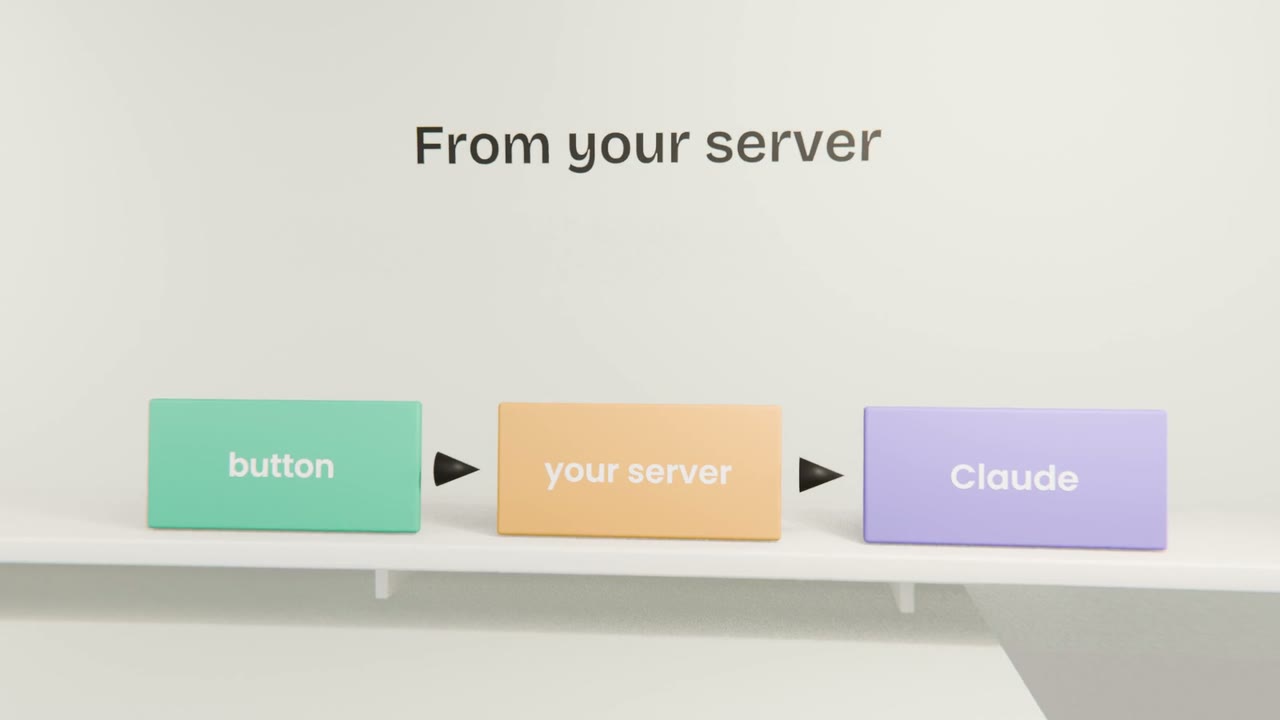
Ask Claude Code to add the feature you chose. Behind one button, your server will send a request to Claude and return the answer. You do not write the code, but you should know what it does and what to check.
What to ask Claude Code for
Describe the feature
Your X, Y, Z sentence.
Say where the key is
The name of the environment variable.
Give the instructions
The prompt, from your prompt library.
Ask for loading and error states
What the user sees while waiting, and if it fails.
What to check
It works
Try three different inputs.
The key is server-side
Ask Claude Code to show where the call happens.
It fails politely
Turn off your internet and press the button.
Add your AI feature
Have Claude Code build your AI feature with a server-side call to Claude, a loading state and an error message. Test it with three inputs and with the network off, then commit.
Done when
You will make its output dependable in the Structured output lesson.
Keep these
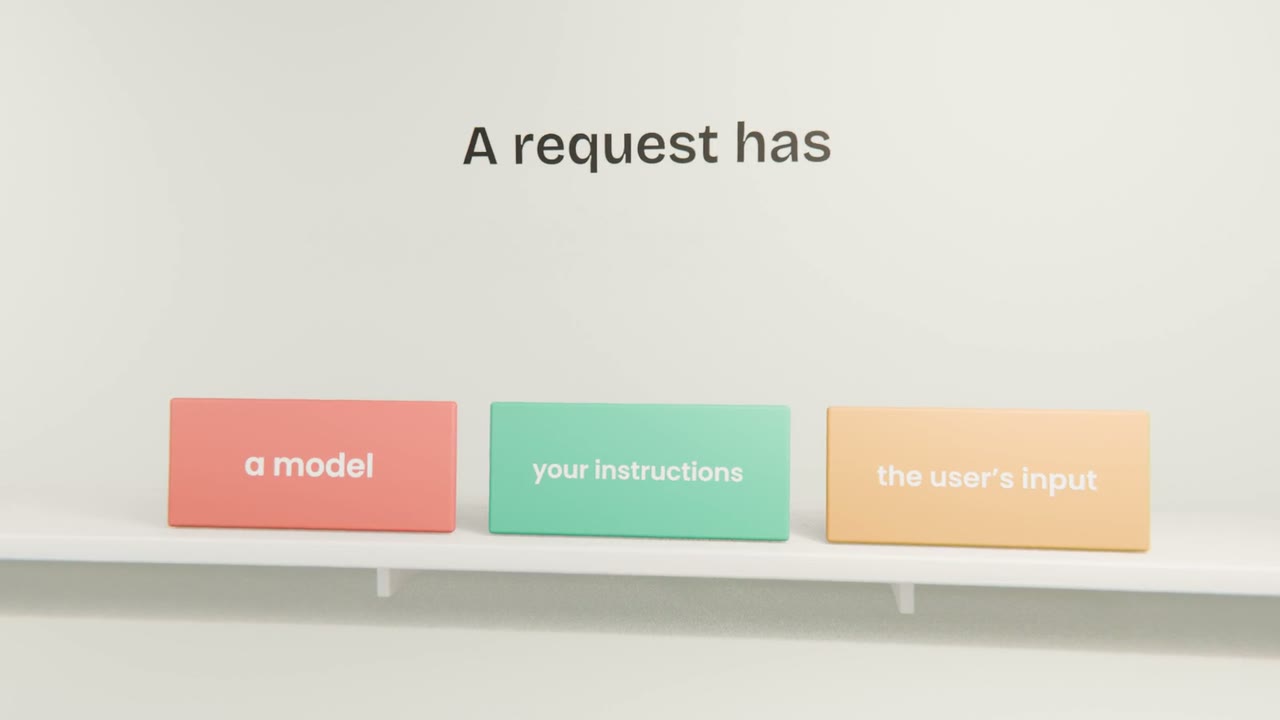
- A call needs a model, instructions and input.
- Make it from the server.
- Handle loading and errors.