Vibe Coder · Unit 10: APIs · Lesson 8 of 13
Structured outputs
Engineers: get responses that match a schema, validate them, and decide what happens when they do not.
Read the short notes and pictures.Do everything inside a blue frame.
Schemas and validation
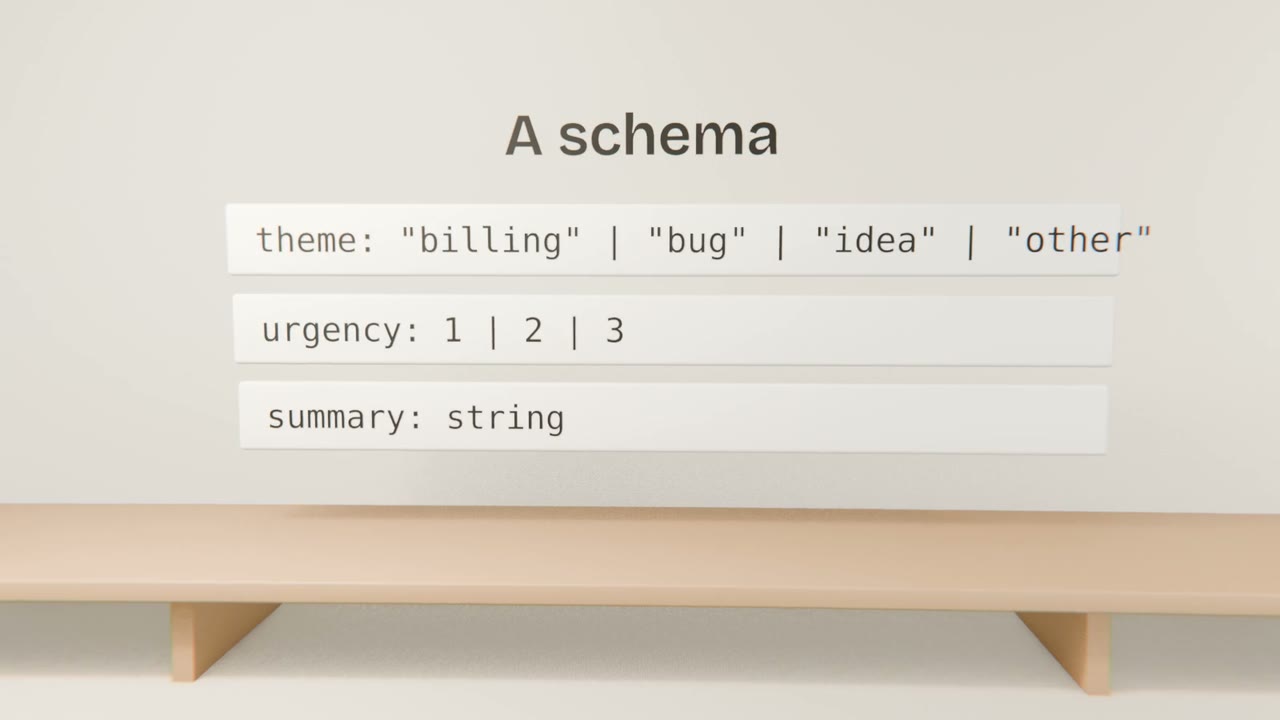
Providers offer ways to constrain output to a JSON schema. Use them, and still validate on your side: a schema library gives you one definition for the prompt, the runtime check and your TypeScript types.
Design choices
Enumerations
A fixed list beats free text for anything you group by.
An escape value
"other" or null, so the model is not forced to guess.
Small schemas
Fewer fields, fewer failures.
Descriptions
A line per field improves accuracy.
Handling failure
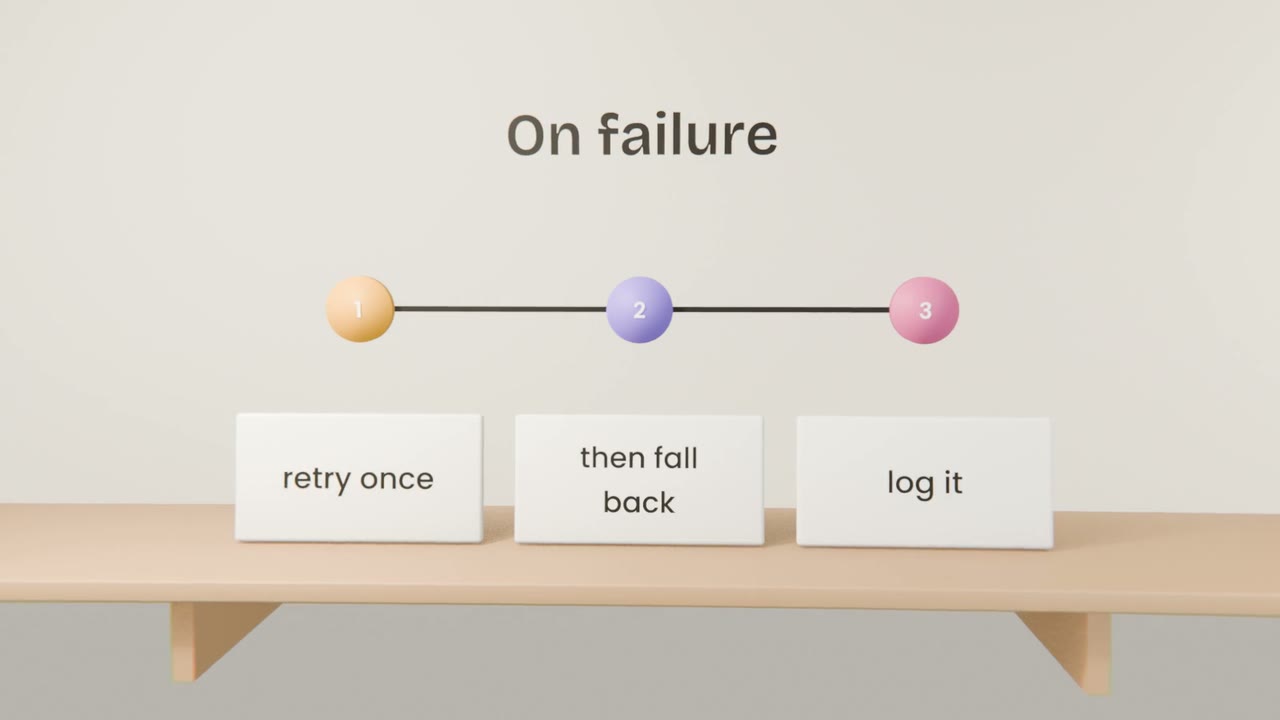
Parse and validate
Reject anything that does not conform.
Retry with the error
Once.
Fall back
A safe default, or a manual path.
Measure
Track the failure rate.
Add a schema to your feature
Define a schema for your feature’s output, request structured output, validate it, and implement retry and fallback. Add tests for a valid, an invalid and a refused response.
Done when
Your database types will be generated from the same shapes in Unit 12.
Keep these
- Constrain output with a schema.
- Validate on your side as well.
- Plan for failure.