Vibe Coder · Unit 8: Build With Lovable, Bolt and Rork · Lesson 3 of 5
The same brief in Bolt
Build the same first version in Bolt and compare. Plan Mode, Bolt Cloud’s database and hosting, version history, and what a second builder teaches you about the first.
Read the short notes and pictures.Do everything inside a blue frame.
Why build it twice
You already have a first version. Building it again in a second tool takes an hour and teaches you three things: which parts of your brief were unclear (both builders will stumble in the same places), what each tool is good at, and how to judge generated work instead of accepting it.
How Bolt works
In the browser
Bolt runs on WebContainers, so the code runs in your browser tab and there is nothing to install.
Plan Mode
Talk through the app before any code is written.
Build agents
Bolt offers a Standard and a Max agent. Use the stronger one for hard changes, the standard one for small ones.
Project knowledge
Project settings hold knowledge the agent should always have. Skills add reusable rules, and a Prompt Library saves prompts you reuse.
Bolt Cloud
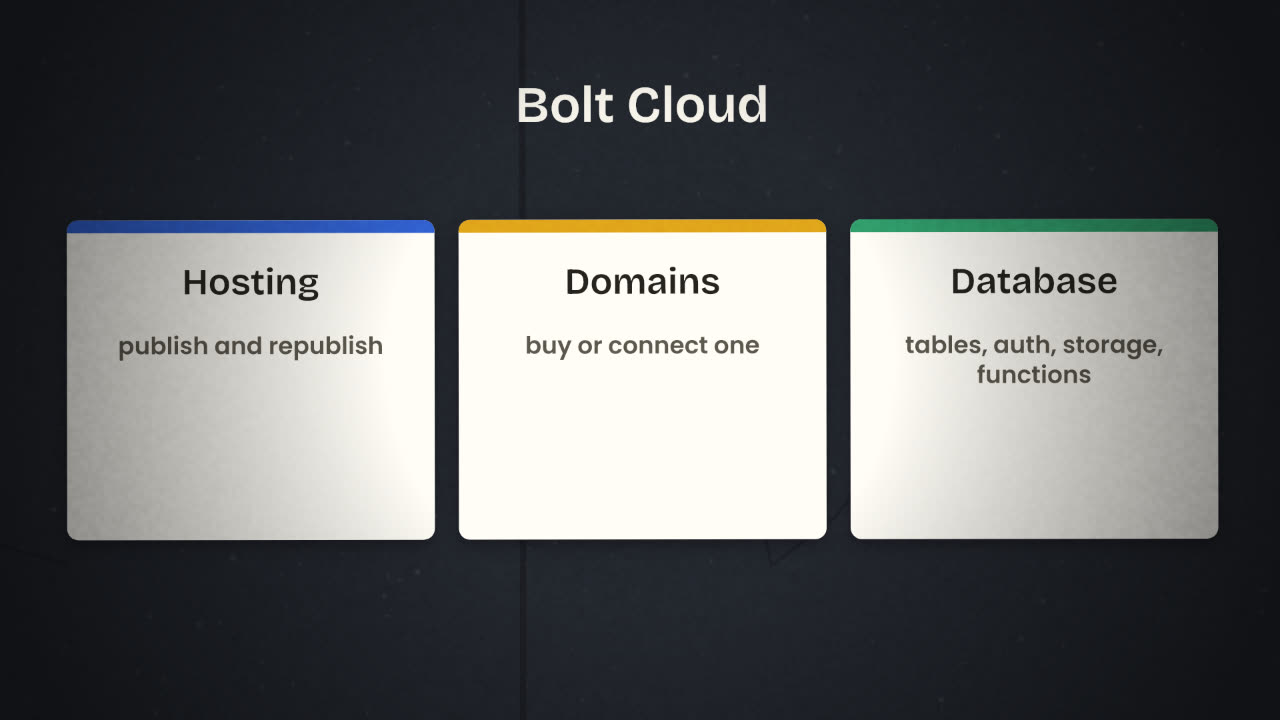
Bolt Cloud puts hosting, domains and a database in the project. Bolt creates a database automatically when the app needs one, and the database covers tables, authentication, file storage, server functions and logs. If you outgrow it, you can claim the database and connect it to Supabase.
Paste the same first prompt
Word for word, so the comparison is fair.
Answer its planning questions
Note any question Lovable did not ask. It points at a gap in your brief.
Build, then click through
Every screen, as before.
Add sign-in and per-user data
Then run the two-account test.
Publish
You can republish after changes, or unpublish.
When a change goes wrong
Generated apps break when a new request collides with something built earlier. Bolt keeps a version history: you can restore an earlier version and export a copy. Restore first, then ask again with a narrower prompt. Version history and the GitHub integration are separate tools, and you want both.
Compare on purpose
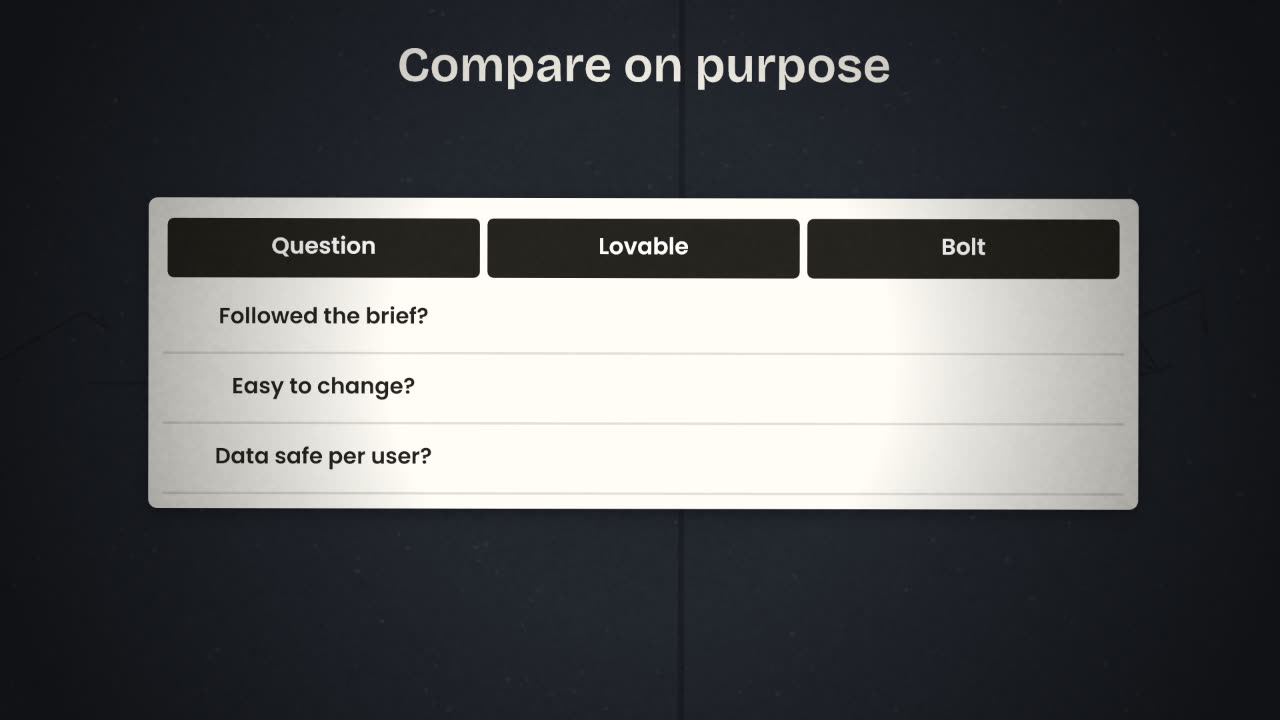
Compare the product
Does it follow the brief?
Is the main journey shorter?
Does it look like your design system?
Is each user’s data private?
Compare the working
Which asked better questions?
Which was easier to correct?
Which used fewer credits or tokens?
Which code would you rather own?
Both builders produced an invoice list, but one shows all users’ invoices to everyone. What does that tell you about your brief, and what do you change?
Build the same version in Bolt and choose
Build the first version again in Bolt from the identical prompt. Add sign-in and data, test with two accounts, and publish. Fill in a comparison table and choose the builder you will continue with.
Done when
Keep the comparison table. It goes in your repository.
Keep these
- Bolt runs the app in your browser, with nothing to set up.
- Bolt Cloud adds hosting, domains and a database.
- A second builder shows you the gaps in your brief.