Vibe Coder · Unit 8: Build With Lovable, Bolt and Rork · Lesson 1 of 5
What app builders do
Lovable, Bolt and Rork turn a description into a running app in the browser. What they generate, where they are strong, and where you will need more.
Read the short notes and pictures.Do everything inside a blue frame.
From brief to running app
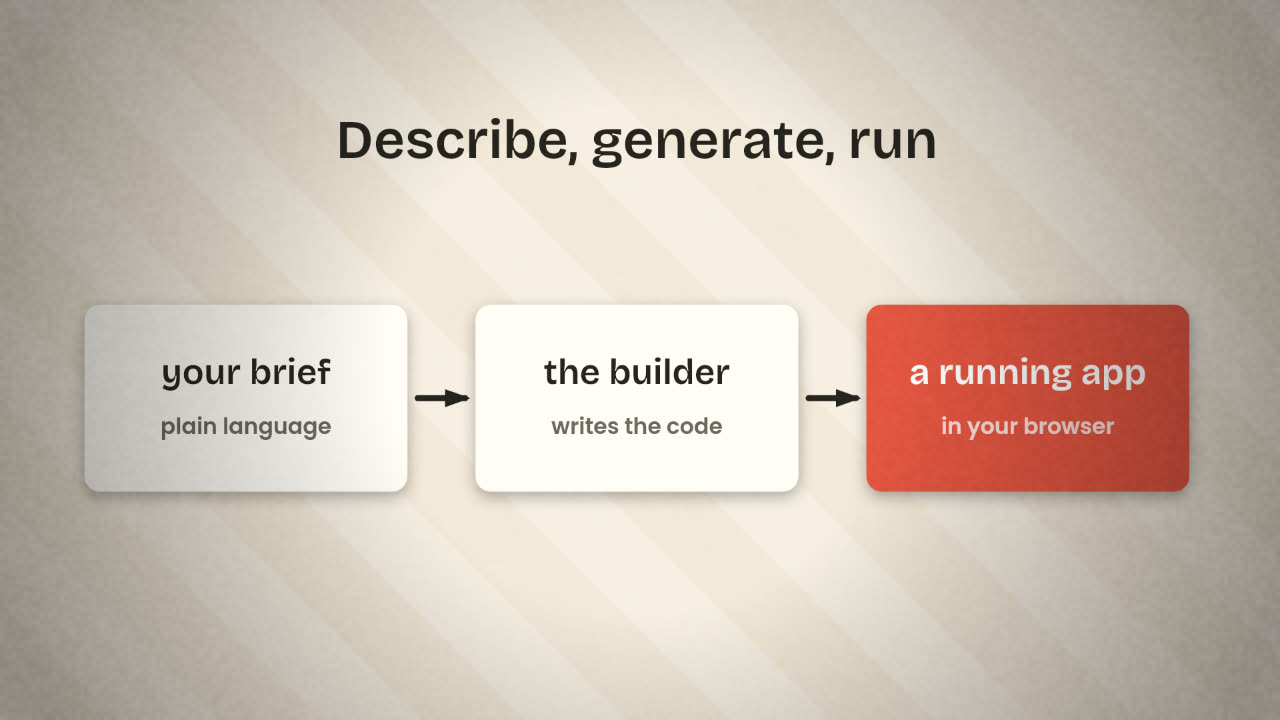
In the last unit you made a clickable prototype and wrote a build brief. An app builder takes a brief like that and produces a working application: real screens, real data, a real address. You work in the browser, with a chat on one side and the running app on the other. Nothing to install.
The three in this unit
Lovable
Builds web apps from natural language: front end, backend, database, sign-in and integrations, as editable code.
Bolt
An AI app builder from StackBlitz. It runs the code inside your browser, so there is nothing to set up, and builds web or mobile apps.
Rork
Builds native phone apps: Swift for iPhone, Kotlin for Android, and web apps too.
What they give you beyond screens
A backend
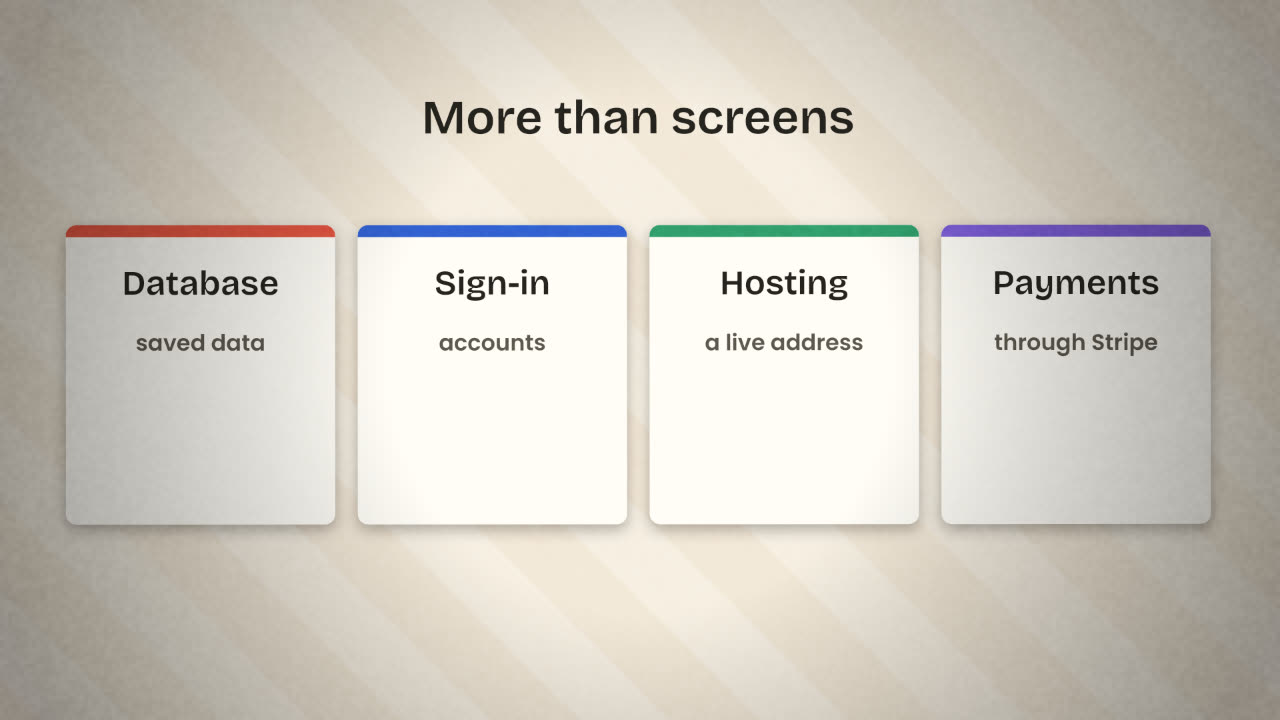
Lovable Cloud and Bolt Cloud include a database, sign-in, file storage and server functions. Both can also connect to Supabase.
Hosting
A publish button gives the app a live address, and you can attach your own domain.
Integrations
Stripe for payments and GitHub for your code are available in both.
Version history
You can go back to an earlier version when a change goes wrong.
What you still do
The builder does
Writes the code.
Runs it and fixes obvious errors.
Sets up the database and sign-in.
Publishes the app.
You do
Decide what to build, and in what order.
Read what was built against the brief.
Test it like a stranger would.
Check who can see whose data.
Start with the brief
A vague first prompt gives a generic app.
One change at a time
Small prompts are cheaper to check and to undo.
Plan before big changes
Both Lovable and Bolt have a plan mode that talks the change through before writing code.
Sync to GitHub early
So the code is yours from the first day.
Write the first prompt you would give a builder for your product. Then cut it to what the first version needs.
Prepare your builder prompt
Create an account on Lovable or Bolt. Turn your build brief into a first prompt: the product in a line, the user, the first screens, the data and the look. Keep everything else in a "later" list.
Done when
You will use this prompt in the next lesson. Do not start building yet.
Keep these
- App builders turn a description into a running app.
- They can add data, sign-in, hosting and payments.
- You bring the brief, the testing and the judgement.