Vibe Coder · Unit 8: Building With Claude Code · Lesson 5 of 15
Reading what was built
You do not need to write code to check it. How to ask what changed, what each file is for, and whether it matches the brief.
Read the short notes and pictures.Do everything inside a blue frame.
Reading without coding
Checking is your half of the work. You can do it without writing code by asking good questions, looking at the list of changed files and comparing the result with your brief.
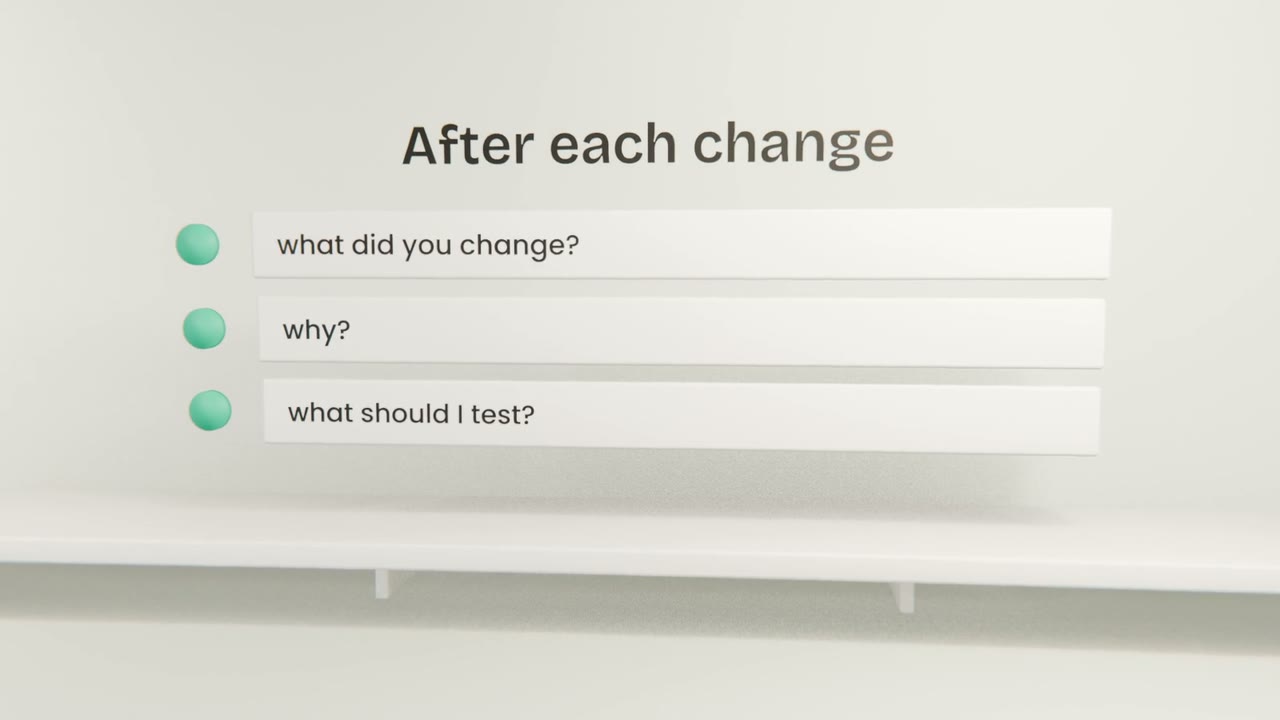
Questions to ask every time
What changed?
Which files, in one line each.
Why that way?
Ask for the reason behind a choice you do not understand.
What could go wrong?
Ask it to name the risks.
How do I test it?
Ask for the exact clicks to try.
Reading a change
Green lines
Added.
Red lines
Removed.
The file name
Tells you which part of the app was touched.
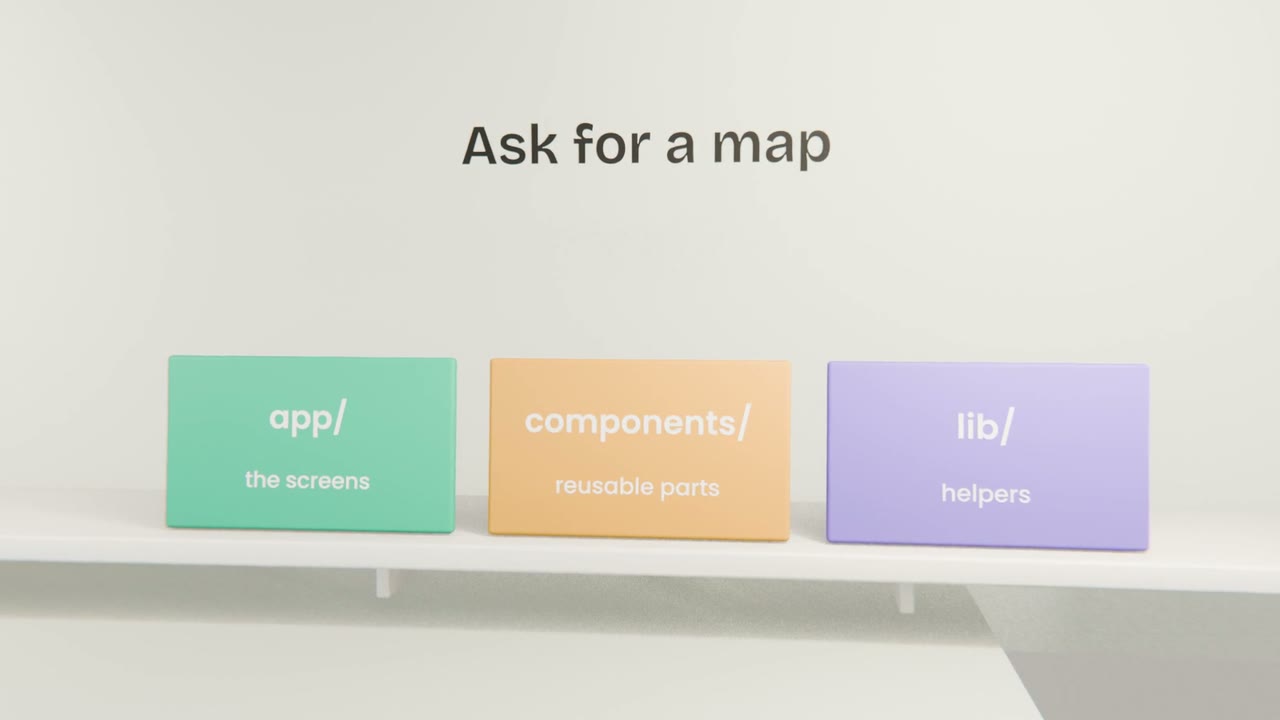
Understand your app
Ask Claude Code for a one-page map of your project and save it as "MAP.md". Then, for your last change, ask what changed and how to test it, and do the test yourself.
Done when
Update the map whenever the structure changes.
Keep these
- Ask what changed and why.
- Keep a plain-words map of the project.
- Compare the build with the brief.