Vibe Coder · Unit 8: Building With Claude Code · Lesson 10 of 15
The agentic loop
Engineers: what Claude Code does on each turn: gather context, act with tools, verify, repeat. Knowing the loop tells you how to steer it.
Read the short notes and pictures.Do everything inside a blue frame.
How the agent works
An agent is a model in a loop with tools. On each turn Claude Code decides what it needs to know, uses a tool to find out or to change something, reads the result, and decides again. Understanding this explains most of its behaviour, good and bad.
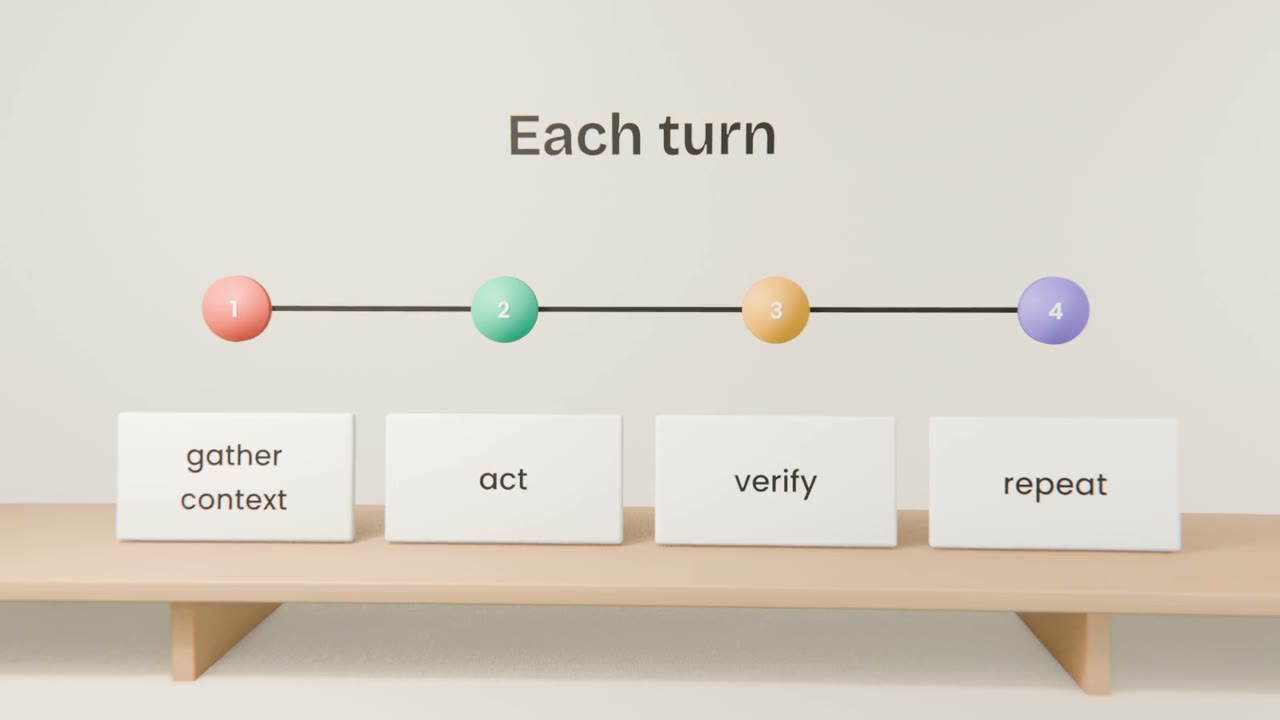
The loop in practice
Gather context
Searching and reading files. It reads only what it thinks is relevant.
Act
Editing files, running commands.
Verify
Running the build, the tests, or the app.
Repeat or stop
Until the goal is met or it needs you.
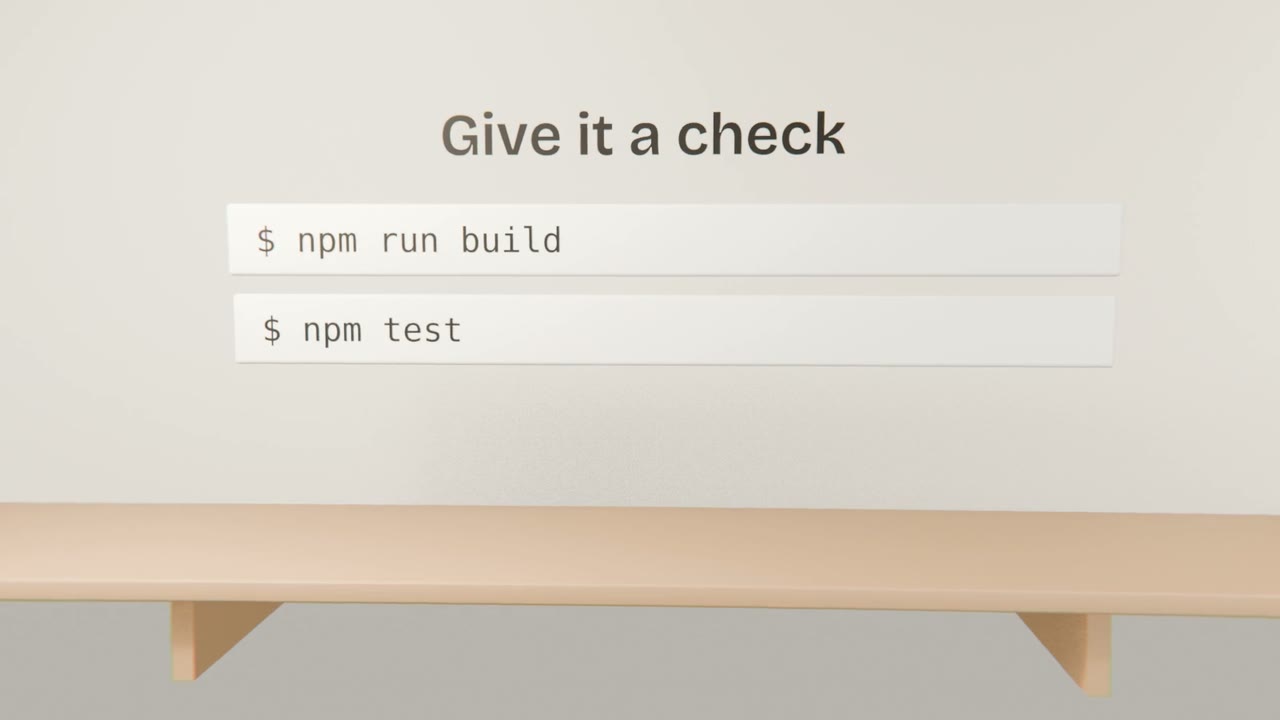
How to steer it
Point at files
Name the files that matter so it does not have to guess.
Give a check
A command that proves the work is right.
Interrupt early
Stop it when it heads the wrong way. Redirecting is cheap.
Give the agent a way to verify
Add lint, type-check and build scripts to your project, then ask Claude Code to implement one feature and to run those checks until they pass before it reports back.
Done when
Add the commands to CLAUDE.md so every session uses them.
Keep these
- Claude Code loops: context, action, verification.
- Its actions are tools.
- A way to verify makes it far more reliable.