Vibe Coder · Unit 8: Building With Claude Code · Lesson 2 of 15
Your first app
Go from an empty folder to a working app on your screen: the first screen of your product, running on your own computer.
Read the short notes and pictures.Do everything inside a blue frame.
The first real screen
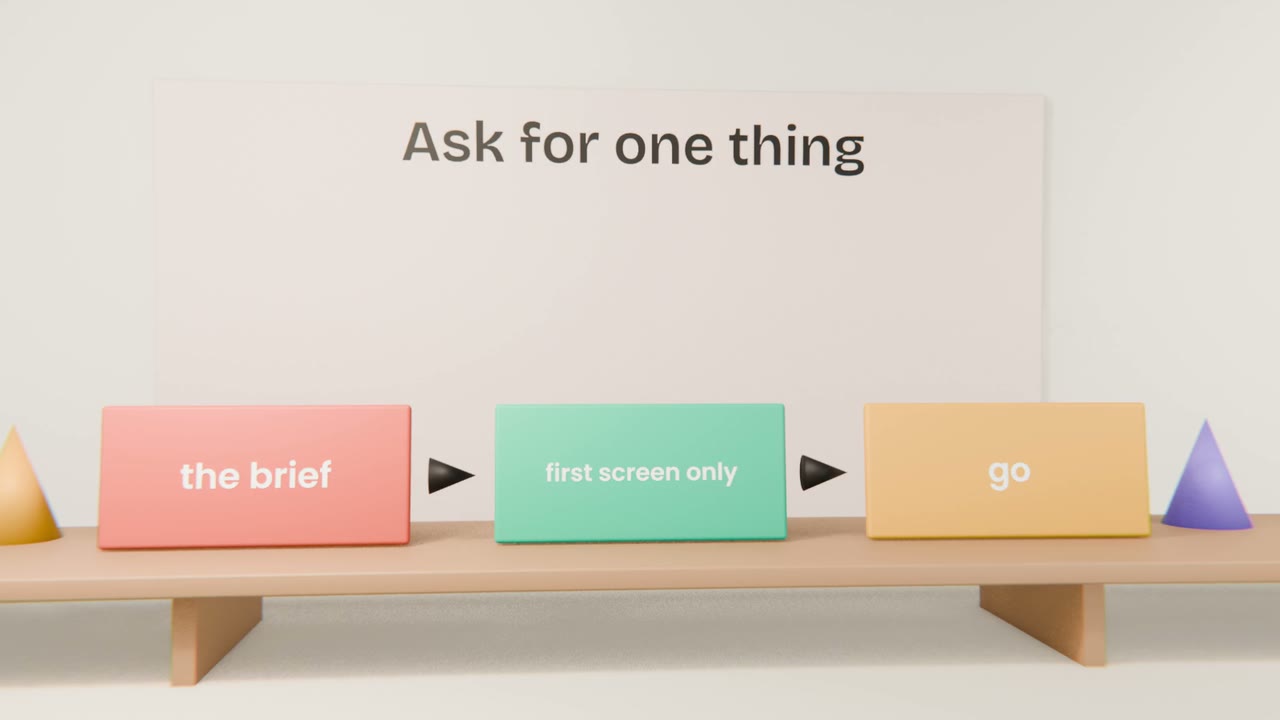
Your first request should be small on purpose. Ask for the project to be set up and for one screen from your brief. When it runs, you will see your product at an address on your own computer, called localhost, which only you can open.
The first session
Say what to build with
"Create a Next.js app with Tailwind in this folder."
Point at the brief
"Read build-brief.md and design-system.md."
Ask for one screen
"Build only the landing screen. Do not add sign-in yet."
Open and check
Visit the local address and compare it with your prototype.
Words you will see
localhost
Your own computer acting as the server. Nobody else can see it.
Dependencies
Code written by others that your app uses. Claude Code installs them.
Dev server
The program that runs your app while you build.
Run your first screen
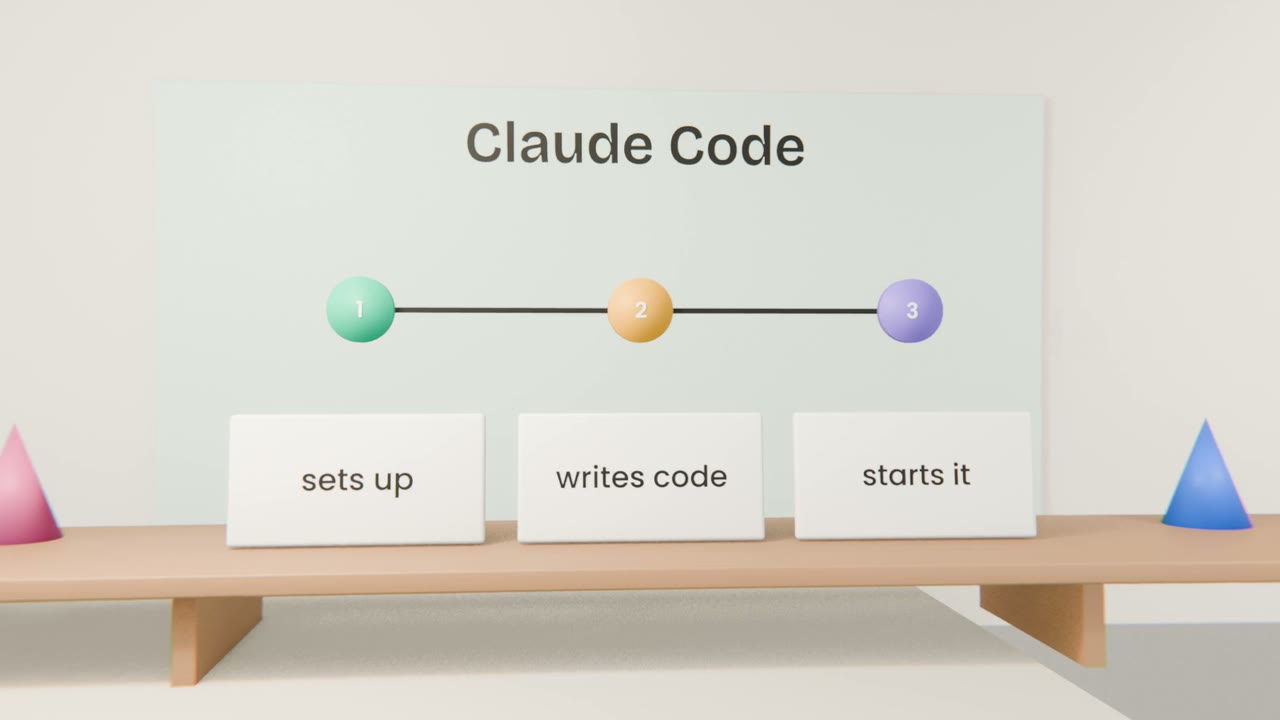
Ask Claude Code to set up the app and build the first screen from your brief. Open it on localhost and compare it with your prototype. Ask for corrections until it matches.
Done when
You have a real app. Each lesson now adds to it.
Keep these
- Start with one screen.
- localhost is your app on your own computer.
- Compare against the prototype and correct.