Vibe Coder · Unit 4: ChatGPT for Your Work · Lesson 1 of 10
Chat, files and memory
ChatGPT reads files and images too, and it can remember things about you between chats. How memory works and how to stay in control of it.
Read the short notes and pictures.Do everything inside a blue frame.
The same basics, one new idea
Everything you learned about giving Claude real material applies to ChatGPT: attach the document, show the screenshot, say what you want back and who it is for. The feature you will notice first is memory. ChatGPT can save facts from your conversations and bring them into later ones, so it knows your role and your product without being told again.
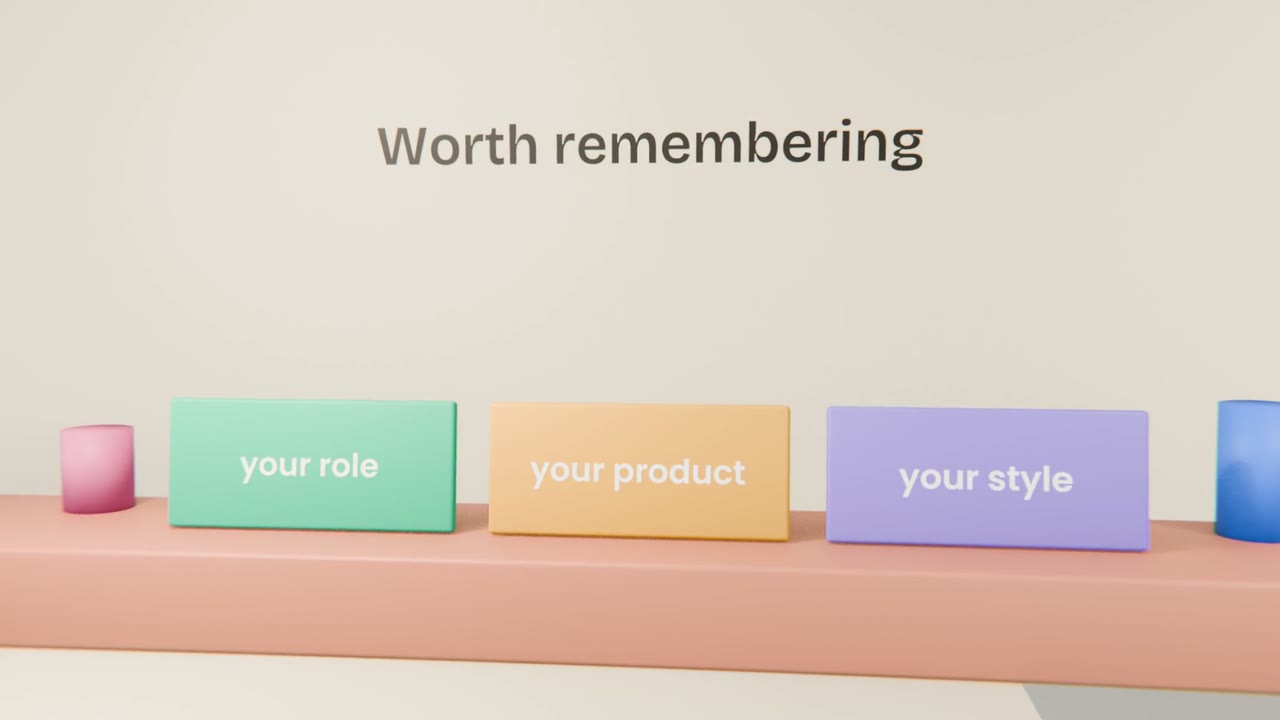
How memory works
It saves a fact
When you say something lasting, such as "I am building an invoicing tool for designers", it may save it.
It uses it later
In a new chat, saved facts are added to the context, exactly as you saw in Unit 2.
You can tell it directly
"Remember that I prefer short answers" or "forget my old job title".
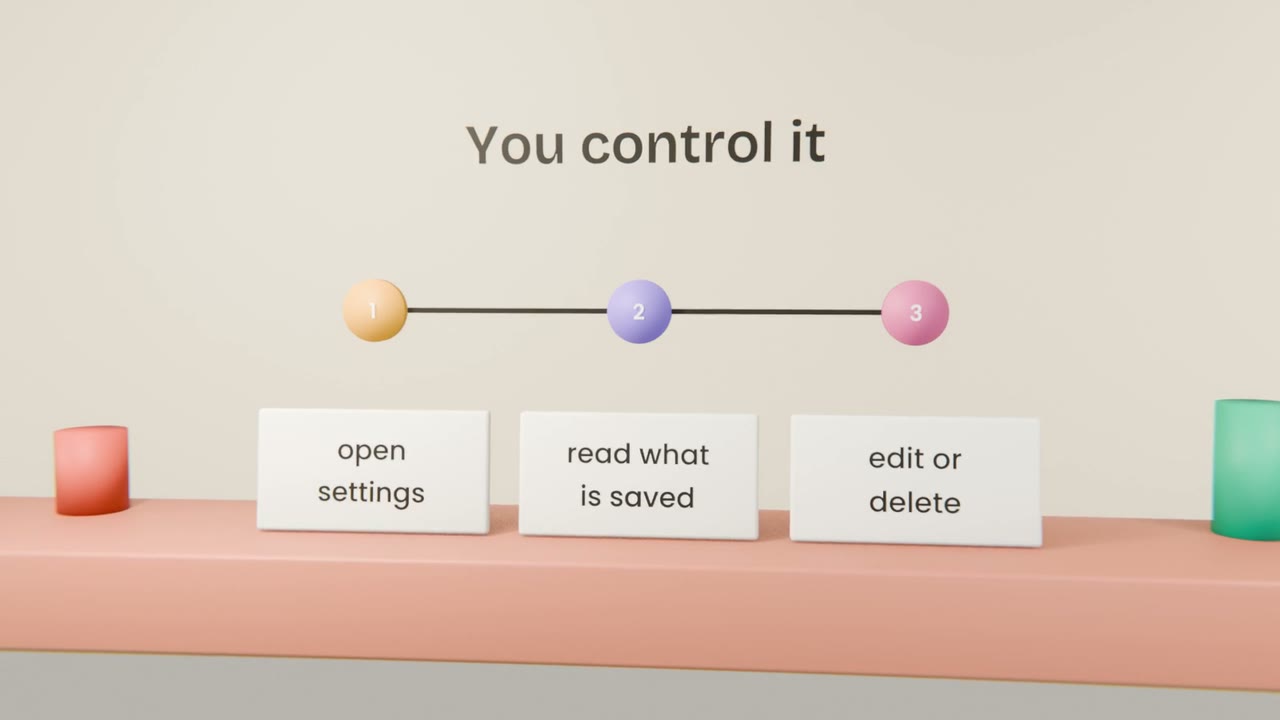
You can review it
Settings shows what is saved. Read it now and then.
Memory, projects or a fresh chat?
Memory
Facts about you that stay true: your role, tone, tools.
A project
Everything about one piece of work: files, instructions and chats together.
A temporary chat
A one-off question you do not want saved or used later.
Set up ChatGPT for your product
In ChatGPT, create a project for your product and add your brief from Unit 2. Tell it your role and how you like answers written, then open settings and read what it has saved about you. Delete anything wrong.
Done when
You now have the same product set up in both tools, which makes them easy to compare.
Keep these
- ChatGPT reads files and images, like Claude.
- Memory saves lasting facts and adds them to later chats.
- You can read, edit and delete memories in settings.
- Use a temporary chat when you do not want something remembered.