Vibe Coder · Unit 4: ChatGPT for Your Work · Lesson 3 of 10
Images
ChatGPT makes and edits images from a description. How to describe what you want, keep a consistent look, and what to check before you use one.
Read the short notes and pictures.Do everything inside a blue frame.
Describe the picture you want
ChatGPT can create images and edit them in conversation. For a product, that means a first logo idea, a picture for the top of your landing page, or a set of matching icons, in minutes. The quality of the result depends on how clearly you describe it.
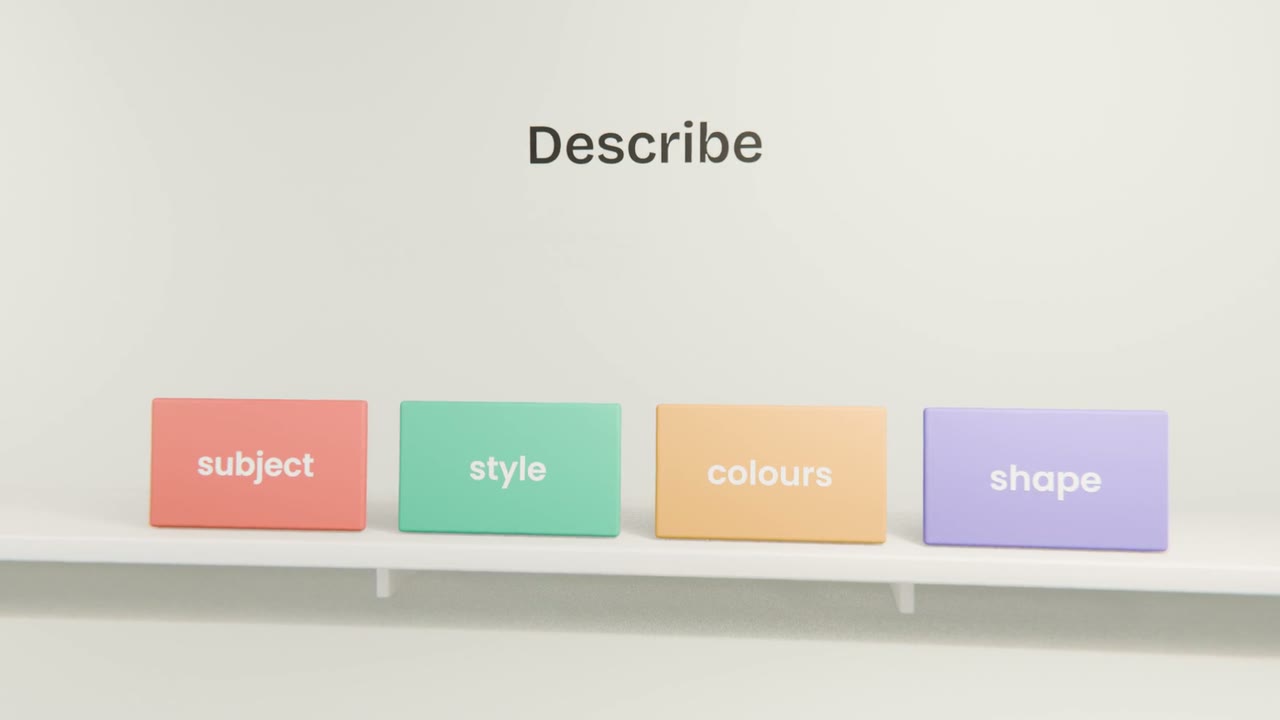
What to put in the request
Subject
What is in the picture, and what it is doing.
Style
Flat illustration, photograph, 3D render, line drawing.
Colours
Name them, or give hex codes from your palette.
Shape and use
Square for an icon, wide for a banner. Say where it will be used.
Keeping one look
Make one image you like
Iterate until the style is right.
Describe that style in words
Ask ChatGPT to describe the style of the image so you can reuse the description.
Reuse the description
Start each new request with it, or upload the first image as a reference.
Make your brand kit
Ask ChatGPT for three logo ideas for your product, pick one, and refine it. Then make one wide hero image for your landing page in the same style. Save both, with the style description, in "My build".
Done when
Add the hero image to the landing page you made in Claude.
Keep these
- Describe subject, style, colours and shape.
- Edit by saying what to change.
- Reuse a style description or a reference to keep one look.
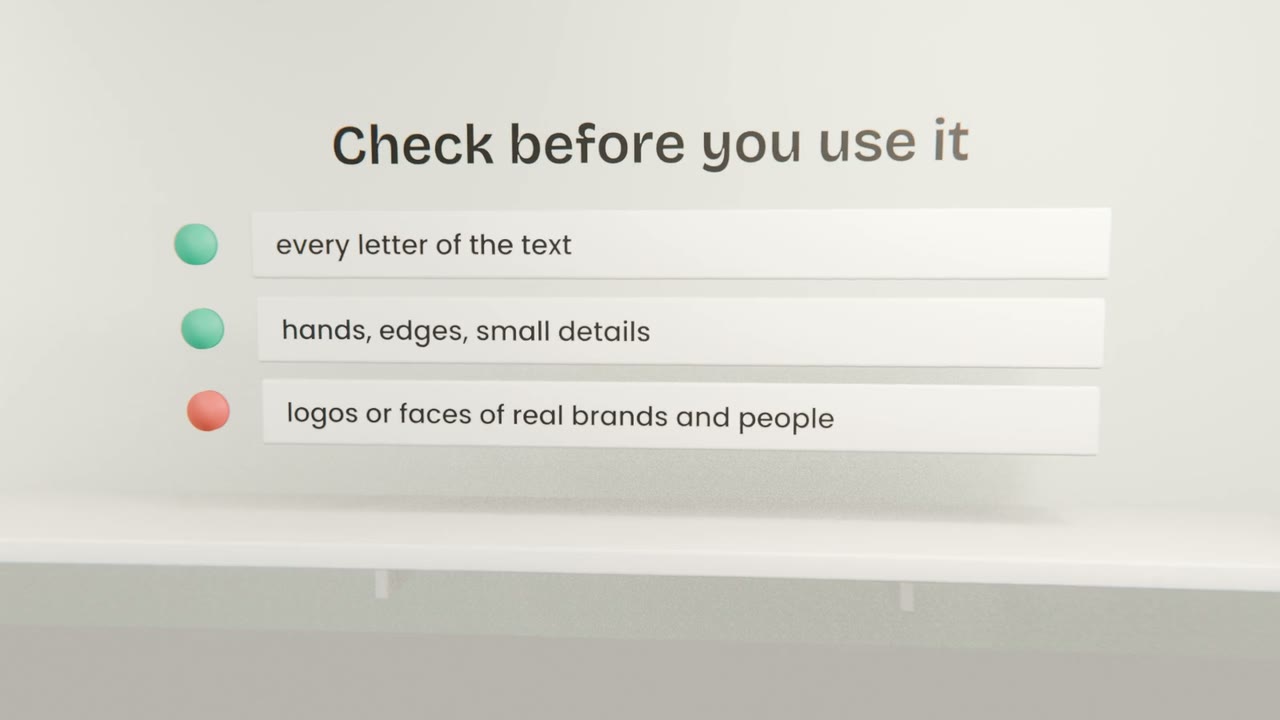
- Check any text in the image, and respect other people’s rights.