Vibe Coder · Unit 3: Claude for Your Work · Lesson 8 of 11
Design critique and UI copy
Designers: use Claude as a critique partner on a real screen, and to write the words on it.
Read the short notes and pictures.Do everything inside a blue frame.
Critique and copy
A fresh view of your own work is hard to get. Claude can give one at any time: it reads a screenshot, considers who the screen is for, and points out what may confuse them. It is also quick at the small pieces of writing every interface needs.
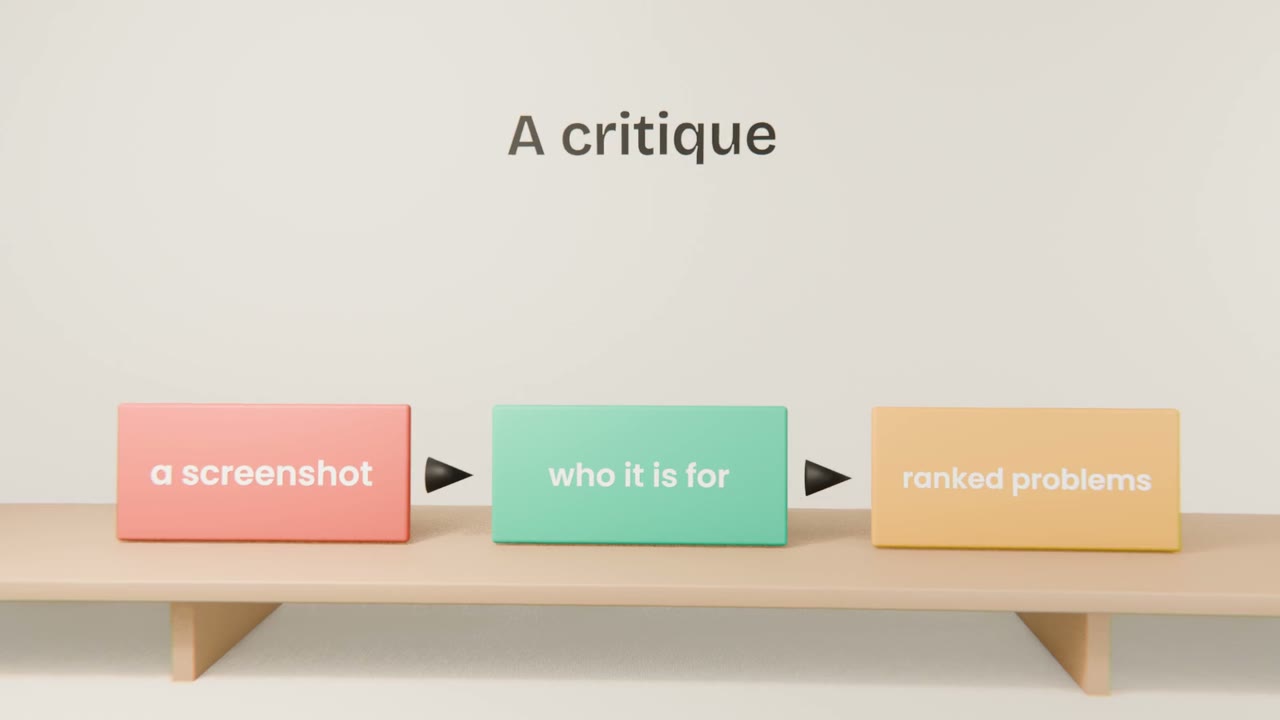
Getting a useful critique
Give context
Who the user is, and what they are trying to do on this screen.
Ask for a ranked list
Most serious problem first, with the reason.
Ask for alternatives
Two ways to fix the top problem.
Decide yourself
Take what fits and leave the rest.
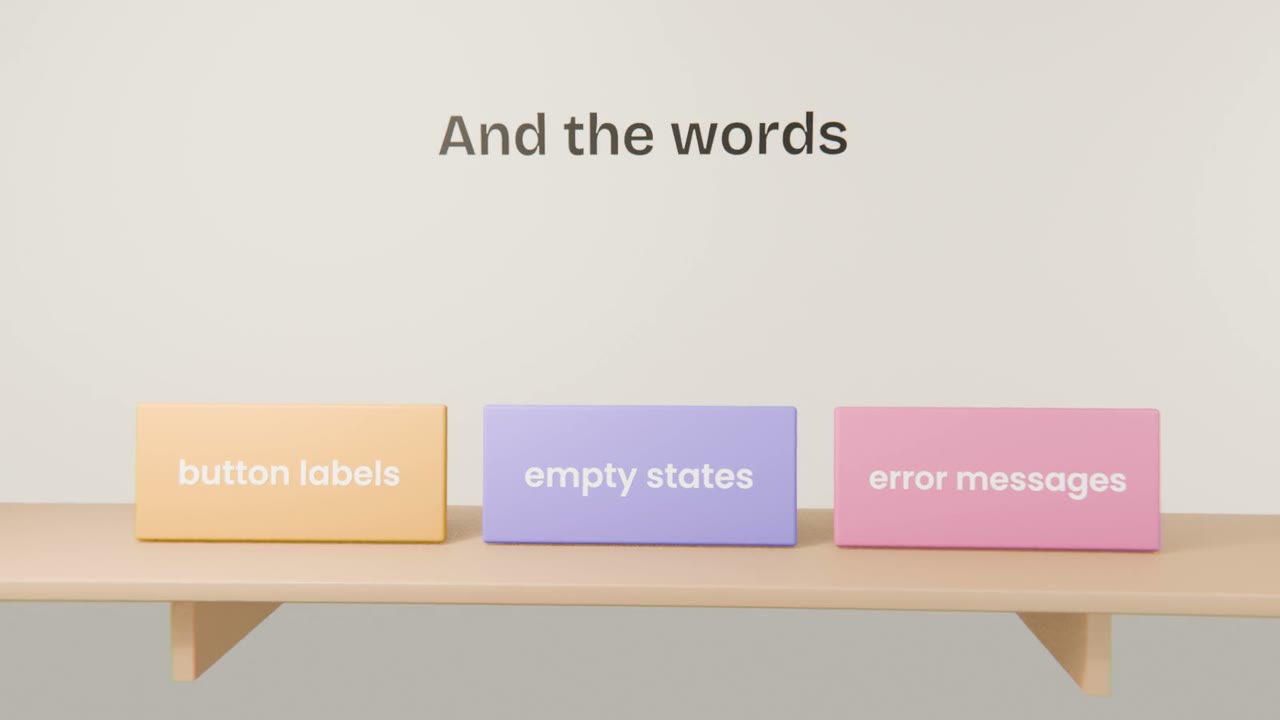
Interface writing
Buttons
Say what happens: "Send invoice", not "Submit".
Empty states
What to do when there is nothing here yet.
Errors
What went wrong, and what to do next.
Critique your landing page
Upload a screenshot of your landing page artifact to your project, ask for a ranked critique for your user, fix the top three problems, and rewrite the button and headline copy.
Done when
Repeat on every new screen you design.
Keep these
- Give the audience and the task with the screenshot.
- Ask for ranked problems.
- Use Claude for interface copy.