Vibe Coder · Unit 11: Connectors, MCP and Workflows · Lesson 1 of 9
Connectors and apps
Connectors in Claude and apps in ChatGPT are the same idea. What they can reach, and how to decide what to connect for your product’s work.
Read the short notes and pictures.Do everything inside a blue frame.
Connections as a habit
A connector lets an assistant read from, and sometimes act in, another app. The value comes from choosing well: a few connections that match how you actually work, with access you understand.
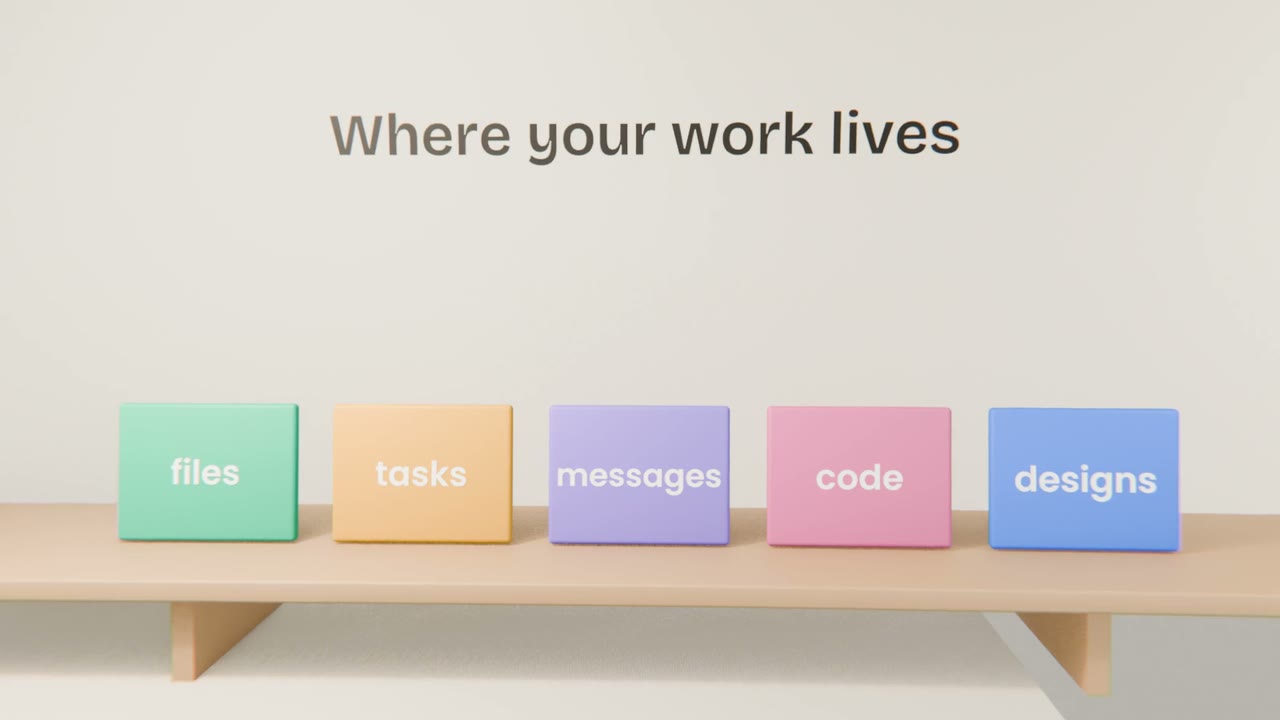
Deciding what to connect
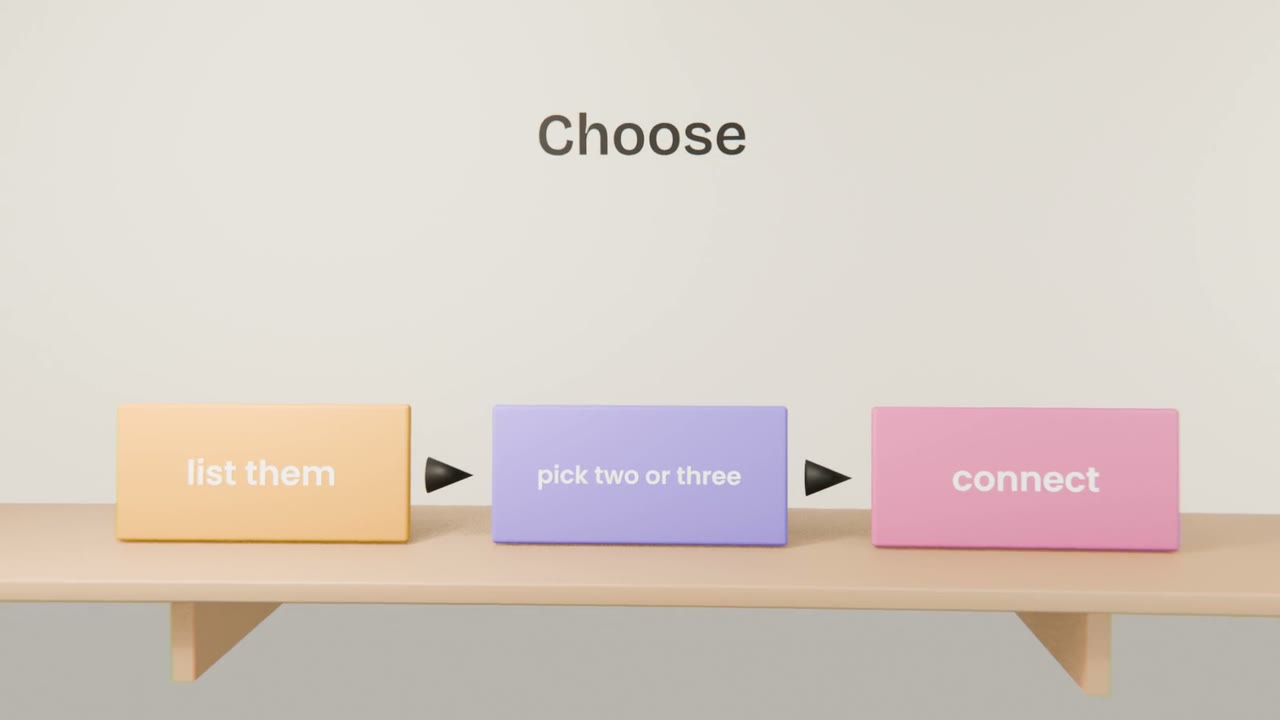
List your tools
Everything your product’s work touches.
Mark the copying
Where do you paste from one into another?
Connect those
Two or three to begin with.
Review monthly
Disconnect what you stopped using.
Read or act?
Read access
Low risk, high value. Start here.
Act access
Useful, with approval before each action.
Map and connect your tools
List the tools your product’s work touches, mark where you copy between them, and connect the two that would save the most. Use each once on a real task.
Done when
These connections feed the workflow you build in this unit.
Keep these
- Connectors and apps are the same idea.
- Connect what removes repeated copying.
- Prefer read access and review regularly.