Vibe Coder · Unit 18: Email, Payments and Commerce · Lesson 1 of 5
Transactional email with Resend
Your product has to send email: receipts, sign-in links, reminders. Send it through an email API, from your own verified domain, and know when it bounces.
Read the short notes and pictures.Do everything inside a blue frame.
Email is part of the product
Sign-up confirmations, receipts, reminders, "your export is ready": a working product sends email constantly. Supabase sends the sign-in emails for you, with limits. Everything else is yours to send, and it should come from your own domain so that people trust it and inboxes accept it.
Two kinds
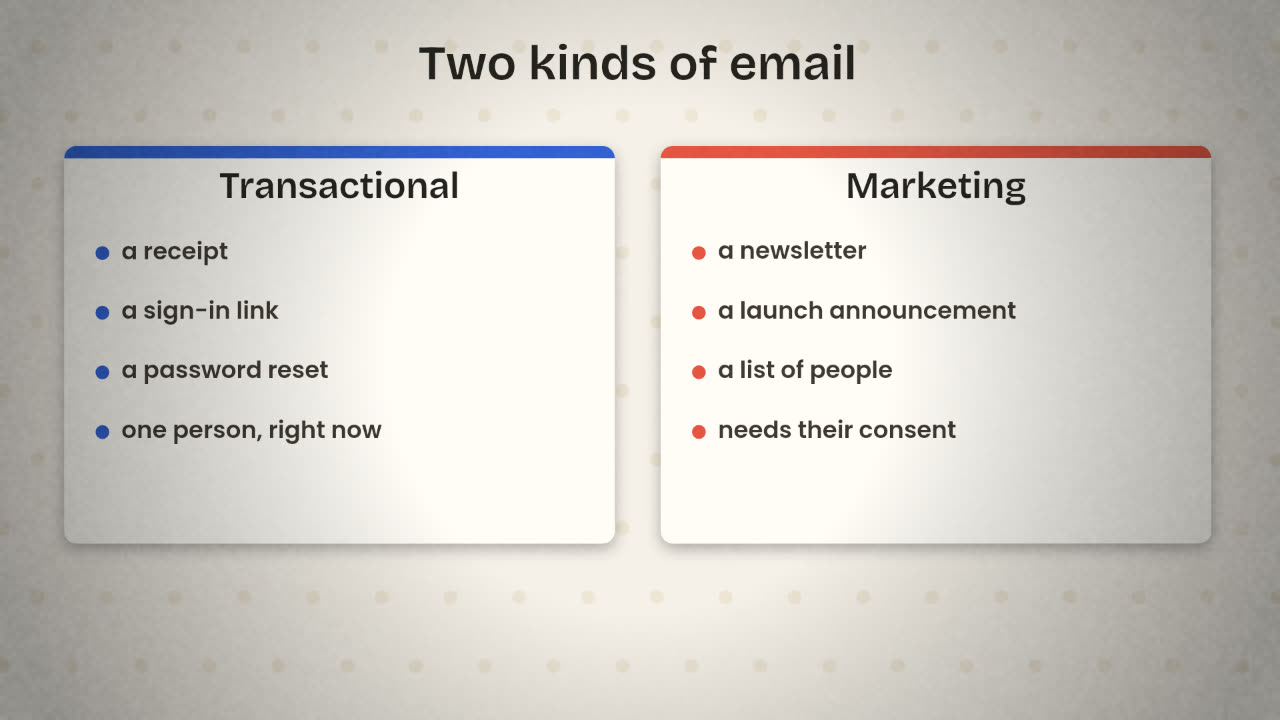
Resend handles both: transactional emails, and what it calls Broadcasts, bulk messages to a contact list. Keep them separate in your head, because the rules differ. Nobody needs to opt in to receive their own receipt. Marketing email needs consent and an unsubscribe link.
Set it up
Create a Resend account and an API key
Store the key as a secret in your app or as a credential in n8n.
Add your domain
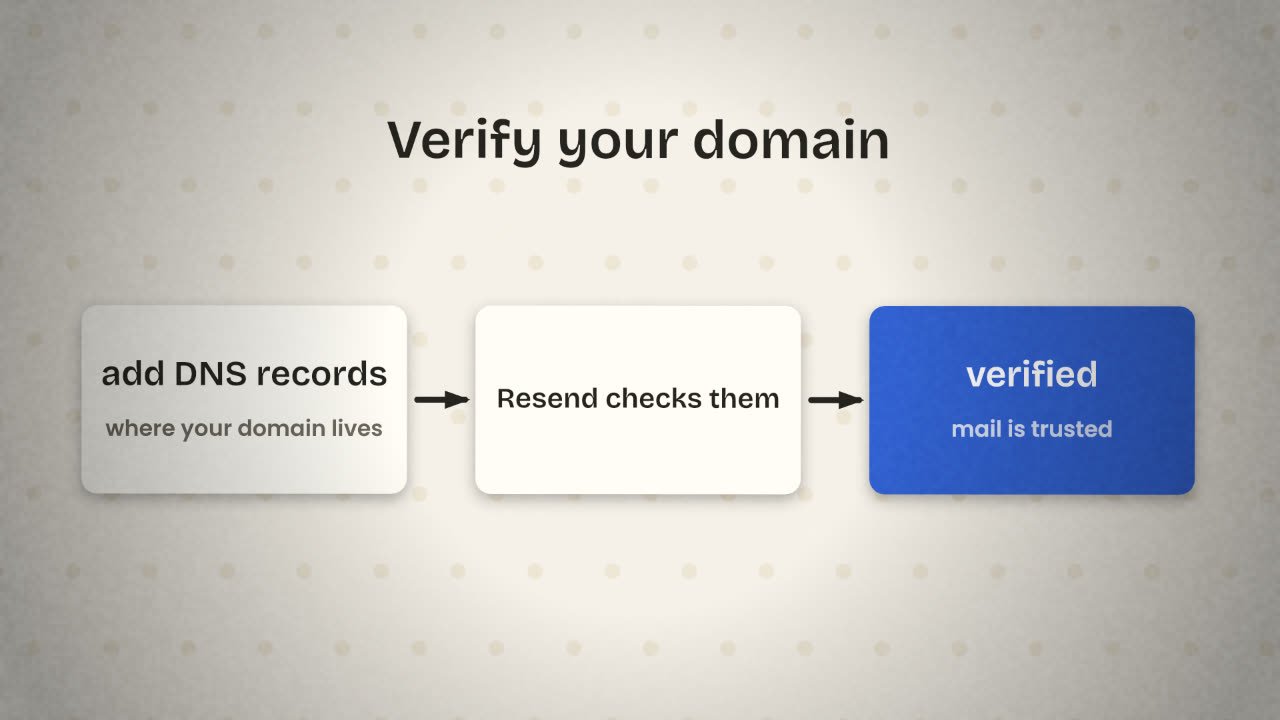
Resend shows you DNS records to add where your domain is managed.
Wait for verification
Until the domain is verified, send only test emails.
Send one to yourself
From an address at your domain.
Sending
From code
import { Resend } from 'resend';

const resend = new Resend(process.env.RESEND_API_KEY);

const { data, error } = await resend.emails.send({
  from: 'Tally <hello@yourdomain.com>',
  to: ['asha@example.com'],
  subject: 'Your receipt',
  html: '<p>Thanks for your payment.</p>',
});
From n8n
HTTP Request node
Method: POST
URL: the Resend emails endpoint
Auth: a saved credential
Body: from, to, subject, html
(filled with expressions)Writing email people read
Subject
Say what it is: "Your receipt from Tally", not "Important update".
One purpose
A receipt is a receipt. Do not add a sales pitch.
Plain and short
It should read well with images turned off.
A real reply address
People answer emails. Let them.
Knowing what happened
Sending is not the same as arriving. Resend can call a webhook when an email is delivered, bounces or is marked as spam. Point that webhook at an n8n workflow and record the result against the user.
List every email your product sends, and mark each as transactional or marketing.
Send your product’s first real email
Set up Resend with your own domain. Send one transactional email from your product, triggered by a real action, such as a welcome on sign-up. Add a webhook workflow that records bounces.
Done when
Put the email templates in your repository as files, so that changes to wording are tracked.
Keep these
- Send through an email API from your own verified domain.
- Transactional and marketing mail follow different rules.
- Listen for bounces and complaints, and stop when asked.