Vibe Coder · Unit 7: From Idea to Prototype · Lesson 6 of 7
A landing page in Framer
Your product needs a public page before it needs an app. Build one in Framer with its AI agents, wire up a waitlist, and publish it.
Read the short notes and pictures.Do everything inside a blue frame.
The page comes before the product
A landing page lets you test whether anyone wants what you are building, weeks before the app is done. A waitlist with forty sign-ups tells you more than another month of building. It is also where your positioning from the product unit gets its first real test.
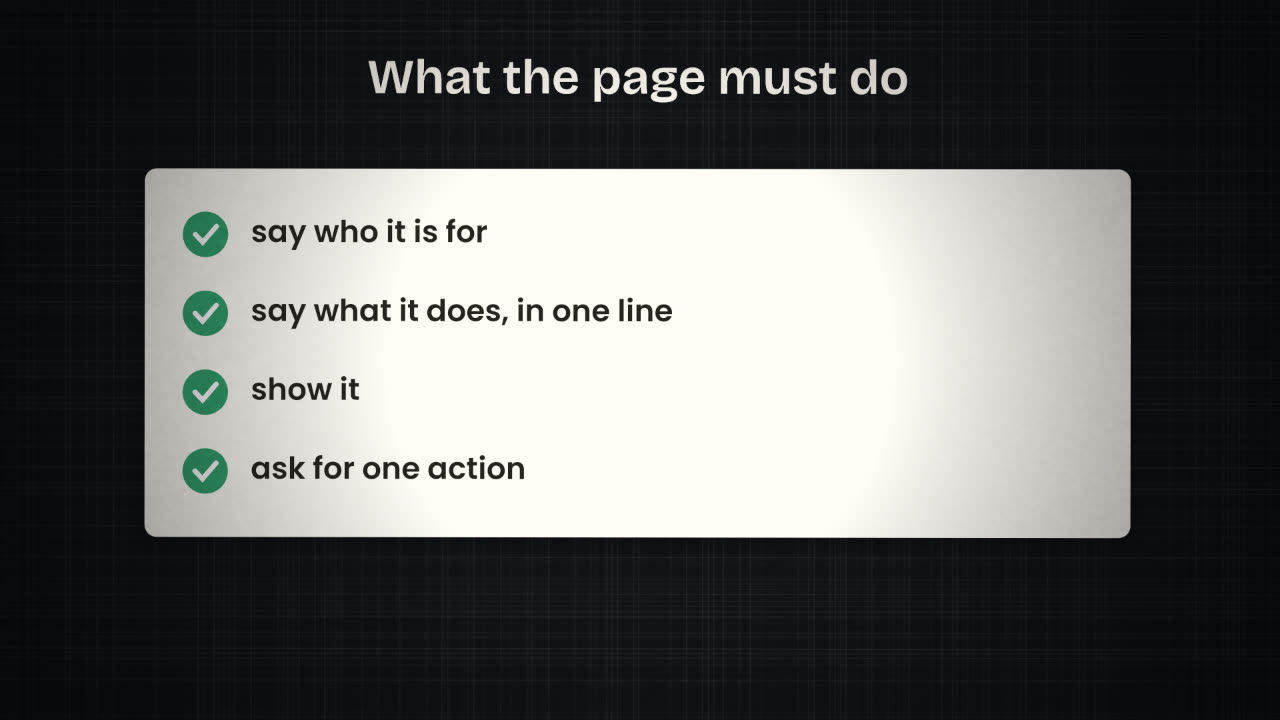
What goes on it
A headline
Who it is for and what it does. Your positioning sentence, sharpened.
A picture of the product
A screenshot of the prototype is fine.
Three benefits
What changes for the person, not a feature list.
One call to action
Join the waitlist. Not three buttons.
Proof, when you have it
A quote, a number, a logo you are allowed to use.
Framer and its agents
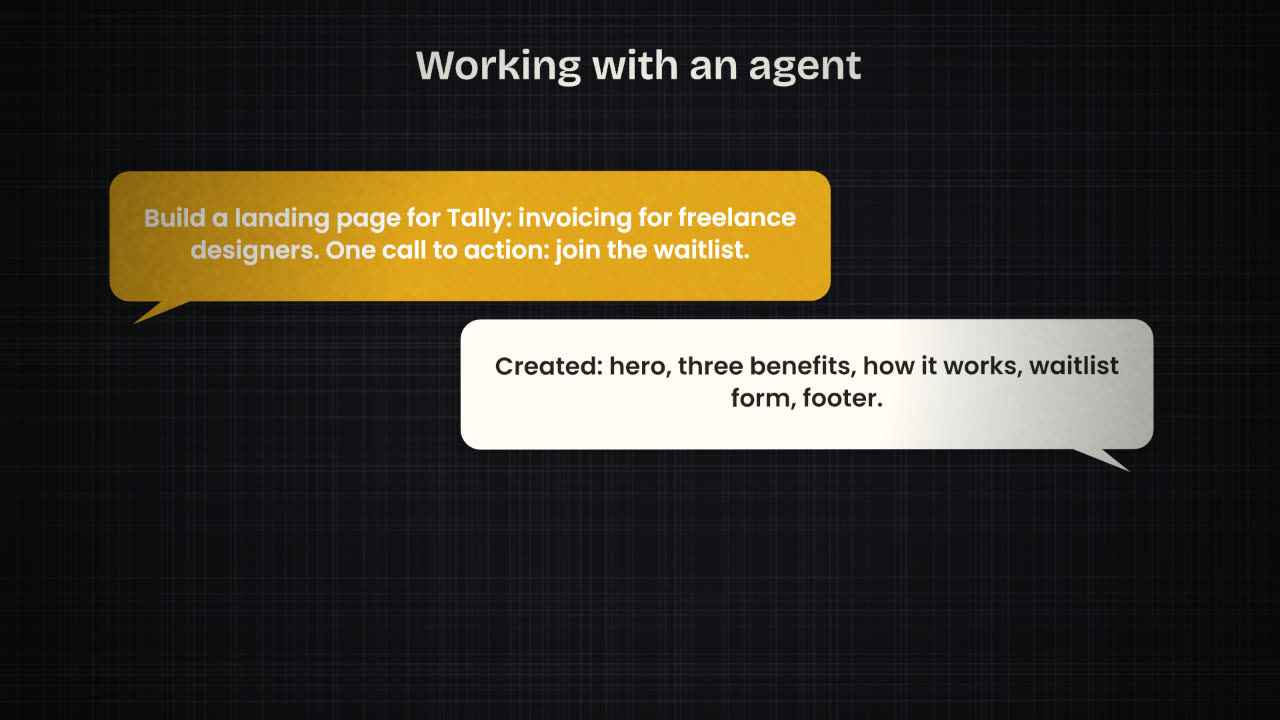
Framer is a tool for building websites: landing pages, portfolios and multi-page sites. Its AI features are agents that work in the editor on your project. They can create and edit pages, sections, copy and CMS content on the canvas.
Agents
Design pages, revise copy, update CMS items, fix SEO.
Skills
Reusable instructions for agents, such as /cms, /component and /code.
Context
Project context, uploaded files and addresses you give the agent to work from.
Branches
Agent edits go to a branch so you can review before anything is published.
External agents
Claude Code, Cursor, Codex and others can connect to a Framer project.
A weak brief
make a cool landing page for
my startup
A brief that works
Landing page for Tally: invoicing for
freelance designers. Headline: "Get paid
without chasing." Sections: hero with
screenshot, three benefits, how it works
in three steps, waitlist form.
Style: warm white, one accent colour,
lots of space. One call to action only.
The waitlist
Add a form
Email only. Every extra field costs sign-ups.
Send submissions somewhere useful
To a table, or to an n8n webhook that saves the email and sends a welcome.
Say what happens next
"We will email you when it opens." Then do.
Ask permission properly
Tell people what you will send them. Link a privacy note.
Publish
Framer hosts the site, so publishing is a button. Review the agent’s branch first: read every line of copy as a visitor would, check it on a phone, and click the form through to the end.
Write the headline and the single call to action for your product’s page. Then write what you will not put on it yet.
Publish a landing page with a waitlist
Build a one-page site for your product in Framer with a headline, a picture of the prototype, three benefits and a waitlist form. Connect the form so sign-ups are saved, and publish.
Done when
Share the page with five people who fit your user description, and count the sign-ups.
Keep these
- A landing page says who it is for, what it does, and asks for one action.
- Framer’s agents build and edit pages on the canvas.
- Review on a branch, connect the form, then publish.