Vibe Coder · Unit 12: Login and Data With Supabase · Lesson 6 of 6
Migrations and types
Engineers: keep the database schema in version control with migrations, and generate types so the app and database cannot drift apart.
Read the short notes and pictures.Do everything inside a blue frame.
Schema as code
Migrations make database changes reviewable and repeatable. With the Supabase CLI you develop against a local database, commit each change as a SQL file, and apply the same files to production. Generated TypeScript types keep application code in step with the schema.
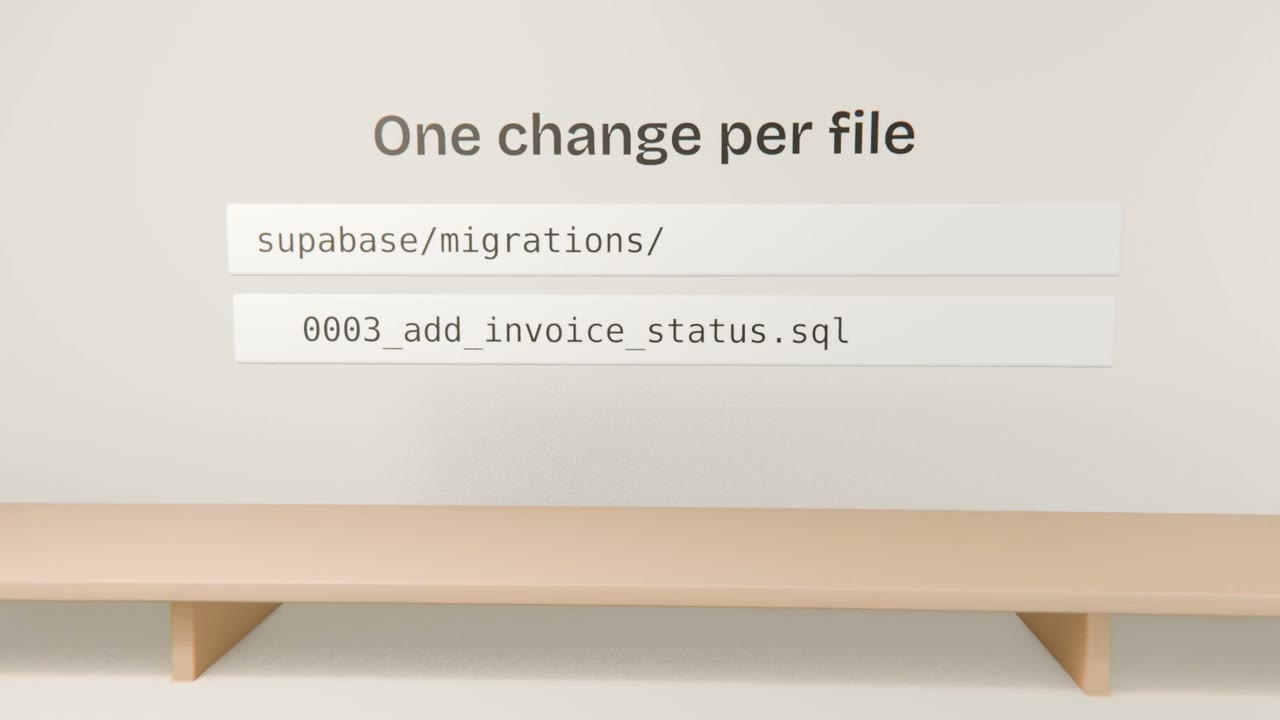
Practices
One change per migration
Small and reviewable.
RLS in migrations
Policies are schema too.
Never edit an applied migration
Add a new one.
Regenerate types on change
And commit them.
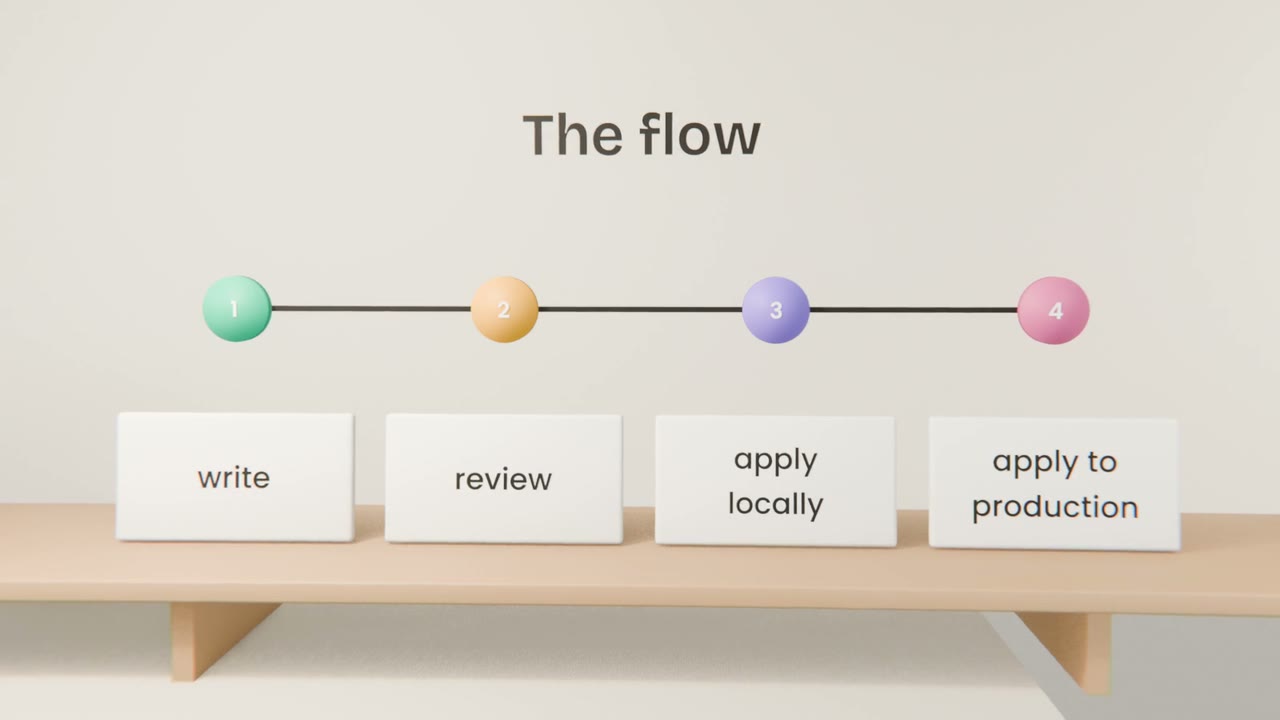
With an agent
Have it write the migration
Not run ad hoc SQL.
Read the SQL
Especially drops and policy changes.
Apply locally and test
Including the two-account RLS test.
Apply to production in CI
Not from a laptop.
Put your schema under version control
Move your schema and RLS policies into migrations, generate types, and add a CI step that fails if types are out of date. Add a test that proves one user cannot read another’s rows.
Done when
Sign-in and saved data are complete and under version control.
Keep these
- Migrations make schema changes reviewable.
- Generate types from the schema.
- Test RLS automatically.