Vibe Coder · Unit 13: Testing and Security · Lesson 6 of 11
Secrets
Find every secret your product uses, make sure none is in the code or the browser, and know what to do if one leaks.
Read the short notes and pictures.Do everything inside a blue frame.
A secrets audit
You learned where keys belong in the APIs unit. Before launch, check that the rule was followed everywhere: in the code, in the Git history, and in what is sent to the browser.
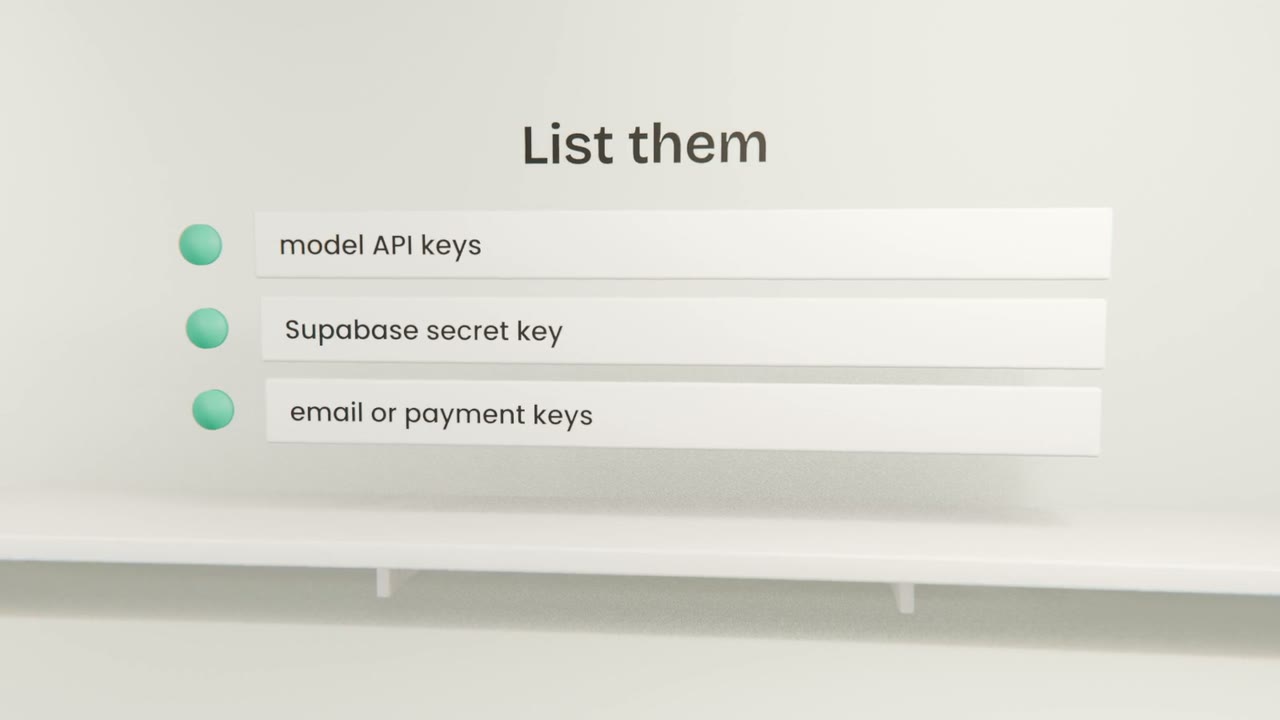
The audit
List every secret
And where it is supposed to live.
Search the code and history
Claude Code can do this, and secret-scanning tools can too.
Check the browser
Ask whether any secret is included in client-side code.
Check the ignore file
Environment files must not be committed.
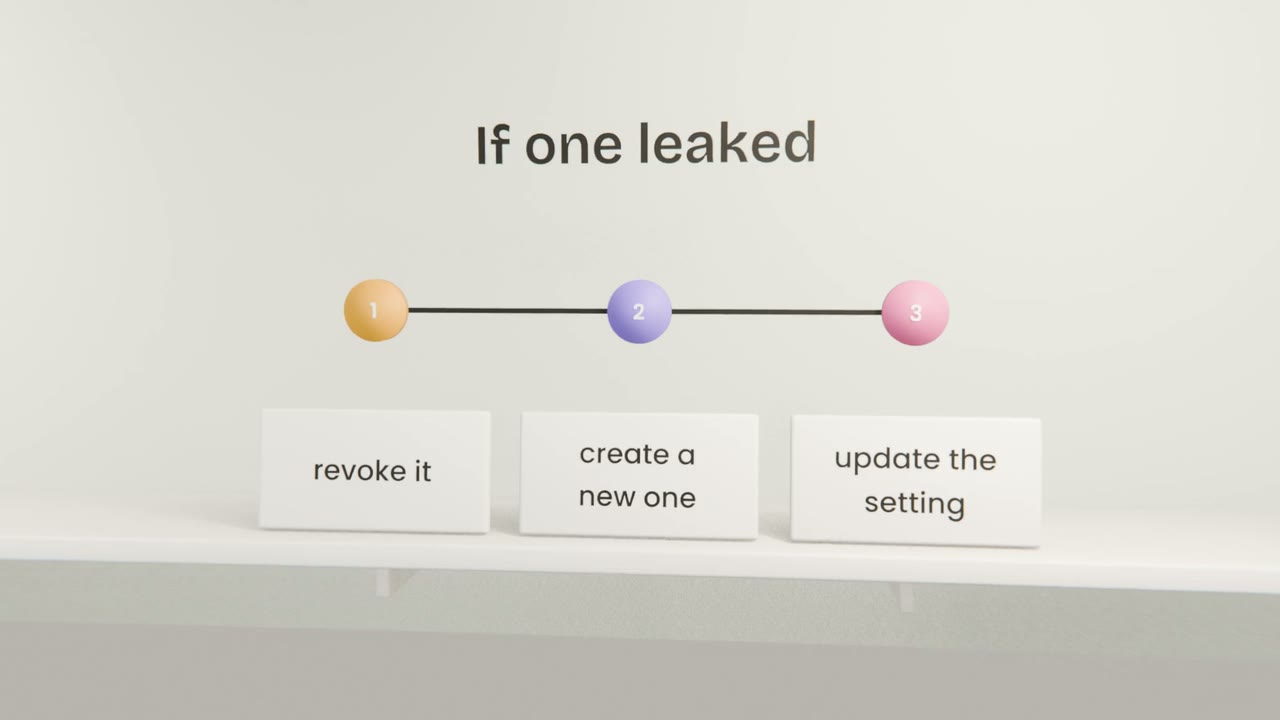
Good hygiene
One key per environment
Development and production are separate.
Least access
A key that can only do what it needs.
Spending limits
On every paid service.
Audit your secrets
List every secret, have Claude Code scan the code, history and client bundle, and rotate anything that was ever exposed. Add "secrets scan" to your test plan.
Done when
Turn on secret scanning in GitHub as well.
Keep these
- Know every secret and where it lives.
- Scan code, history and the browser bundle.
- Rotate anything that was exposed.