Vibe Coder · Unit 13: Testing and Security · Lesson 4 of 11
Testing AI features
An AI feature gives different answers each time, so it needs a different kind of test: a set of real inputs and a clear standard.
Read the short notes and pictures.Do everything inside a blue frame.
Tests for a feature that varies
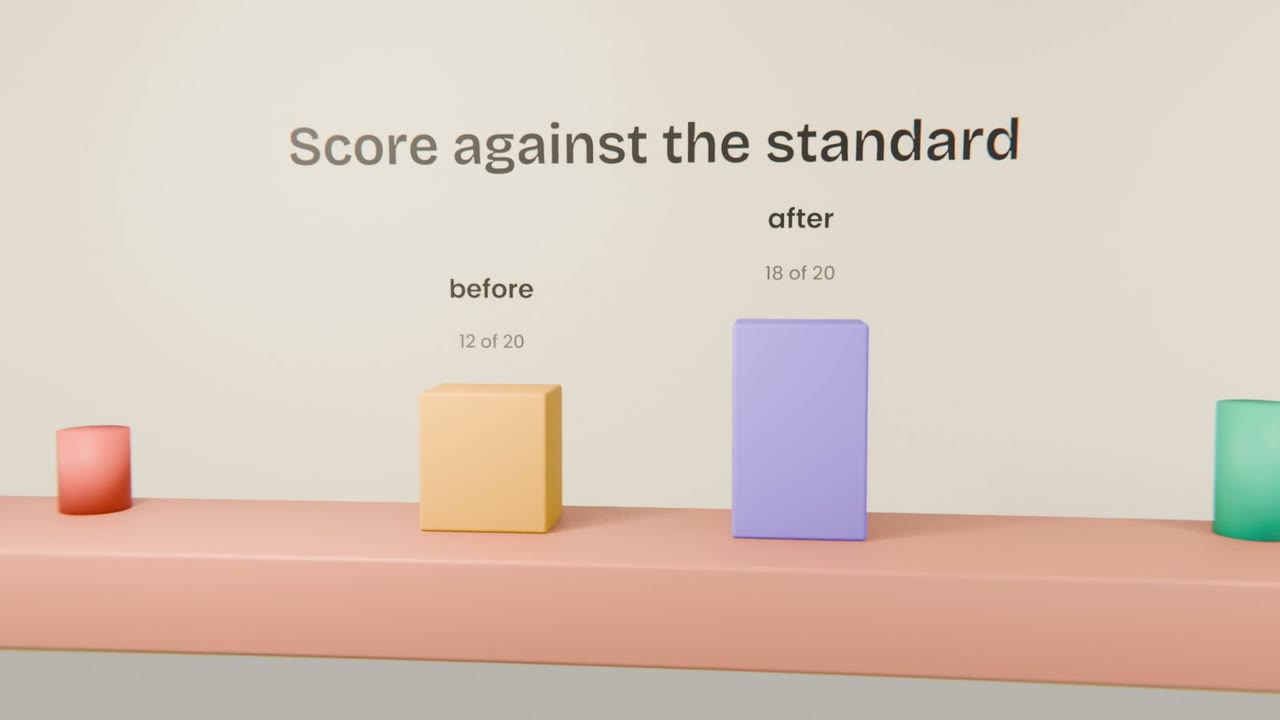
You cannot check an AI feature by trying it once. A small evaluation set, kept and reused, tells you whether a change to the prompt or the model made things better or worse.
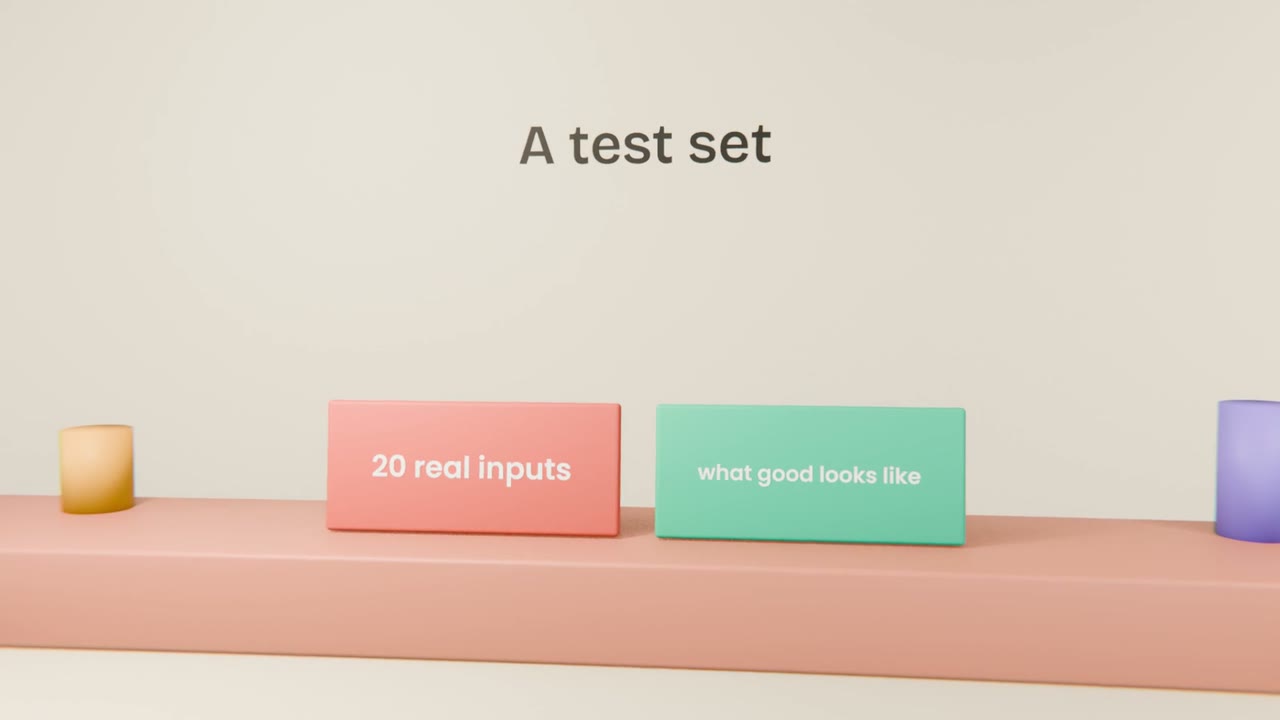
Building the set
Collect real inputs
Twenty is enough to start. Include hard and odd ones.
Write the standard
For each: what must be in a good answer, what must not.
Run and score
Pass or fail, with a note.
Keep it
Add every real failure you see later.
What to include
Typical cases
The everyday inputs.
Edge cases
Empty, very long, another language.
Hostile cases
Inputs that try to make it misbehave.
Make a test set for your feature
Collect twenty inputs for your AI feature, write the standard for each, run them and record the score. Improve the prompt once and run again.
Done when
Run the set before every release from now on.
Keep these
- AI features need a test set.
- Define what good looks like per input.
- Re-run on every prompt or model change.