Vibe Coder · Unit 13: Testing and Security · Lesson 2 of 11
Testing like a user
Use your product the way a new person would: on a phone, in a hurry, making mistakes. Let an agent click through it too.
Read the short notes and pictures.Do everything inside a blue frame.
Using it for real
Builders test the path they built. Users wander. Testing like a user means starting from nothing, on a small screen, and deliberately doing the things a person does by accident.
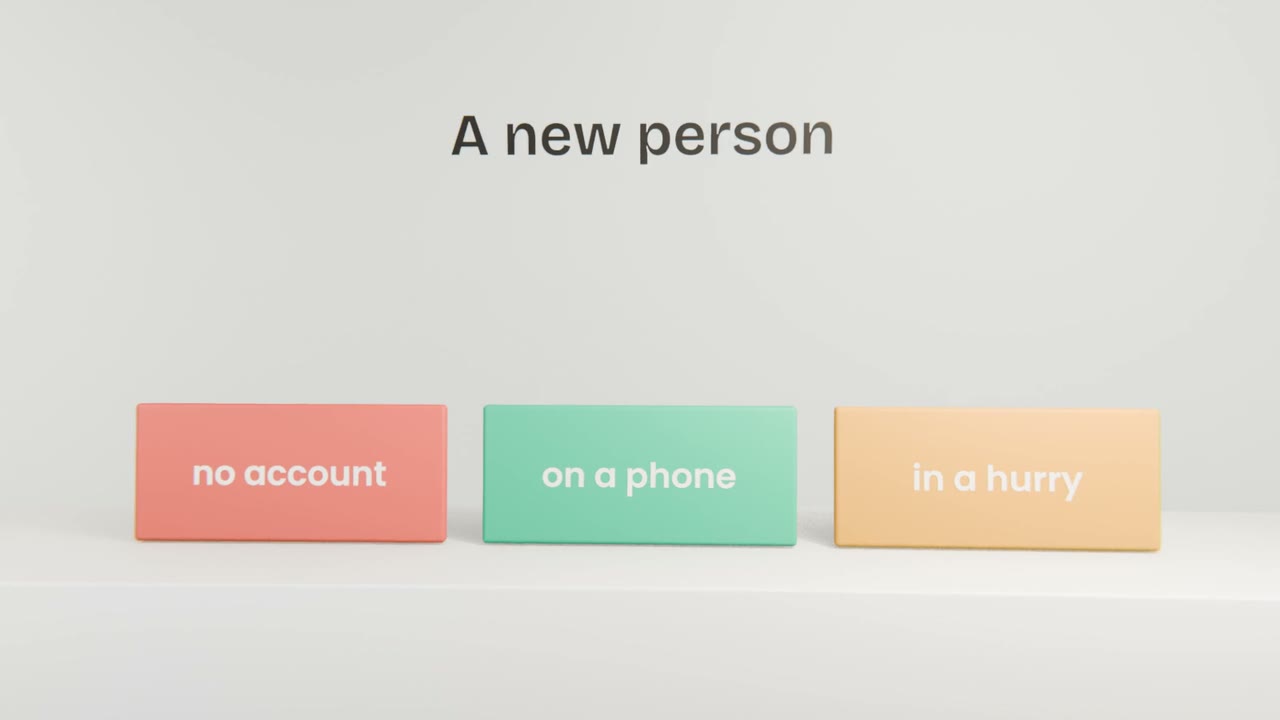
A user-style session
Use a private window
No saved sign-in.
Use your phone
Most people will.
Do the one job
From landing page to result.
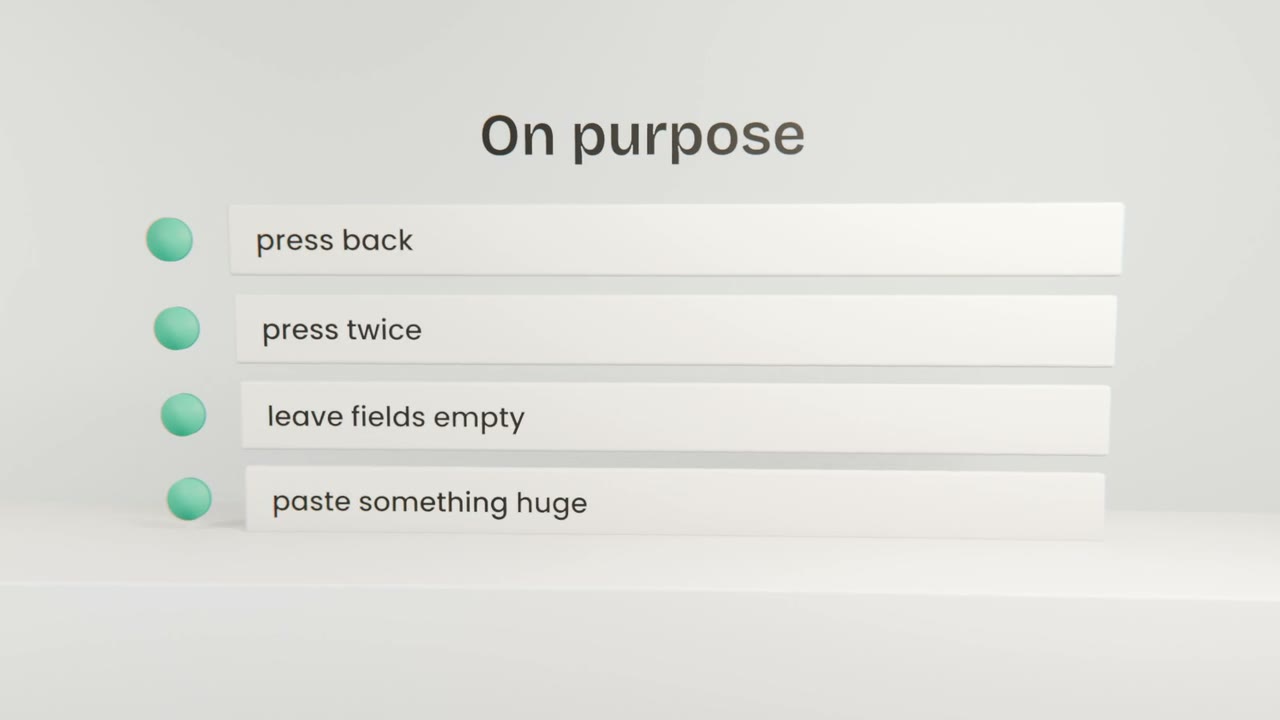
Then misuse it
Back button, double taps, empty and enormous inputs.
With an agent
A browser tool
Lets Claude Code open and operate your running app.
A clear task
"Sign up, send an invoice, and report anything confusing or broken."
Screenshots
Ask for one at each step.
Break your own app
Run a user-style session on your phone and log what you find. Then have Claude Code click through the app with a browser tool and compare its report with yours.
Done when
Fix what both of you found first.
Keep these
- Test as a new, hurried person.
- Misuse it on purpose.
- Use an agent as an extra tester.