Vibe Coder · Unit 15: Workflows With n8n · Lesson 1 of 6
What n8n is
n8n runs the work behind your product: when something happens, a chain of steps runs by itself. Triggers, nodes, connections and executions.
Read the short notes and pictures.Do everything inside a blue frame.
The part of a product nobody sees
When someone signs up for your product, several things should follow: a record is saved, a welcome email goes out, the team hears about it, and a week later a follow-up is sent. None of that is a screen. It is back-office work, and it has to happen every time without you.
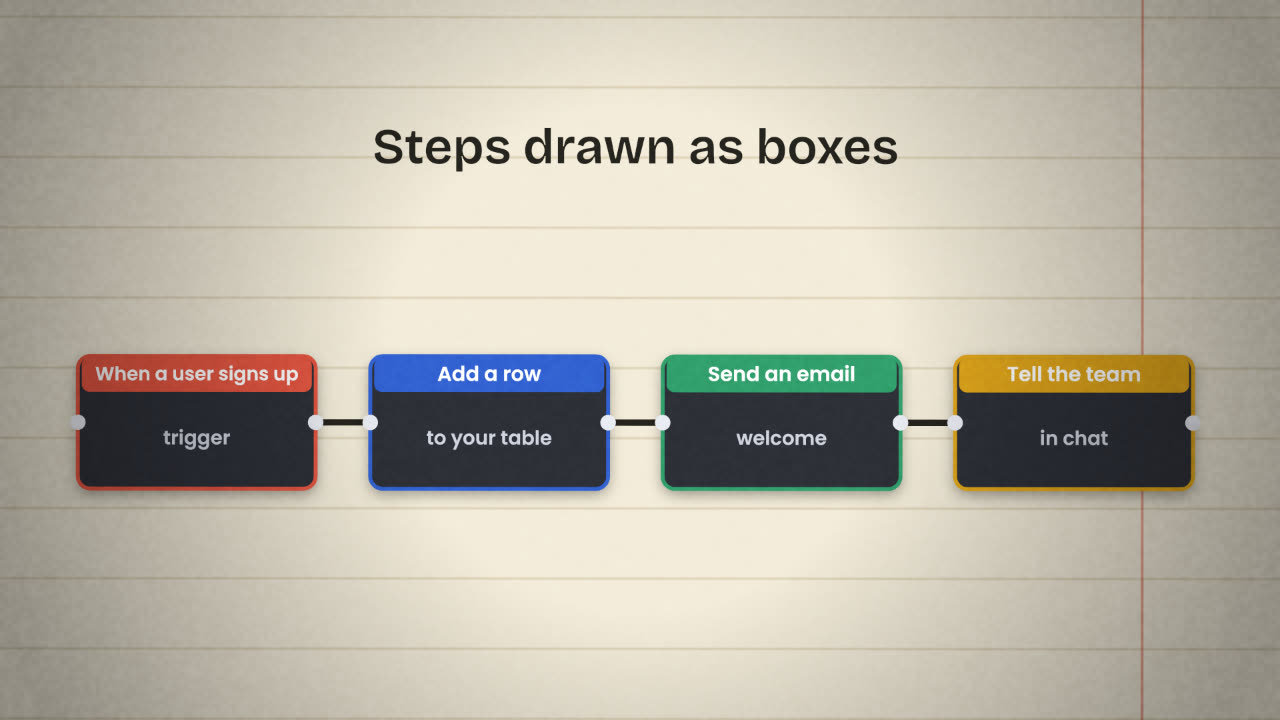
You could ask a coding agent to write all of it into your app. For a lot of this work there is a faster and more visible way: a workflow tool. n8n is one. You draw the steps as a diagram and it runs them. It is the "programming" tool of the low-code path: logic without writing an application.
The words
Workflow
The whole diagram: a trigger and the steps that follow it.
Trigger
The node that starts a run. Something happened, a time arrived, or another system called.
Node
One step. n8n’s own definition: an entry point for retrieving data, a function to process data, or an exit for sending data.
Connection
The line between two nodes. Data flows along it.
Credential
A saved login or API key for one service, stored once and reused by any node that needs it.
Execution
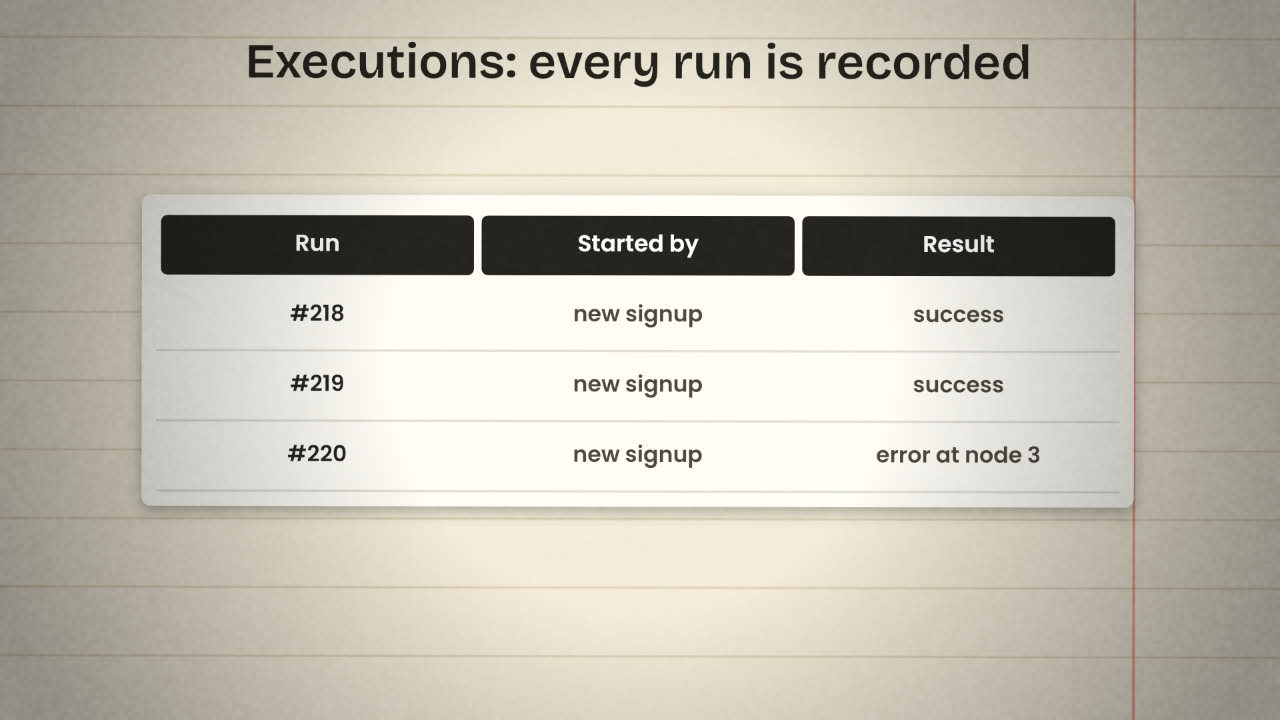
A single run of a workflow, kept in a log you can open.
Three kinds of trigger
Something happened
A form was submitted, a row was added, a payment succeeded. Many services have their own trigger node.
A time arrived
The Schedule Trigger runs a workflow every hour, every morning, every Monday.
Someone called
The Webhook node gives the workflow a web address. Your app, or any other system, starts it by calling that address.
Why builders like it
In your app’s code
Hidden inside the codebase.
A change needs a deploy.
When it fails, you read logs.
Only people who read code can check it.
In a workflow
Visible as a diagram.
A change is a few clicks.
When it fails, you open the run and see where.
A teammate can read it and fix it.
List three things that should happen automatically in your product, and for each one name the trigger.
Map your back office
Create an n8n account (Cloud is fine). Then write a list of the three to five automatic jobs your product needs. For each: the trigger, the steps in plain words, and which services it touches.
Done when
You will build the first of these in the next lesson.
Keep these
- A workflow is a trigger followed by nodes.
- Each node gets, changes or sends data.
- Every run is an execution you can inspect.