Vibe Coder · Unit 16: AI Agents · Lesson 2 of 9
An agent in n8n
Build a working agent without code: the AI Agent node, a chat model, memory, and tools made from the nodes and workflows you already have.
Read the short notes and pictures.Do everything inside a blue frame.
The shortest path to a real agent
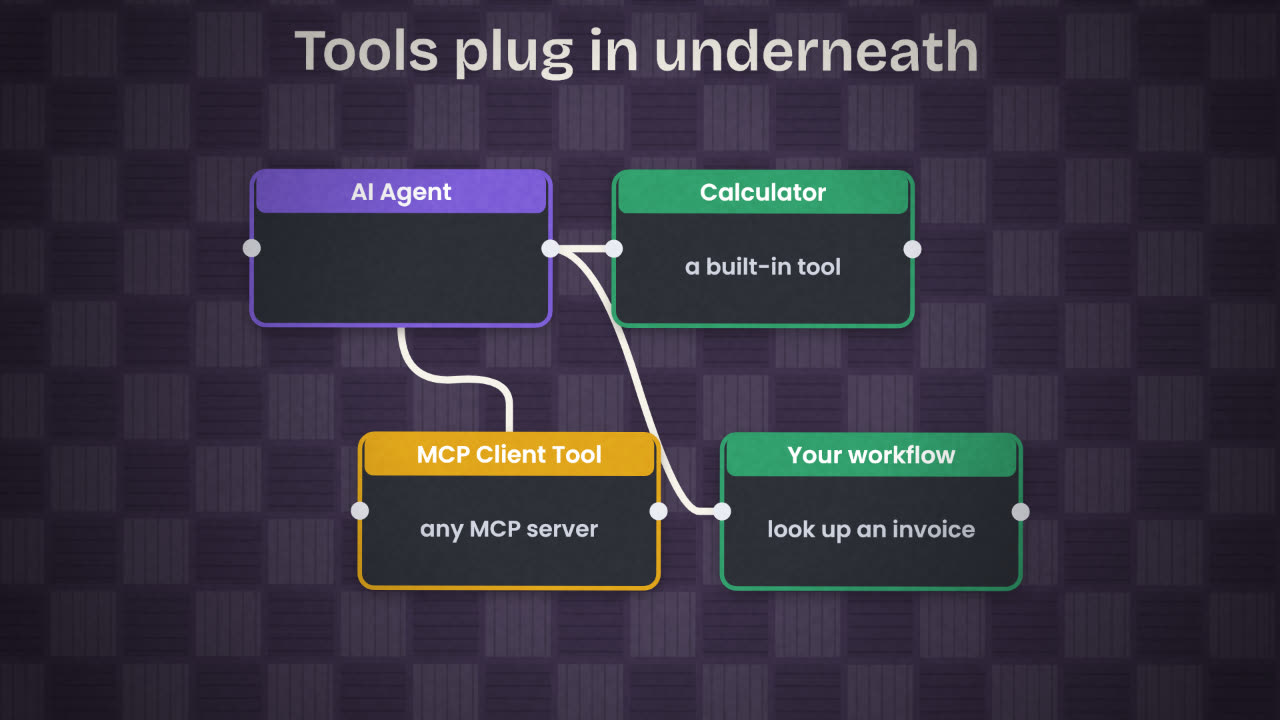
You do not need to write a loop to build an agent. n8n has a node that is one: the AI Agent node. You plug a model, a memory and some tools into it, and n8n runs the loop. Because the tools can be your own workflows, everything you built in the last unit becomes something the agent can use.
What plugs into the agent
Chat Model
The model that does the deciding. n8n has chat model nodes for OpenAI, Anthropic, Groq and Ollama, among others.
Memory
Simple Memory keeps the recent conversation for the session. Postgres Chat Memory stores it in a database so it survives restarts.
Tools
What the agent may call: built-in ones such as Calculator, the MCP Client Tool for any MCP server, and your own workflows.
Chat Trigger
Starts the workflow when a chat message arrives, and gives you a chat window for testing.
Build it
New workflow, Chat Trigger first
So you can test by typing.
Add the AI Agent node
Paste the instructions you wrote in the last lesson into its system message.
Attach a chat model
Create the credential for the provider. Start with a mid-sized model.
Attach Simple Memory
So follow-up questions work.
Attach one tool
Start with a single read-only tool, such as a workflow that looks up one record.
Chat with it
Ask a question that needs the tool. Open the run and see which tool it called and with what input.
Add the next tool
One at a time, testing after each.
Describing a tool well
The agent chooses tools by reading their names and descriptions. A vague description is the most common reason an agent ignores a tool or uses the wrong one.
Vague
Name: lookup
Description: gets data
Clear
Name: get_invoice
Description: Look up one invoice by
its number. Returns client, amount,
due date and status. Use this before
answering any question about a
specific invoice.
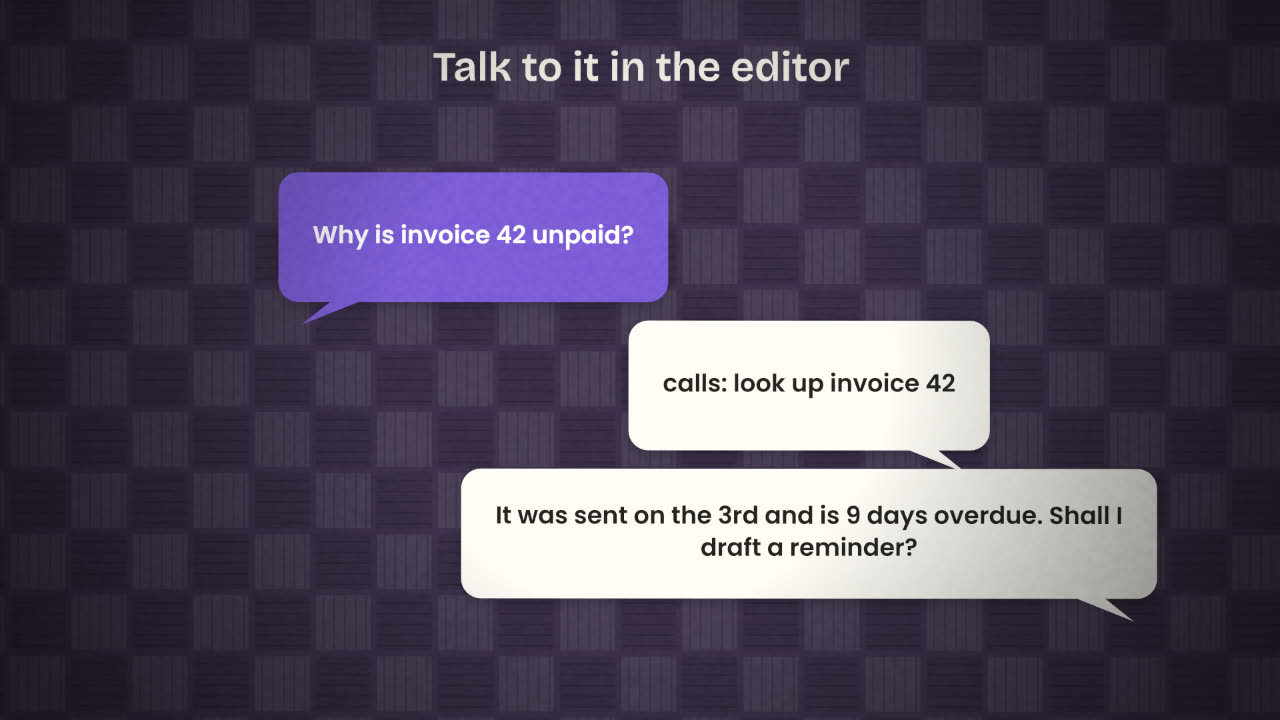
Your agent answers invoice questions from memory and invents amounts instead of calling the lookup tool. Name two changes that would fix it.
Build your agent in n8n
Build the agent you designed: Chat Trigger, AI Agent, a chat model, memory and at least two read-only tools, one of which is a workflow of your own. Test it with ten real questions and note where it goes wrong.
Done when
Export the workflow JSON. Your ten questions become your test set in the last lesson of this unit.
Keep these
- The AI Agent node runs the loop for you.
- Attach a chat model, memory and tools.
- Clear tool descriptions decide whether tools get used.