Vibe Coder · Unit 16: AI Agents · Lesson 8 of 9
Google ADK
Engineers: Google’s Agent Development Kit builds agents around Gemini, with workflow agents for sequences, loops and parallel work, and deployment to Google Cloud.
Read the short notes and pictures.Do everything inside a blue frame.
A kit for agent systems
Google’s Agent Development Kit (ADK) is an open source framework for building, debugging and deploying agents. It is available in Python, TypeScript, Go, Java and Kotlin, which matters if your team is not a Python team. Its distinctive idea is that agents can be composed: some agents do the thinking and others exist only to organise them.
A first agent
Install
pip install google-adk
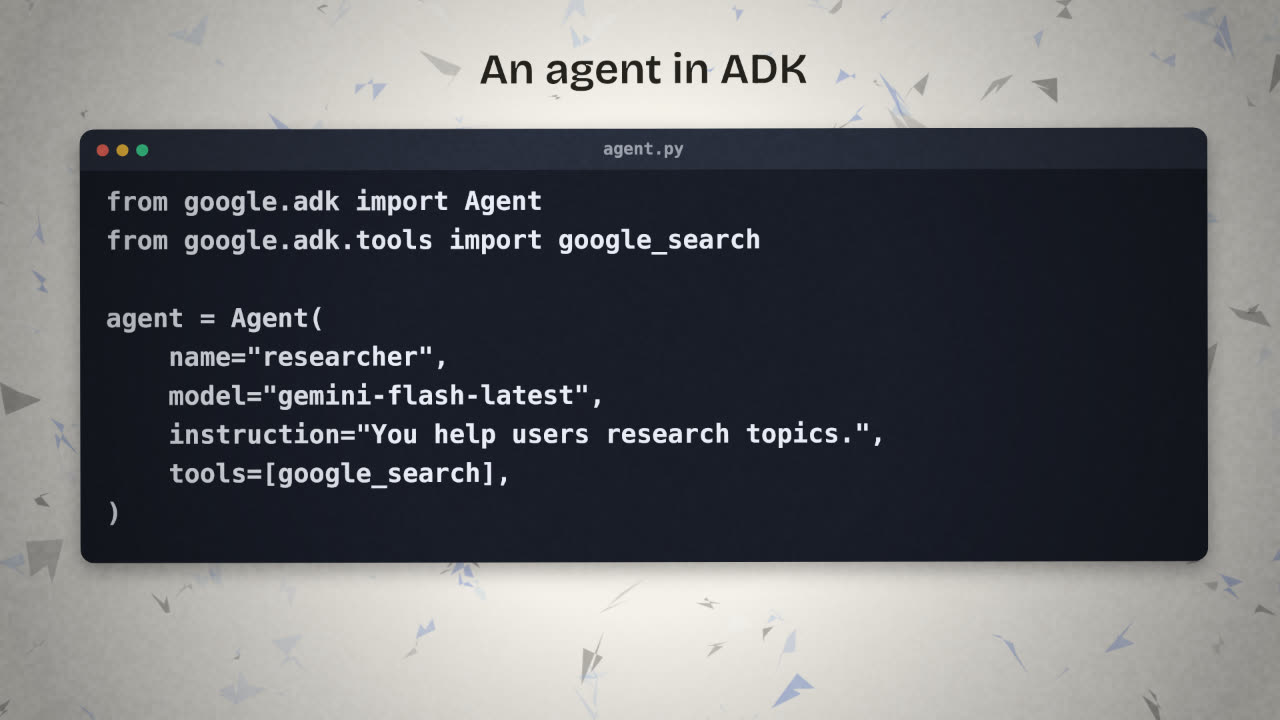
agent.py
from google.adk import Agent
from google.adk.tools import google_search

agent = Agent(
    name="researcher",
    model="gemini-flash-latest",
    instruction="You help users research topics thoroughly.",
    tools=[google_search],
)Workflow agents
Not every step needs a model deciding what happens next. ADK has workflow agents whose behaviour is fixed, and which exist to run other agents in a pattern.
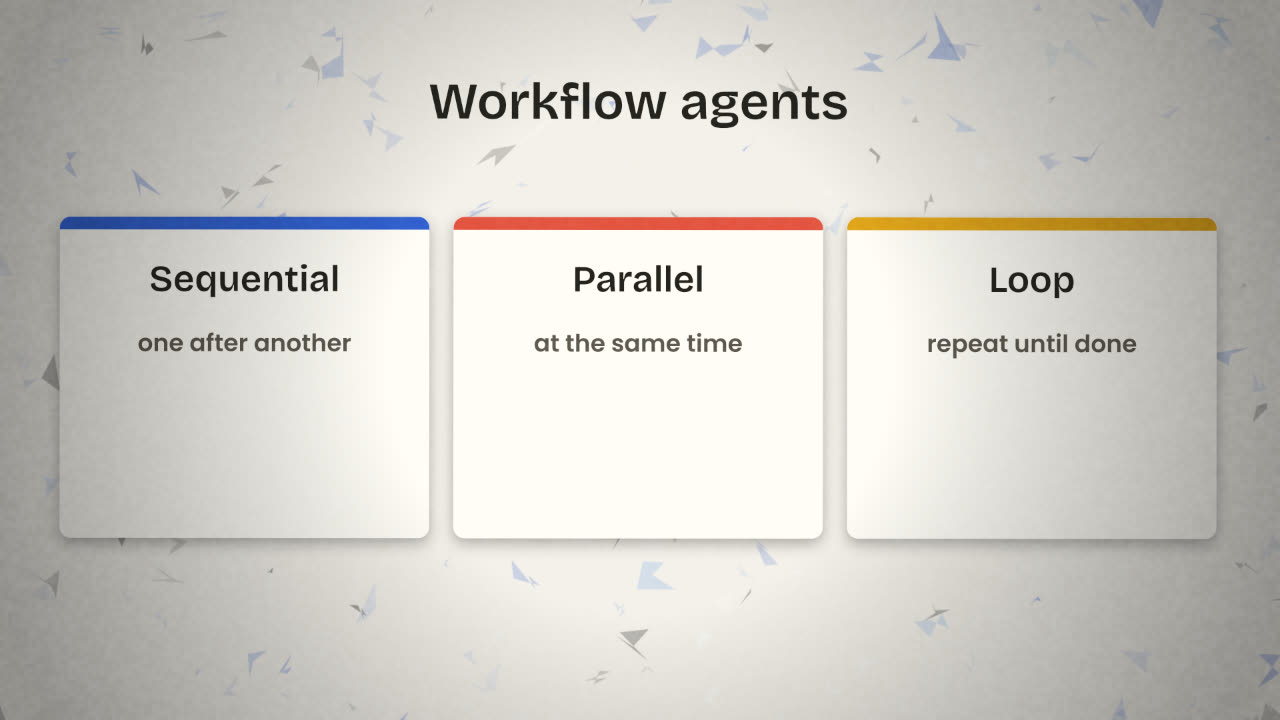
Sequential
Runs agents one after another, passing results along. A pipeline: research, then write, then check.
Parallel
Runs agents at the same time, for independent work such as researching three competitors at once.
Loop
Repeats agents until a condition is met, such as a checker approving the draft.
This is the workflow-or-agent choice from the first lesson, inside one framework: fixed structure where you know the steps, model judgement where you do not.
The three kits side by side
What is the same
An agent = model + instructions + tools.
Tools are functions with descriptions.
A runner executes the loop.
Runs can be traced.
What differs
OpenAI Agents SDK: handoffs, guardrails,
  tracing built in.
Claude Agent SDK: built-in file and shell
  tools, permissions.
Google ADK: workflow agents, five
  languages, Google Cloud deployment.
Deploy in a container
Runs anywhere you can run containers.
Cloud Run
A managed service for containers on Google Cloud.
Agent Runtime or GKE
Google’s managed runtime for agents, or Kubernetes if you already use it.
You need to produce a weekly competitor report: gather facts on three competitors, write a summary, and have it checked. Sketch this with ADK’s workflow agents.
Build the same agent with ADK and compare
Rebuild your agent with Google ADK using the same instructions and one equivalent tool. Run the same test script against all the versions you have built and record the results in a table.
Done when
This comparison is good material for your project write-up.
Keep these
- ADK is open source and comes in five languages.
- Sequential, Parallel and Loop agents organise other agents.
- All three kits share one idea: model, instructions, tools.