Vibe Coder · Unit 21: AI Video Production · Lesson 5 of 14
Choosing a video model
Seedance is one of many. How video models differ: text or image to video, clip length, sound, hosted or open, and the licence. Choose per shot, not per project.
Read the short notes and pictures.Do everything inside a blue frame.
One model is not the field
This unit animated your stills with one hosted model. That taught the method. In practice people who make video with AI use several models, because each is better at something: one holds a face, another moves a camera well, another produces sound with the picture. The names change every few months, so learn the questions, not the list.
What goes in
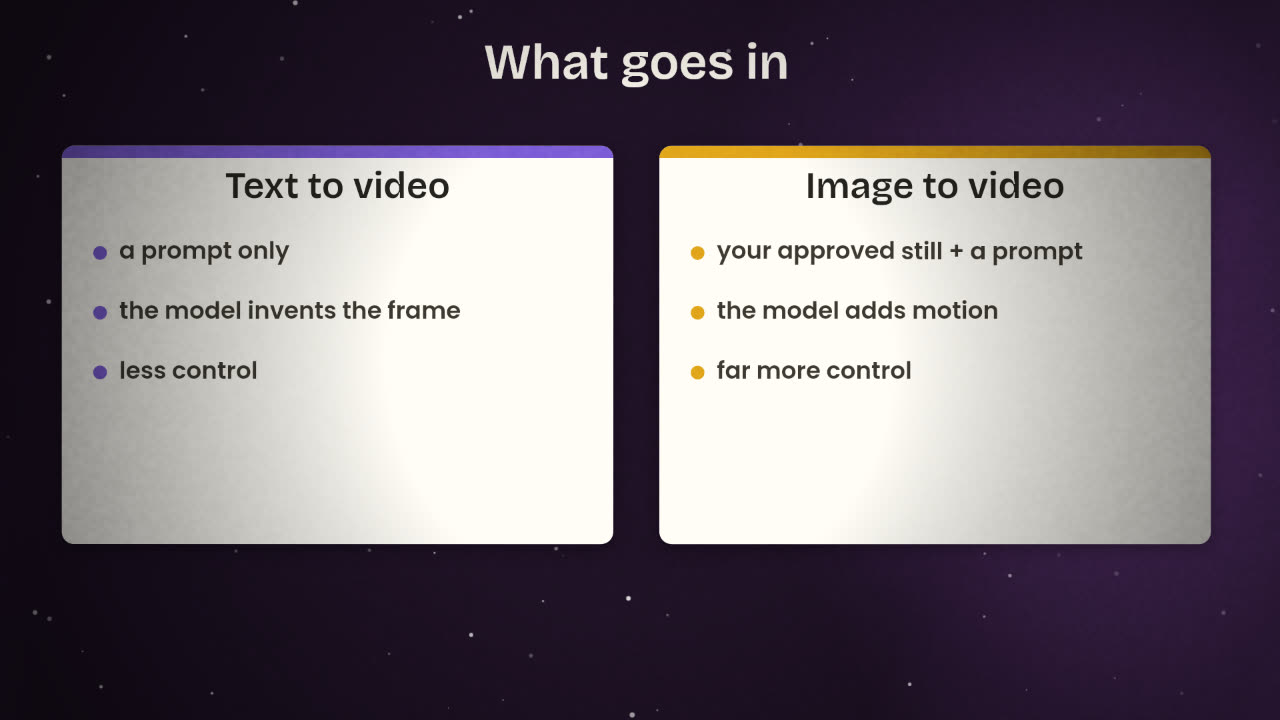
Text to video
A prompt in, a clip out. Quick to explore, hard to control.
Image to video
A start image and a prompt. The model adds motion to a frame you already approved. This is the pipeline you learned.
Start and end frames
Some models accept both, and fill in the motion between them.
Reference images
Some accept references to keep a character or product consistent.
Video to video
Restyle or extend an existing clip.
What comes out
Clip length
A few seconds per generation is typical. Longer scenes are built from several clips.
Resolution
From standard to very high definition, depending on the model and the cost.
Sound
Some models generate audio with the picture. With the others you add voice, music and effects in the edit, as you learned.
Speed and cost
Faster, cheaper models are for drafts. Slower, better ones are for the final take.
Hosted or open
Hosted
Seedance, which you used, and others
from the large labs.
You pay per clip.
No hardware.
Your rights come from their terms.
Open
Wan, LTX, HunyuanVideo and others
publish weights you can download.
Run them in ComfyUI on your own GPU.
No cost per clip.
Your rights come from the licence.
Licences
For open models the licence is the first thing to read, exactly as with Flux. Published licences differ a great deal: some are Apache 2.0, which allows commercial use; some are free for commercial use only below a revenue limit; some are community licences with their own conditions. For hosted models, read the terms of service for who owns the output and whether commercial use is allowed on your plan.
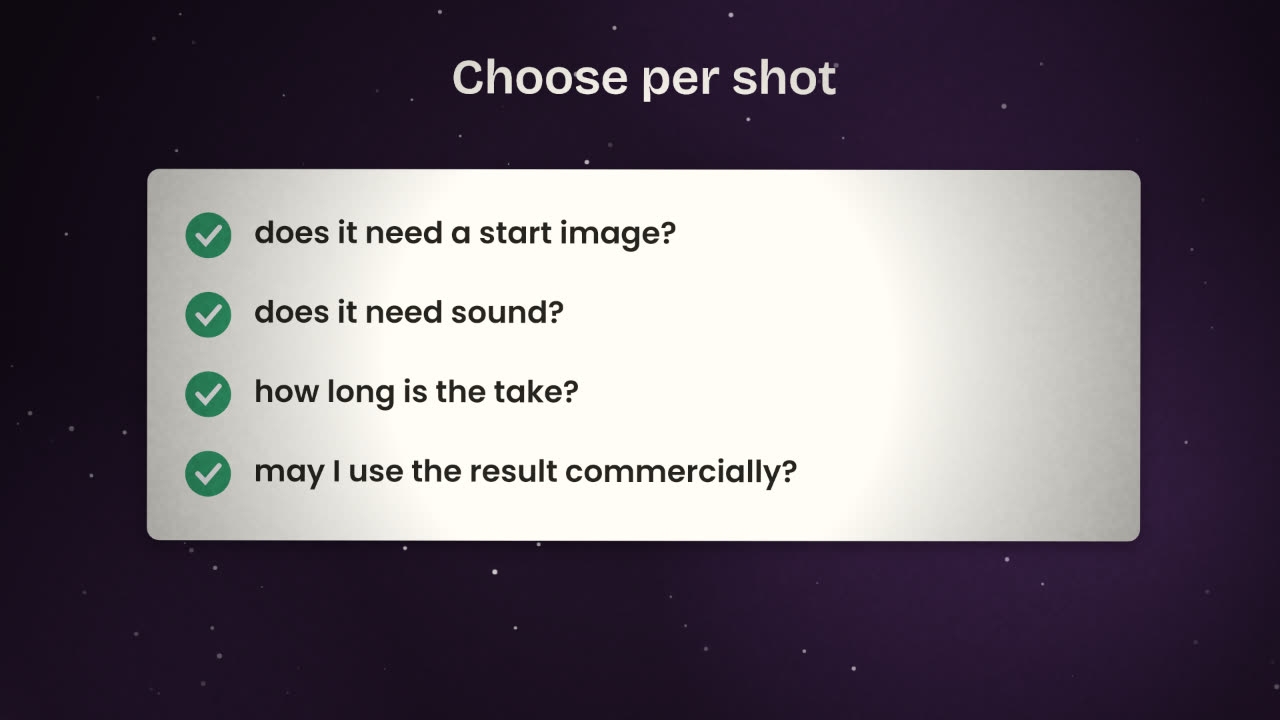
Does the shot need a start image?
Almost always yes: choose a model with image to video.
Does it need sound from the model?
If your voice-over and music are added in the edit, no.
How long is the take?
If longer than the model’s limit, plan it as two clips with a cut.
May I use it commercially?
Licence or terms, in writing, before you publish.
Your launch video has three shots: (1) the product on a desk with a slow push-in; (2) a designer looking relieved; (3) the logo with a short sound. Which input mode and which properties matter for each?
Make a model plan for your video
Go through your storyboard shot by shot. For each, note the input mode, whether sound is needed, the clip length, and the model you will use, with its licence or terms checked.
Done when
Keep the plan with your storyboard. It goes in your repository with the rest of the video files.
Keep these
- Image to video gives more control than text to video.
- Models differ in length, resolution, sound and consistency.
- Choose per shot, and check the licence or terms first.