Vibe Coder · Unit 14: AI Video Production · Lesson 4 of 13
Stills and key art
Generate the key image for each shot first. Stills are cheap to iterate and give the video model something exact to animate.
Read the short notes and pictures.Do everything inside a blue frame.
Key images
Most video models can start from an image. Generating and approving a still for every shot first means the expensive step animates something you have already chosen.
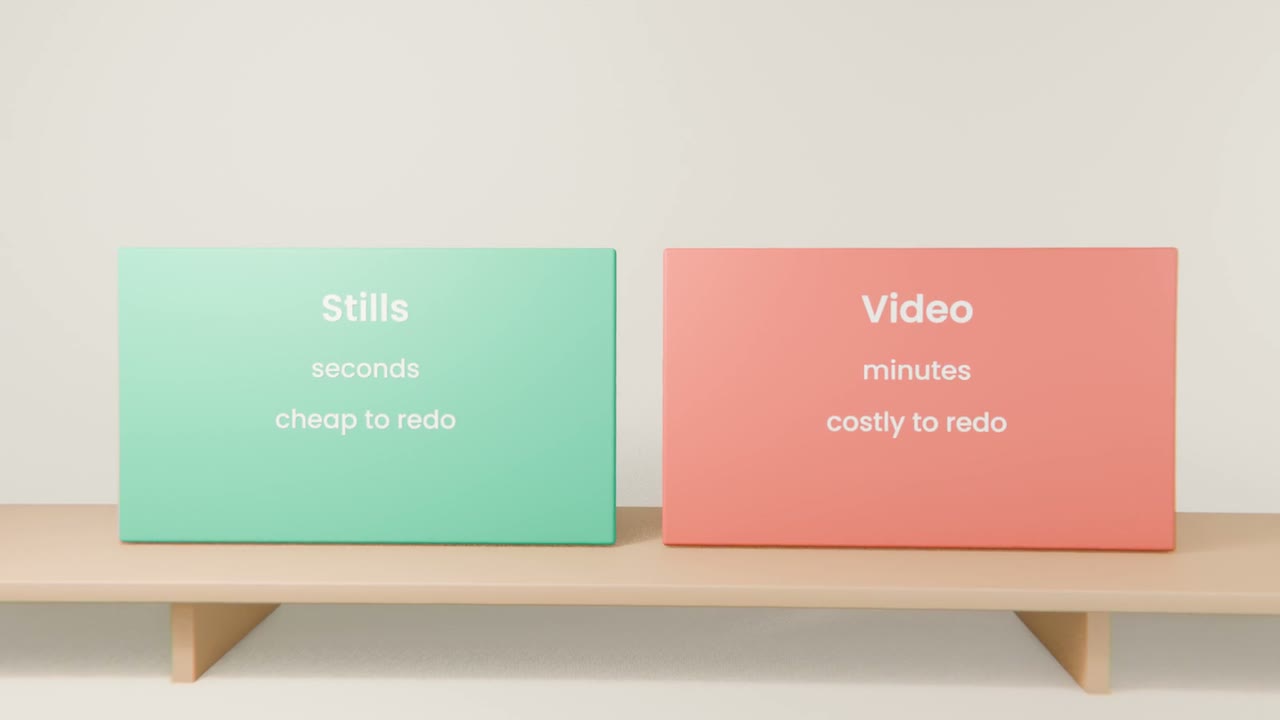
Making them
Set the frame shape
Wide for a website, tall for social. Decide once.
Generate a few per shot
Choose the strongest.
Edit in words
"Remove the second cup. Make the wall plain."
Name the files by shot number
So the edit is easy.
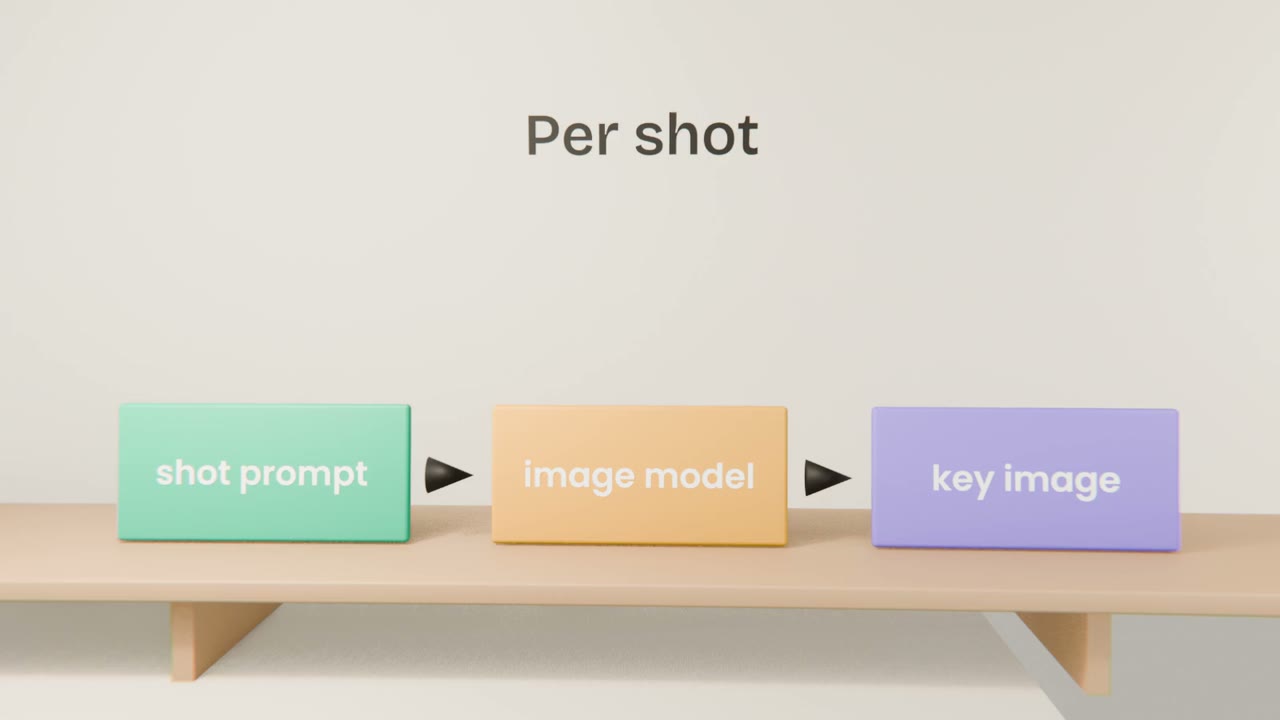
Also make
Key art
One image that represents the whole video, for the thumbnail.
Product shots
Real screenshots of your app, for the parts that must be accurate.
Make your stills
Generate and approve one key image per shot at one consistent size, plus one piece of key art. Use real screenshots for product shots.
Done when
These are the starting frames for motion.
Keep these
- Approve stills before video.
- Keep one frame shape.
- Use real captures for the product.