Vibe Coder · Unit 14: AI Video Production · Lesson 6 of 13
Consistent characters
Keep a person, a product or a mascot looking the same from shot to shot using reference images and a fixed description.
Read the short notes and pictures.Do everything inside a blue frame.
Keeping a character the same
Models have no memory of the last image they made. Consistency comes from giving them the same reference image and the same words every time, and from choosing designs that are easy to repeat.
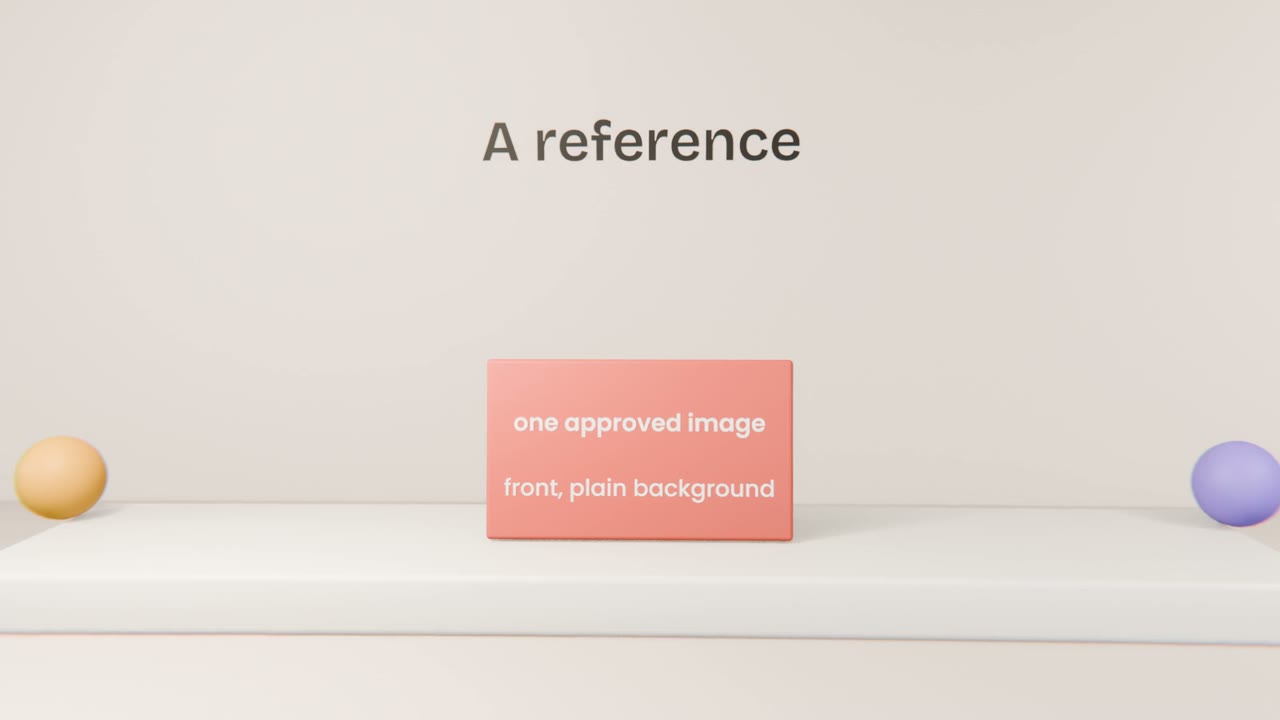
Building a character sheet
Design the character
Simple, with two or three distinctive features.
Generate a clean reference
Front view, plain background.
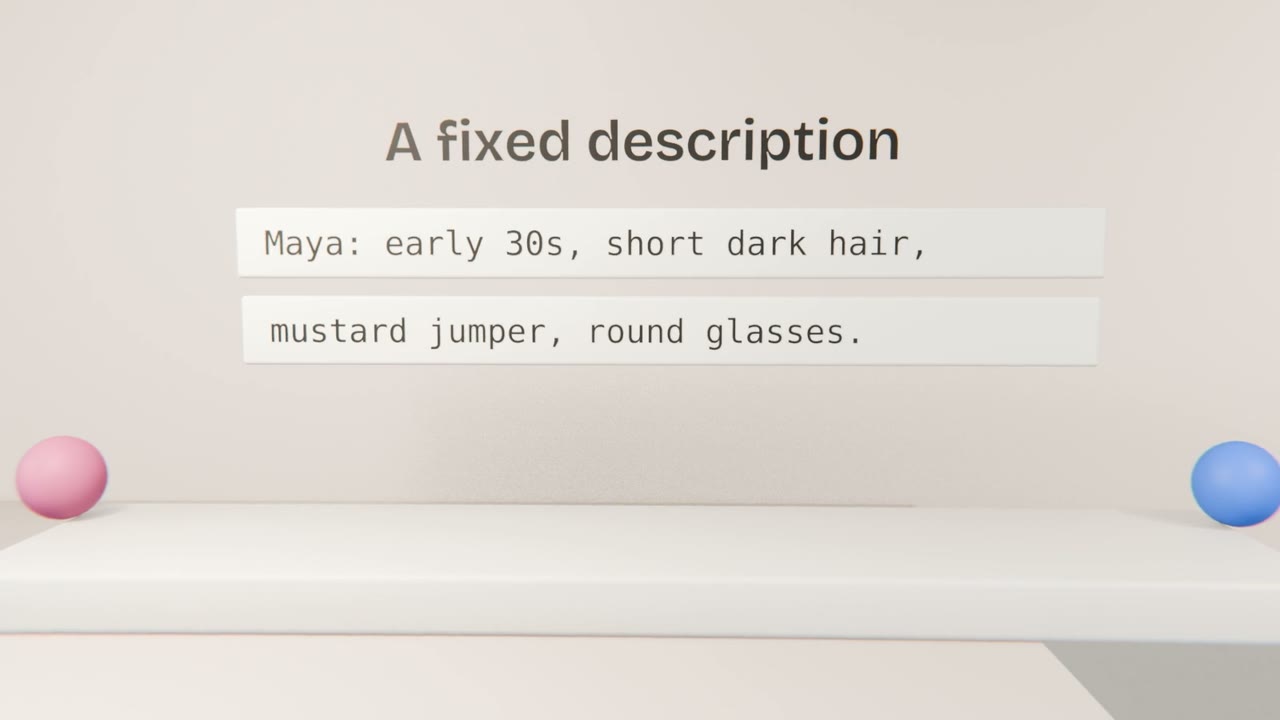
Write the fixed description
Two lines. Save it.
Test in three settings
Does it still look like the same person?
When it will not hold
Simplify
Fewer details to get wrong.
Avoid close-ups
Wider shots hide small differences.
Use the product instead
Your app is always consistent.
Lock your character
If your video has a recurring character, create a reference image and a fixed two-line description and regenerate any stills that do not match. If it has none, note that your product is the constant.
Done when
Keep the character sheet for future videos.
Keep these
- Use one reference image.
- Repeat one fixed description.
- Simple designs stay consistent.