Vibe Coder · Unit 14: AI Video Production · Lesson 7 of 13
Voice-over
Generate a voice-over from your script with a voice model such as ElevenLabs: choosing a voice, pacing, and fixing pronunciation.
Read the short notes and pictures.Do everything inside a blue frame.
The narration
In a short product video the voice-over sets the timing of everything else. Text-to-speech models produce natural narration from a script in seconds, and punctuation is your main control over how it is read.
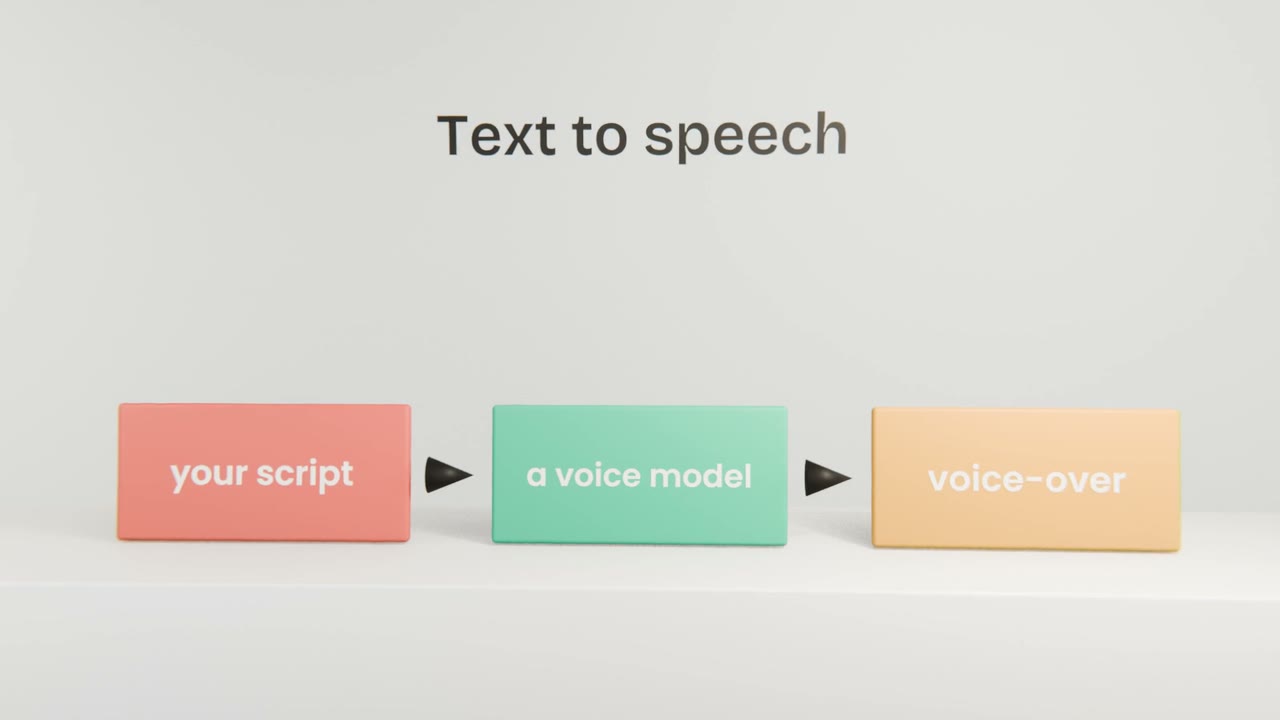
Getting a good read
Choose a voice that fits
Listen to several with your first line.
Generate line by line
Easier to redo one line than the whole thing.
Shape it with punctuation
Short sentences read better.
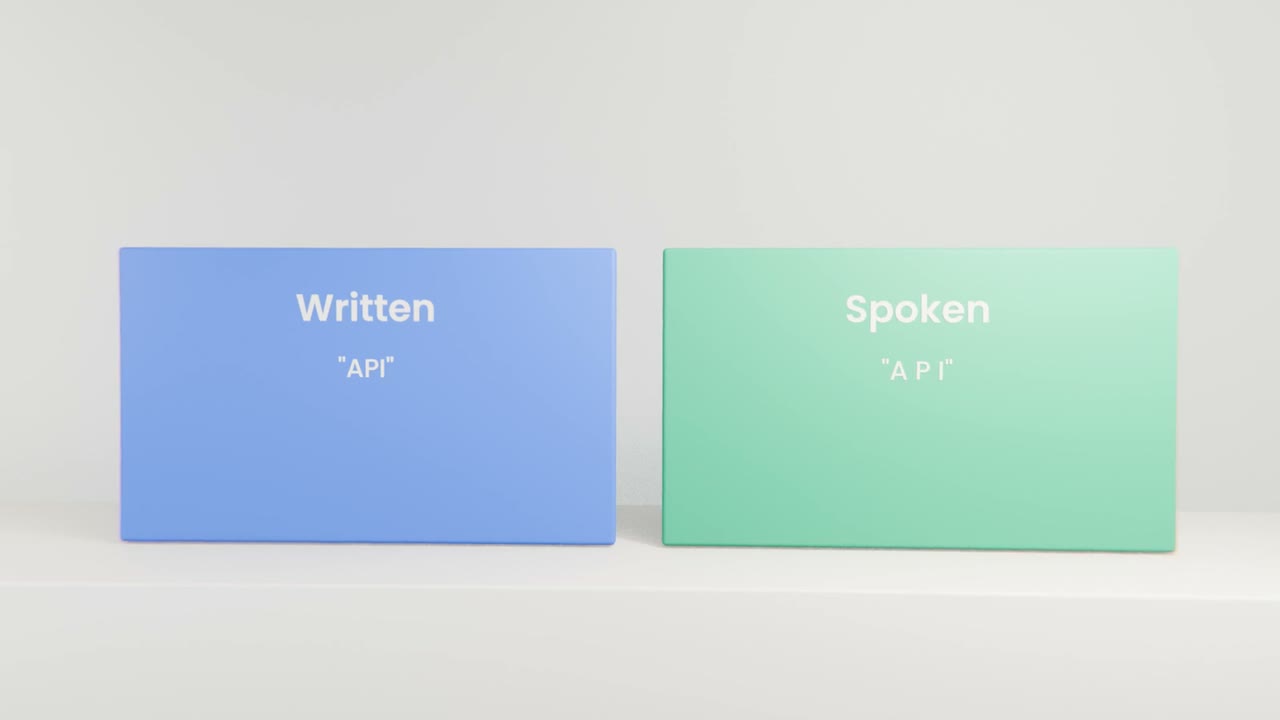
Fix names and acronyms
Spell them phonetically.
Before you move on
Total length
Does it fit your video length?
Clarity
Play it on a phone speaker.
Tone
Does it sound like your product?
Record your voice-over
Generate your voice-over line by line with a licensed voice, fix pacing and pronunciation, and join it into one track that fits your length.
Done when
The films in this course were narrated the same way.
Keep these
- The voice-over sets the timing.
- Use punctuation to control pacing.
- Only use voices you have the right to use.