Vibe Coder · Unit 14: AI Video Production · Lesson 3 of 13
Shot prompts
Turn each storyboard row into a prompt a model can follow: subject, action, setting, camera, light and style.
Read the short notes and pictures.Do everything inside a blue frame.
Describing a shot
Image and video models respond to concrete, visual description. A shot prompt reads like a line from a film script: who or what, doing what, where, seen how, lit how.
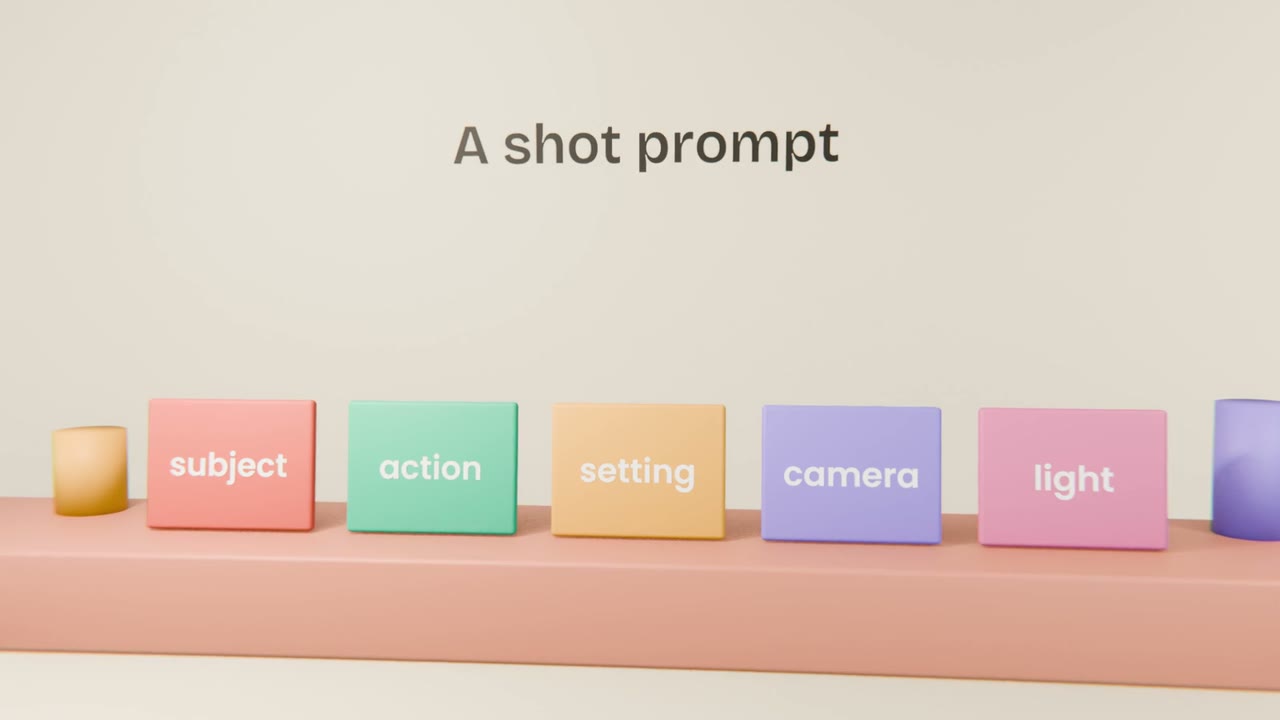
The parts
Subject
Who or what is in the frame.
Action
One clear thing that happens.
Setting
Where and when.
Camera
Close-up or wide, static, slow push-in, pan.
Light and style
Soft daylight, flat illustration, your palette.
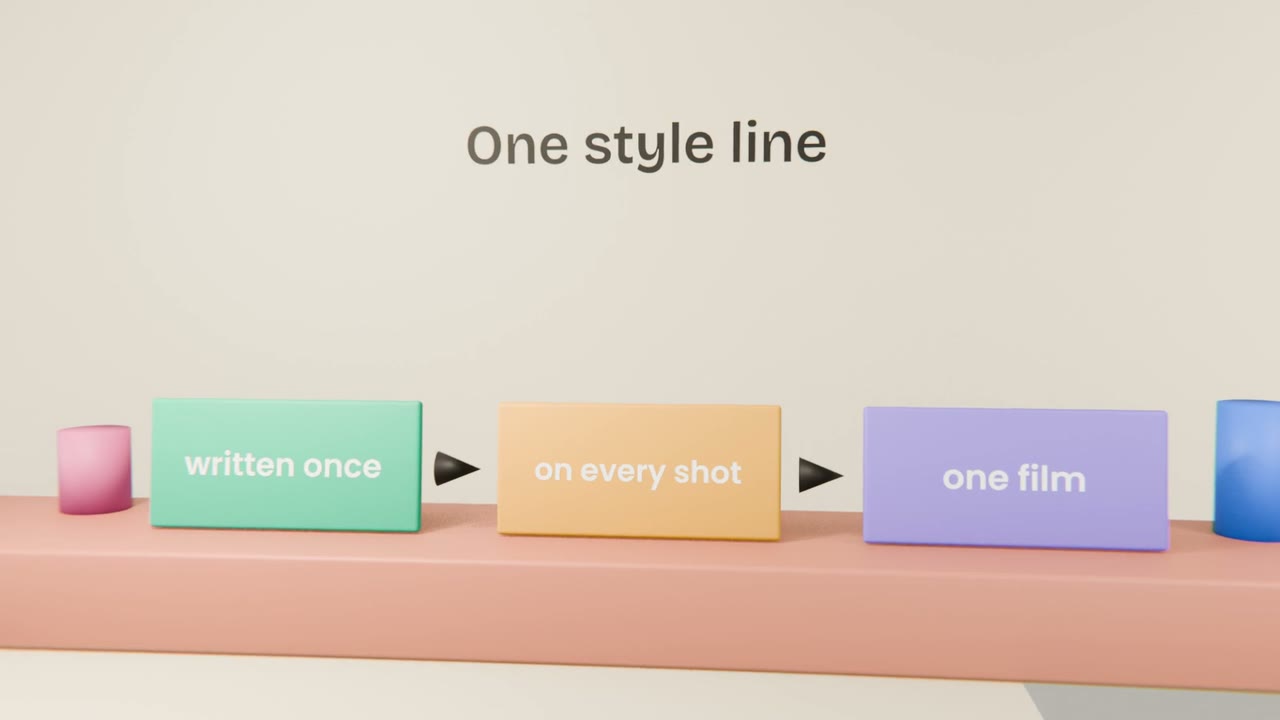
Working method
Write a style line
From your brand kit.
Write one prompt per storyboard row
Using the five parts.
Ask Claude to check consistency
Same character and setting descriptions throughout.
Save them in a table
Next to the storyboard.
Write your shot prompts
Write a style line and a five-part prompt for every shot in your storyboard. Have Claude check them for consistency and save them in a table.
Done when
These prompts drive the next three lessons.
Keep these
- A shot prompt has five parts.
- Reuse one style line.
- One action per shot.