Vibe Coder · Unit 11: APIs · Lesson 14 of 14
Models on your own computer
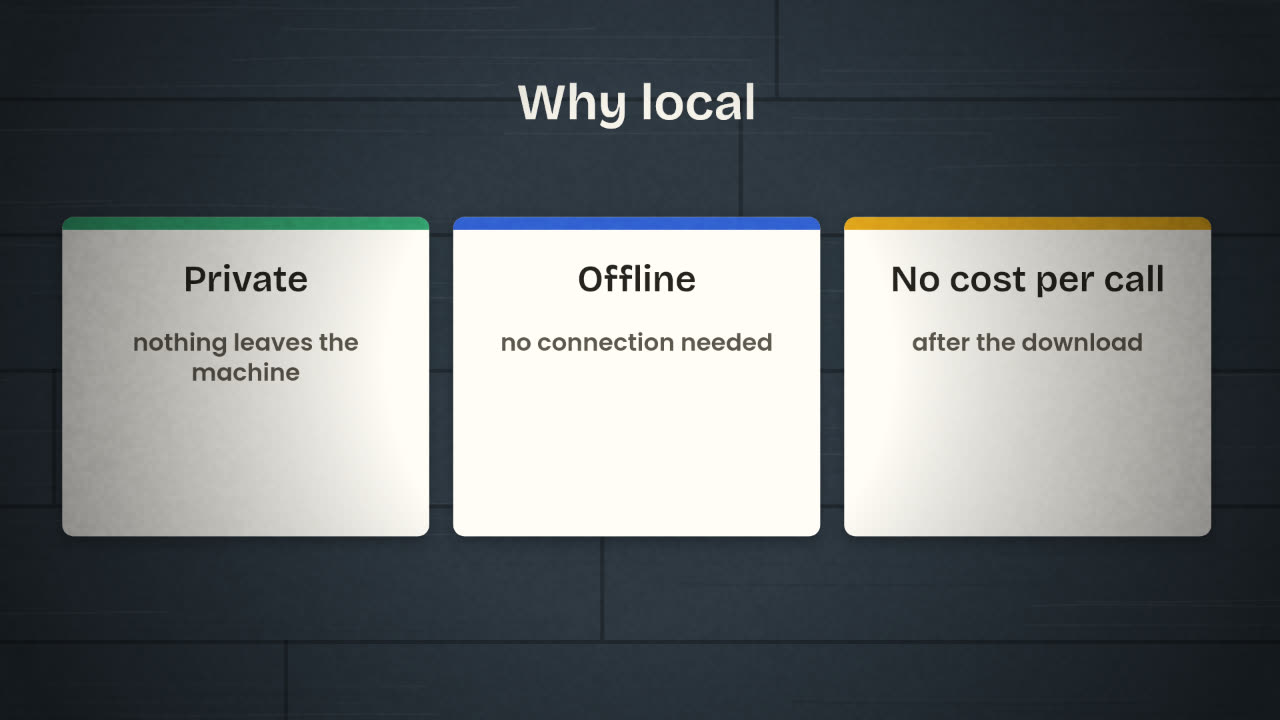
LM Studio runs open models on your own machine: private, offline and free per call. Download a model, chat with your documents, and serve it to your own app.
Read the short notes and pictures.Do everything inside a blue frame.
A model that never phones home
Every call you have made so far went to a company’s servers. That is usually fine. Sometimes it is not: the document is confidential, the client forbids it, you are on a plane, or you are running a thousand test prompts and do not want a bill. For those cases you can run an open model on your own computer.
LM Studio
LM Studio is a desktop app for running language models locally. It runs on Apple Silicon Macs, on Windows PCs and on Linux. You find and download model weights inside the app and chat with them in a familiar window.
Model formats
GGUF models through llama.cpp on every platform, and Apple’s MLX format on Apple Silicon Macs.
Documents
Attach documents to a chat and ask about them entirely offline: a small local RAG.
MCP
It works as an MCP client, so local models can use MCP servers.
Command line
The lms tool manages models and the server from a terminal. There is also a headless version for servers.
What your machine can run
A model has to fit in memory. Models come in sizes, and in compressed ("quantized") versions that trade a little quality for a lot less memory. LM Studio shows which downloads suit your machine. Start with a small one; it will be slower and weaker than Claude or ChatGPT, and still useful.
Install LM Studio
From its site.
Download a small general model
Choose one the app marks as suitable for your computer.
Chat with it
Ask it things you have asked Claude, and notice the difference.
Attach a document
And ask a question about it with your connection turned off.
Serving it to your own tools
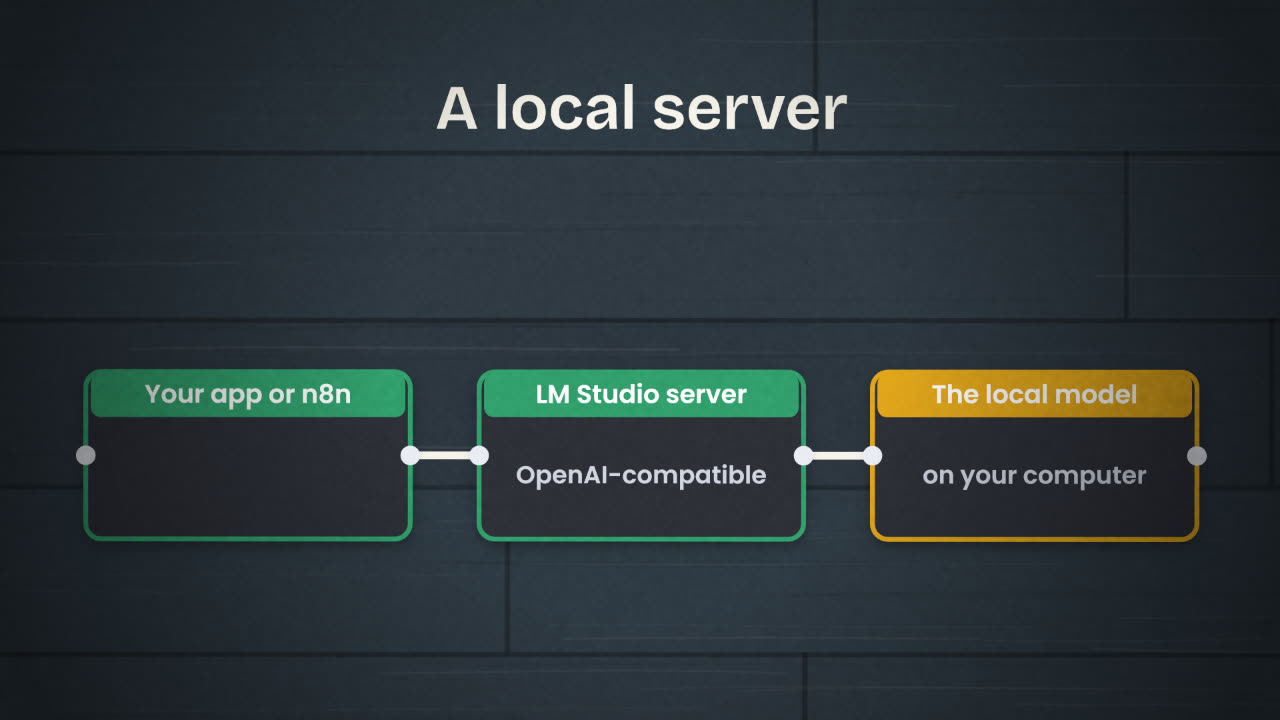
LM Studio can serve the loaded model on OpenAI-like endpoints, on your own machine and, if you allow it, to other machines on your network. So the same code that calls OpenAI or Groq can call your laptop by changing the address. In n8n, use a chat model node pointed at the local address.
Hosted
Strongest models.
Nothing to run.
Pay per token.
Your prompt leaves your machine.
Local
Smaller models.
Your computer does the work.
No cost per call.
Nothing leaves your machine.
A client sends you a confidential contract and asks for a summary, with the condition that it is not uploaded to any AI service. What do you do?
Run a model locally and call it
Install LM Studio and download a small model. Chat with it offline, ask it about an attached document, then start the local server and point your AI feature at it by changing only the address.
Done when
Switch your feature back to the hosted model before you deploy.
Keep these
- LM Studio runs open models on your own computer.
- Local is private, offline and free per call, with smaller models.
- Its local server is OpenAI-compatible, so your tools can call it.