Vibe Coder · Unit 9: Claude Code Commands and Extensions · Lesson 10 of 10
Claude Code in GitHub
Engineers: have Claude Code respond to issues and pull requests in your repository, reviewing changes and proposing fixes.
Read the short notes and pictures.Do everything inside a blue frame.
Agents in your repository
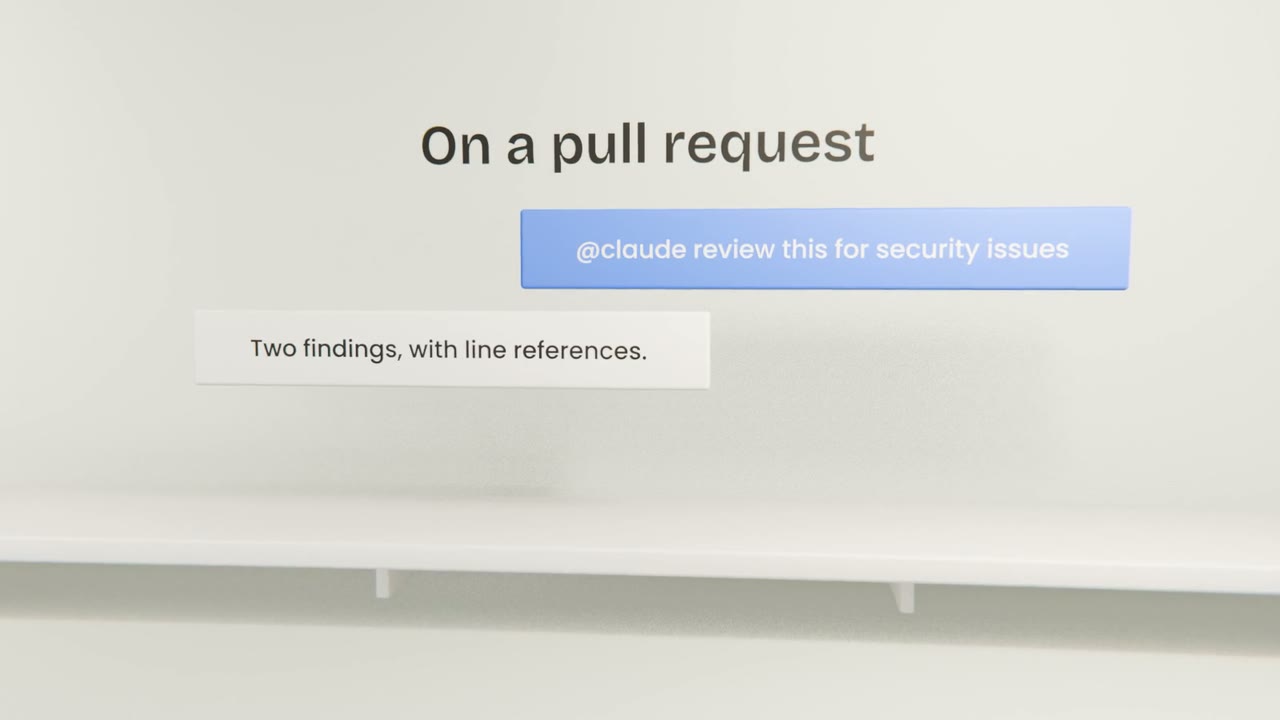
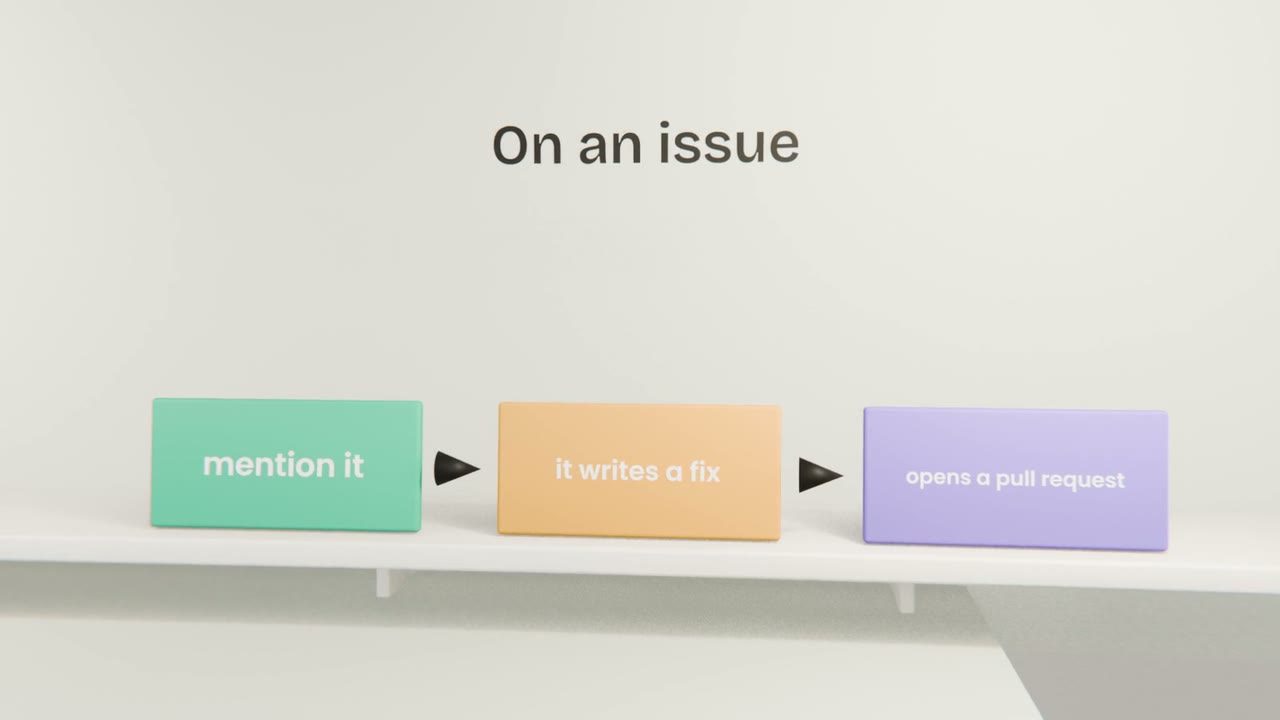
With the GitHub integration, Claude Code runs in your CI when someone mentions it or when an event you choose happens. It reads the repository, follows CLAUDE.md, and replies in the thread or opens a pull request.
What to use it for
First-pass review
On every pull request, before a person looks.
Small fixes
Typos, failing lint, a clear bug with a test.
Triage
Label and summarise new issues.
Setting it up
Install the integration
Following the official setup guide.
Store the credential as a secret
Never in the workflow file.
Limit what it can do
Pull requests, not direct pushes.
Require human approval to merge
Branch protection does this.
Add an automated review
Set up Claude Code in your repository so that it reviews each pull request. Open a small pull request, read its review, and require approval before merge.
Done when
Your Claude Code setup is complete: rules, commands, a skill, a subagent, hooks, a plugin and CI review.
Keep these
- Claude Code can run inside GitHub.
- It reviews pull requests and proposes fixes.
- Keep merges behind human approval.