Vibe Coder · Unit 9: Claude Code Commands and Extensions · Lesson 9 of 10
Headless and the Agent SDK
Engineers: run Claude Code without the interactive prompt, from scripts and pipelines, and build your own agents on the same engine.
Read the short notes and pictures.Do everything inside a blue frame.
Automation
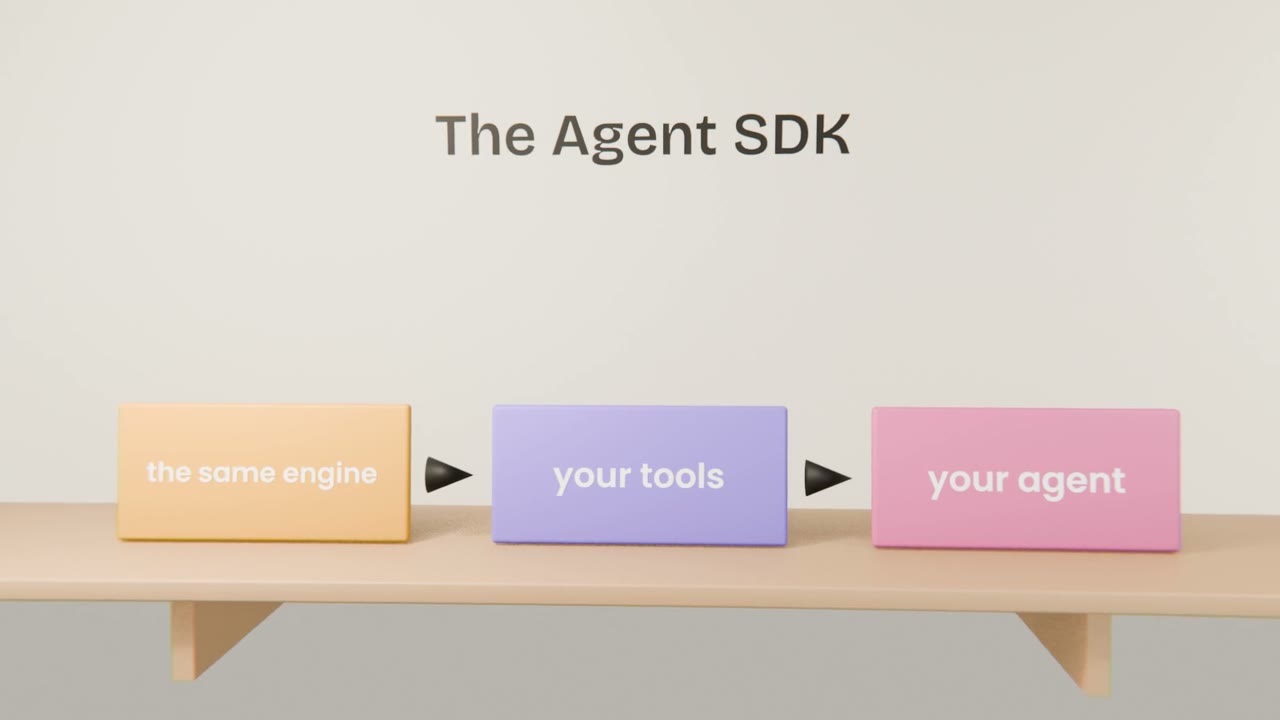
Headless mode runs a single prompt non-interactively and prints the result, which makes Claude Code scriptable. The Agent SDK exposes the same agent loop, tools and permission system as a library, for building agents inside your own applications.
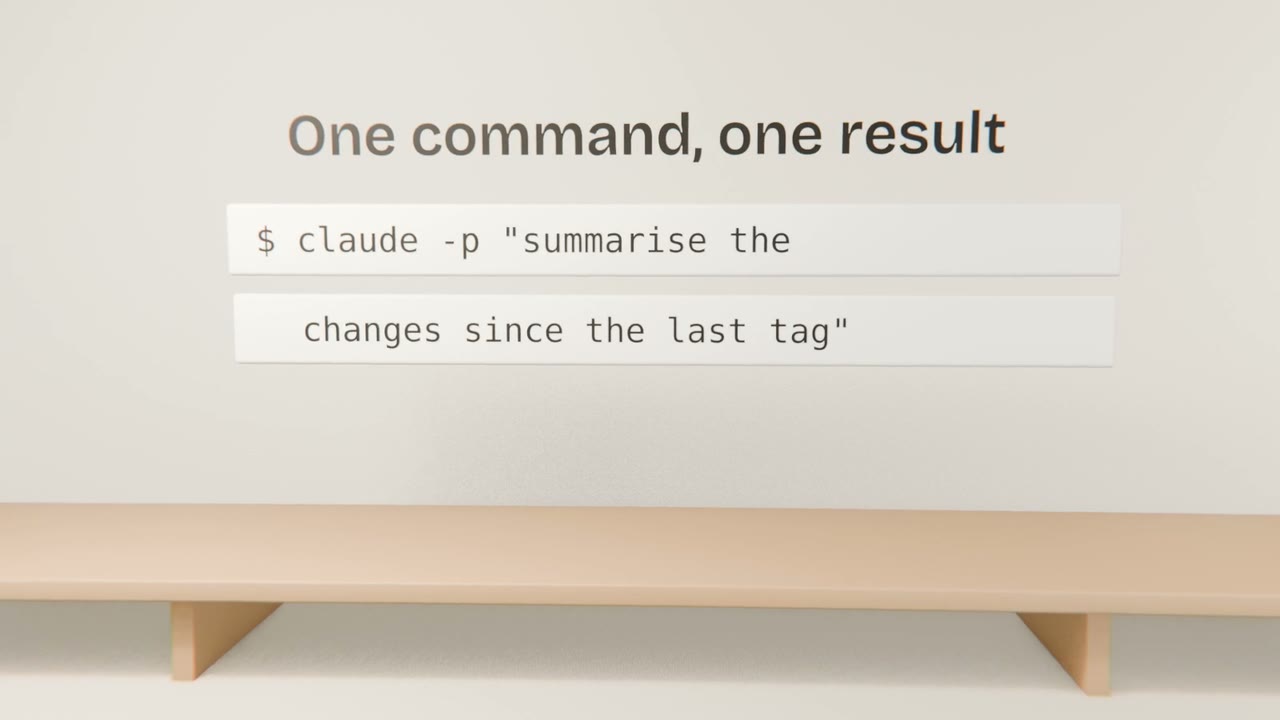
Headless uses
Nightly checks
Summarise failures and open an issue.
Bulk changes
Apply the same migration across many files or repositories.
Reports
Release notes from merged pull requests.
Doing it safely
Restrict tools
Allow only what the job needs.
Use a dedicated credential
With the least access possible.
Capture the output
Log what it did.
Start read-only
Add write access once you trust the job.
Script one task
Write a script that runs Claude Code headlessly to produce release notes from your recent commits, with read-only tools. Run it and save the output.
Done when
You will run a job like this in CI in the next lesson.
Keep these
- Headless mode makes Claude Code scriptable.
- The Agent SDK is the same engine as a library.
- Restrict permissions in unattended runs.