Vibe Coder · Unit 9: Claude Code Commands and Extensions · Lesson 2 of 10
Custom commands
Engineers: save a prompt you use often as your own slash command, shared with the team through the repository.
Read the short notes and pictures.Do everything inside a blue frame.
Your own commands
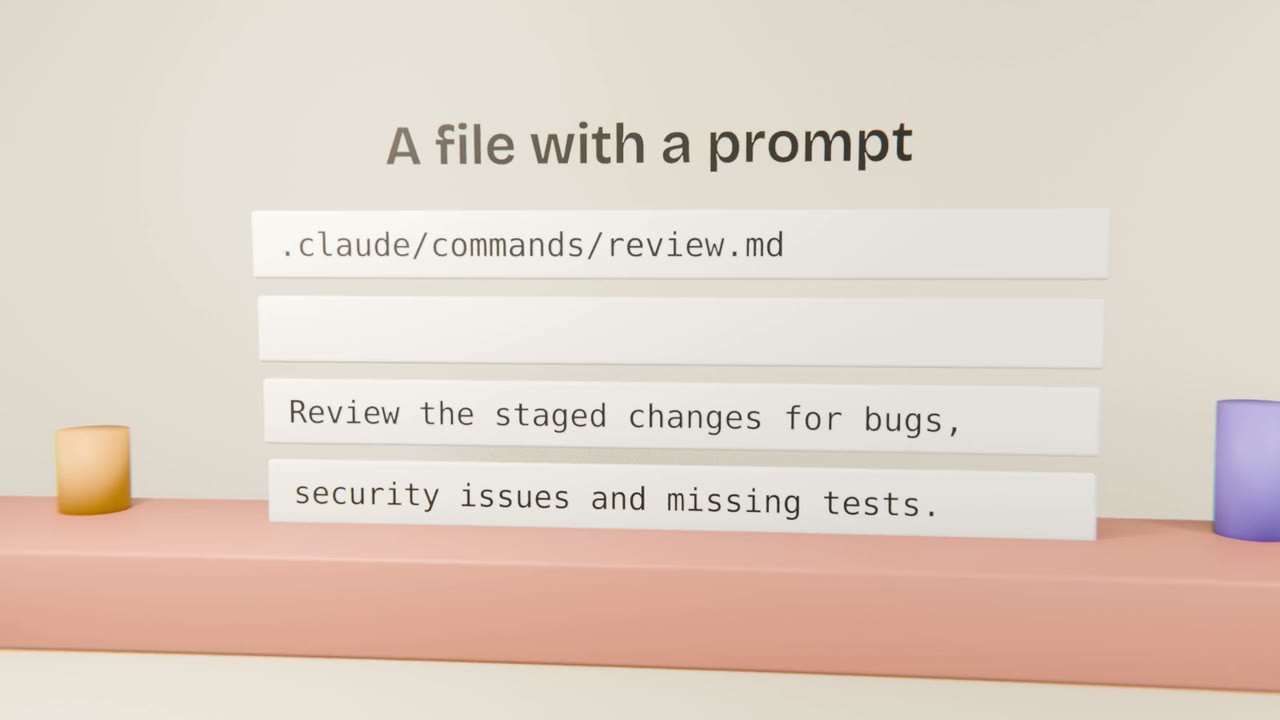
A custom command stores a prompt under a name. When you type the name, Claude Code runs the prompt, with any arguments you add. It is the simplest way to make a team’s routine consistent.
Good candidates
Review
Your checklist for reviewing a diff.
Fix an issue
Read the issue, find the code, fix, test, commit.
Release notes
Summarise merged changes since the last tag.
Writing one
Start from a prompt that works
From your prompt library.
Save it as a command file
In the project’s commands folder.
Add an argument placeholder
For the part that changes.
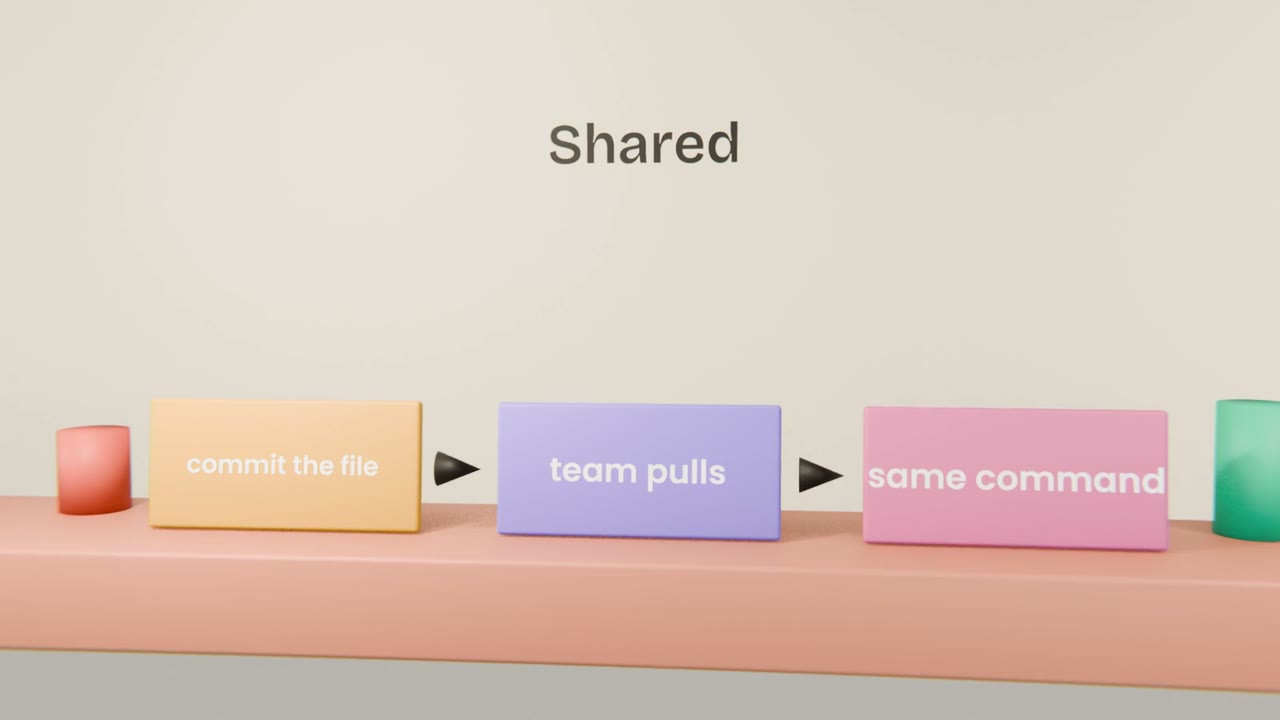
Test, then commit
So the team shares it.
Add two project commands
Create a review command and one for a routine of your own. Run each on real work and commit them.
Done when
Commands and skills overlap. The Skills lesson explains when to use which.
Keep these
- A custom command is a saved prompt.
- It can take arguments.
- Commit it to share it.