Vibe Coder · Unit 9: Claude Code Commands and Extensions · Lesson 3 of 10
Settings and permissions
Engineers: decide what Claude Code may do without asking, what it must ask for and what it may never do.
Read the short notes and pictures.Do everything inside a blue frame.
Permissions on purpose
Approving every command by hand is tiring, and tired people click yes. Permission rules let you pre-approve the safe, frequent actions and block the dangerous ones outright, so the prompts you still see are the ones that deserve attention.

Where settings live
Project, shared
Committed, so the team has the same rules.
Project, local
Your own overrides, not committed.
User
Your defaults across all projects.
A sensible starting set
Allow read and search
Within the project.
Allow your check commands
Test, lint, type-check, build.
Ask for everything else
Especially installs and network calls.
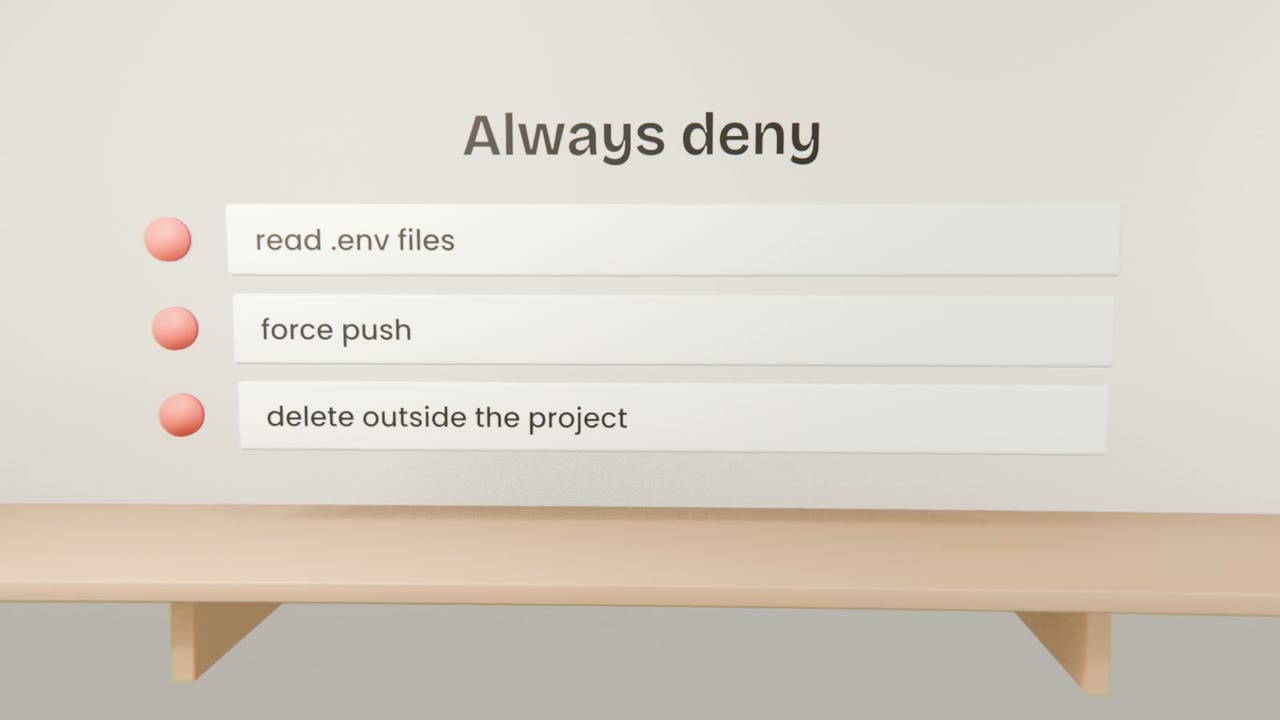
Deny secrets and destructive commands
Environment files, force pushes, recursive deletes.
Set your project permissions
Create shared project settings that allow your check commands, deny access to environment files and destructive Git commands, and ask for the rest. Commit them.
Done when
Review the rules whenever the agent asks for something surprising.
Keep these
- Actions can be allowed, asked or denied.
- Allow safe routines, deny dangerous ones.
- Share project rules through the repository.