Vibe Coder · Unit 3: Claude for Your Work · Lesson 1 of 11
Chat, files and images
Claude reads documents, spreadsheets, PDFs, screenshots and photos. How to give it the real material and ask for exactly what you want back.
Read the short notes and pictures.Do everything inside a blue frame.
Give Claude the real thing
Most people type a question and stop there. Claude can also read what you attach: a brief, a spreadsheet of customer feedback, a contract as a PDF, a screenshot of a design or of an error. Working from the real material gives far better answers than working from your description of it.
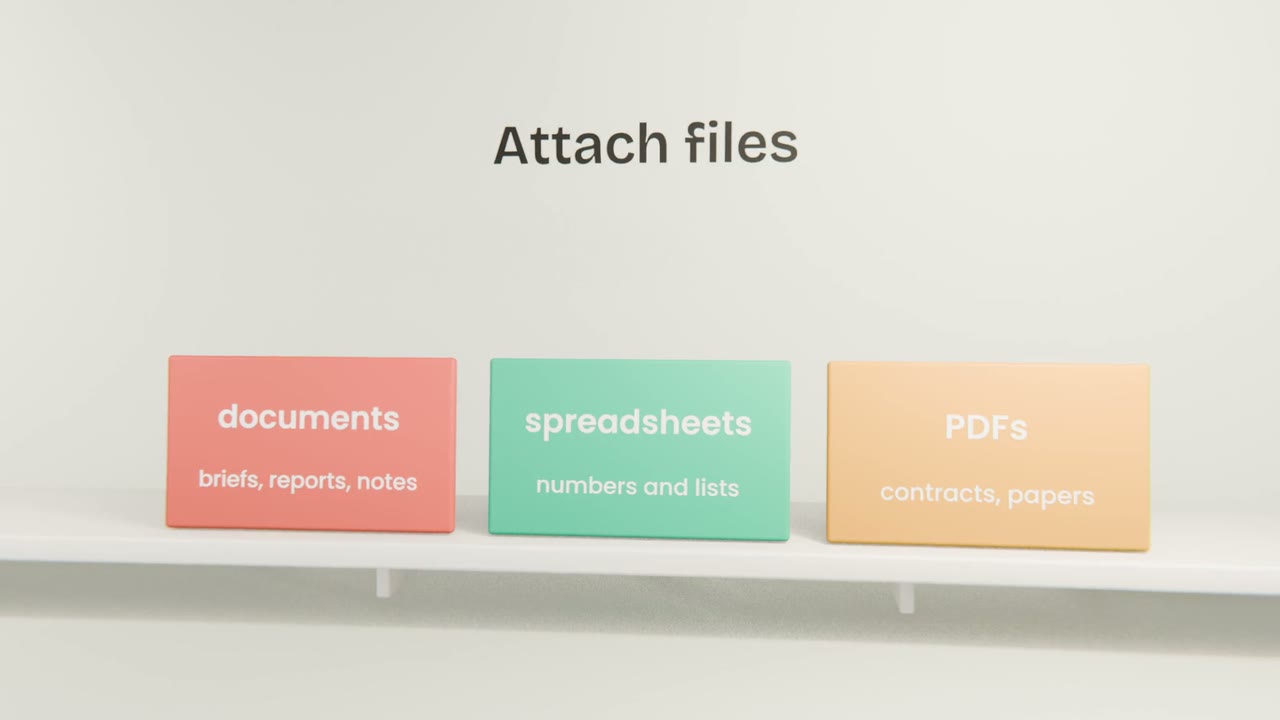
What you can attach
Documents
Briefs, reports, meeting notes, transcripts. Ask for a summary, the decisions, or what is missing.
Spreadsheets
Lists and numbers. Ask for totals, patterns, or a chart. Claude can run code on the file so the sums are exact.
PDFs
Contracts, papers and slide decks, including their tables and figures.
Images
Screenshots, photos, charts and hand-drawn sketches. Claude can read the text in them and describe what it sees.
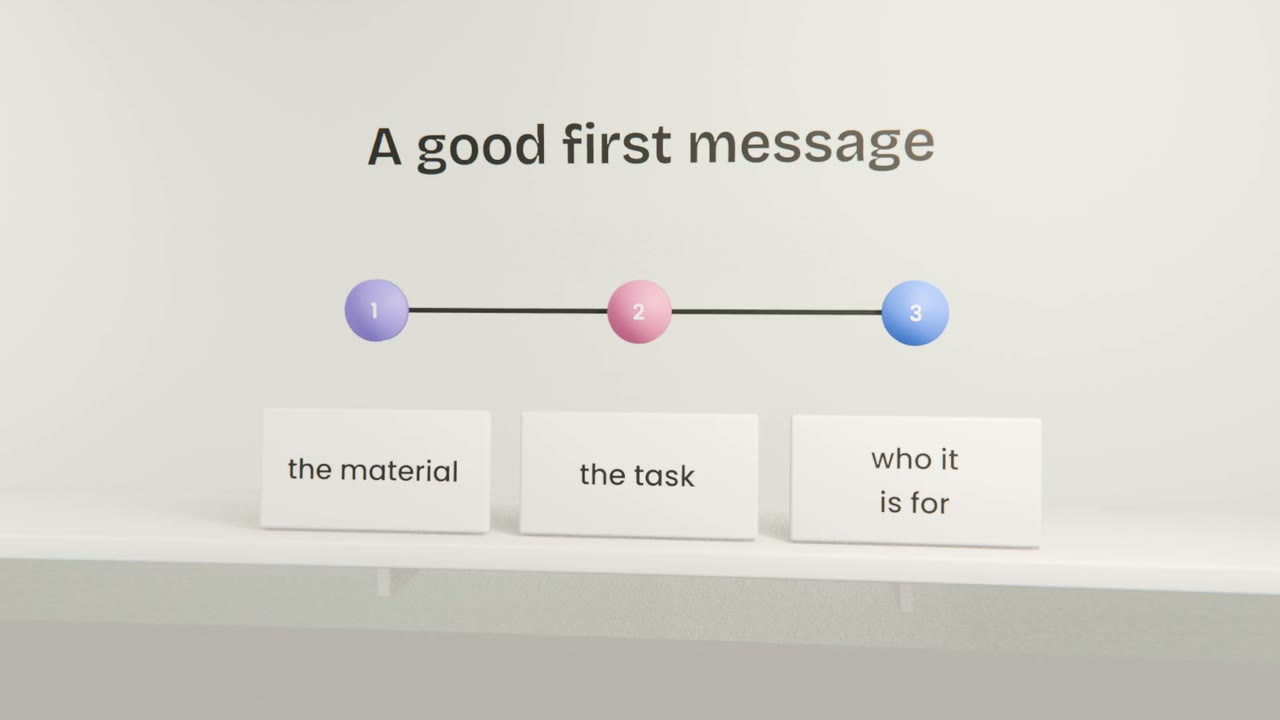
Say what you want back
Name the output
A summary, a table, a rewrite, a list of problems, a draft reply. "Thoughts?" gets you vague thoughts.
Say who it is for
"For a client who is not technical" changes the words, the length and the detail.
Set the shape
Five bullet points, one page, a table with three columns. Say it and you get it.
Then refine
The first answer is a draft. "Shorter", "more direct", "add the costs" are all fair follow-ups.
Two messages, same file
Vague
Here is our feedback file. Thoughts?
Clear
Attached: 200 customer comments from March.
Group them into themes, count each theme,
and quote two comments per theme.
This is for our product team, as a table.
Bring your material in
Open Claude and attach the brief you wrote in Unit 2, plus one image: a sketch, a screenshot of a product you like, or a photo of notes. Ask for a one-page summary of your product for someone who has never heard of it, and three questions a first customer would ask.
Done when
Keep the summary. It becomes a file in your project in the next lesson.
Keep these
- Claude reads documents, spreadsheets, PDFs and images.
- Give it the material itself, not your description of it.
- Say what you want back, who it is for, and its shape.
- Keep private data and secret keys out of uploads.