Vibe Coder · Unit 3: Claude for Your Work · Lesson 2 of 11
Projects
A project holds your instructions and files, so every chat about your product starts with the full picture. How to set one up well.
Read the short notes and pictures.Do everything inside a blue frame.
A home for one piece of work
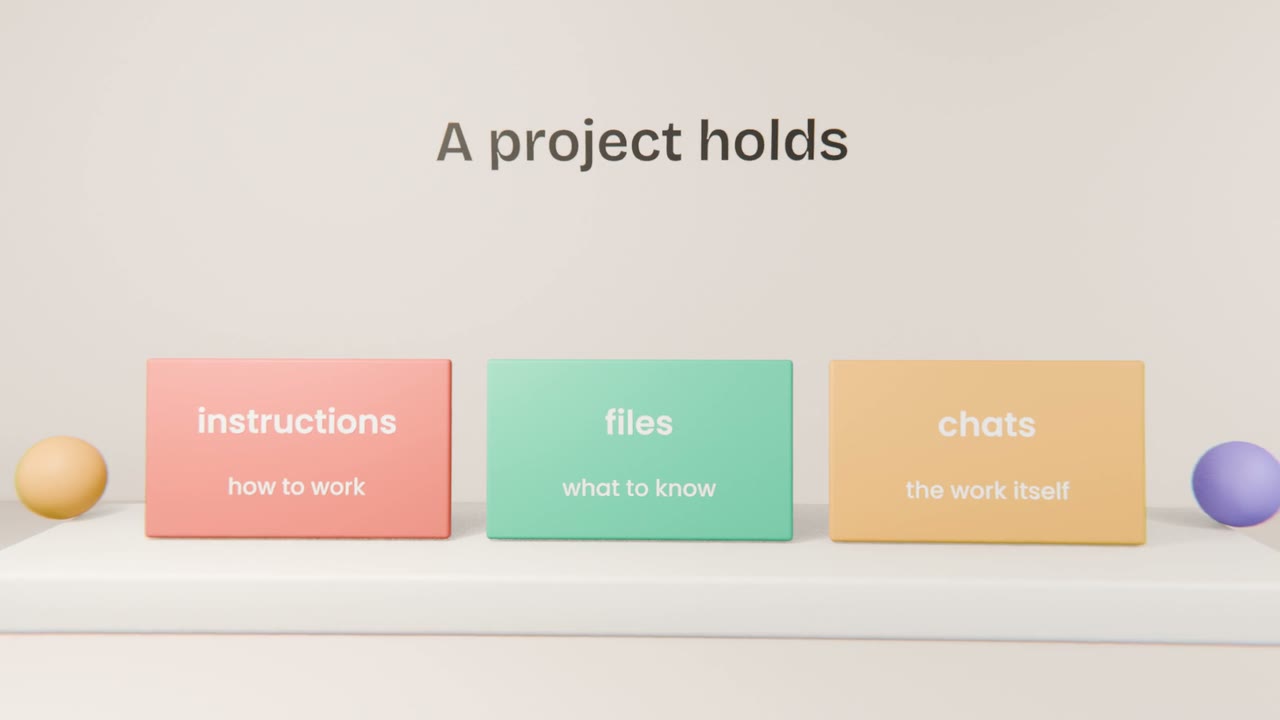
In Unit 2 you saw that a new chat starts empty. A project fixes that for one piece of work. It holds instructions that tell Claude how to work here, and files that tell it what to know. Every chat you start inside the project begins with both already in its context.
The two parts
Instructions
A short note Claude reads before every chat in the project: what the product is, who it is for, how to write, what to avoid.
Files
The knowledge: your brief, research, brand guide, price list. Claude reads from them when they are relevant.
Chats
Each task gets its own chat inside the project. They all share the same instructions and files.
Writing good instructions
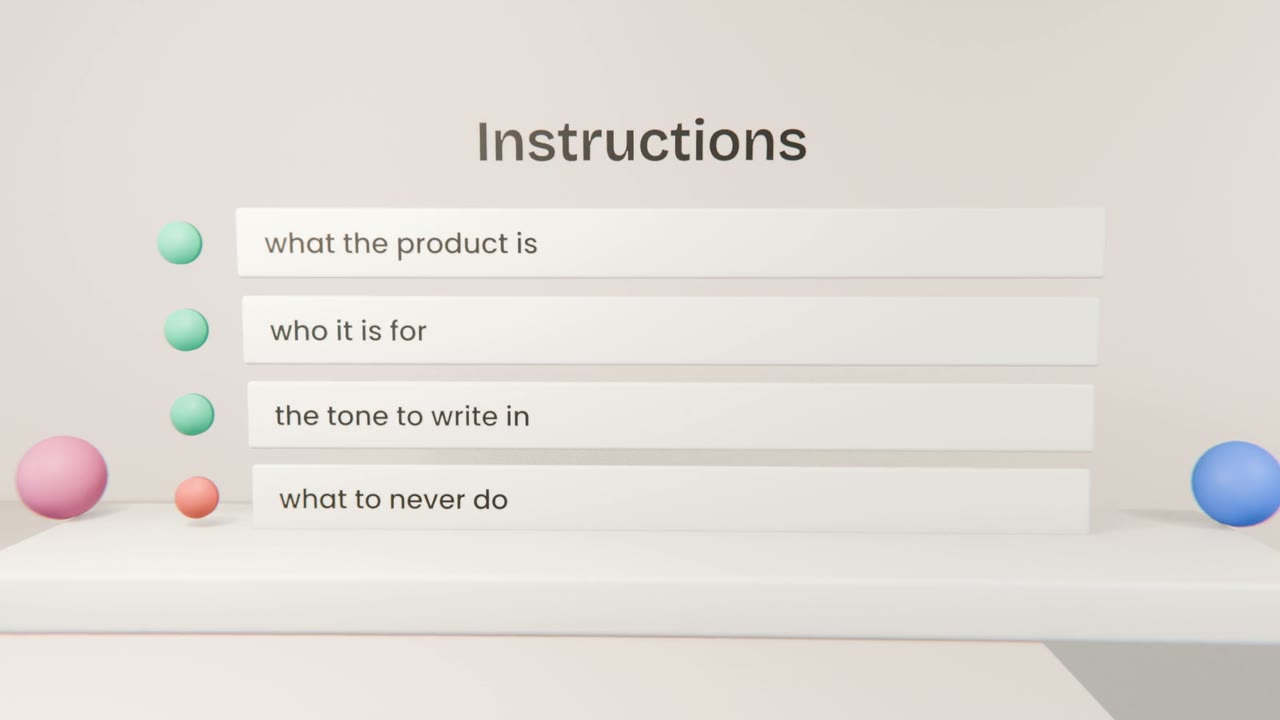
Say what it is
One or two sentences on the product and the problem it solves.
Say who it is for
The people who will use it, in plain words.
Set the tone
How writing should sound: plain, warm, brief. Give one short example.
List the rules
Things to always do and never do, such as "never invent a price".
An example
Too thin
You are a helpful assistant for my app.
Useful
Product: Tally, a tool that helps freelance
designers send invoices in one minute.
Audience: designers who dislike admin.
Tone: plain, friendly, short sentences.
Never invent prices or features.
Ask me if something is unclear.
Create your product project
Create a project named after your product. Write instructions with four parts: what it is, who it is for, the tone, and the rules. Add your brief and the one-page summary as files. Then start a chat inside it and ask "What are we building, and for whom?"
Done when
From now on, every chat about your product starts inside this project.
Keep these
- A project holds instructions, files and chats for one piece of work.
- Instructions say how to work; files say what to know.
- Keep instructions short and specific.
- Replace files when they change, so there is one current version.