Vibe Coder · Unit 11: Connectors, MCP and Workflows · Lesson 4 of 9
Building an MCP server
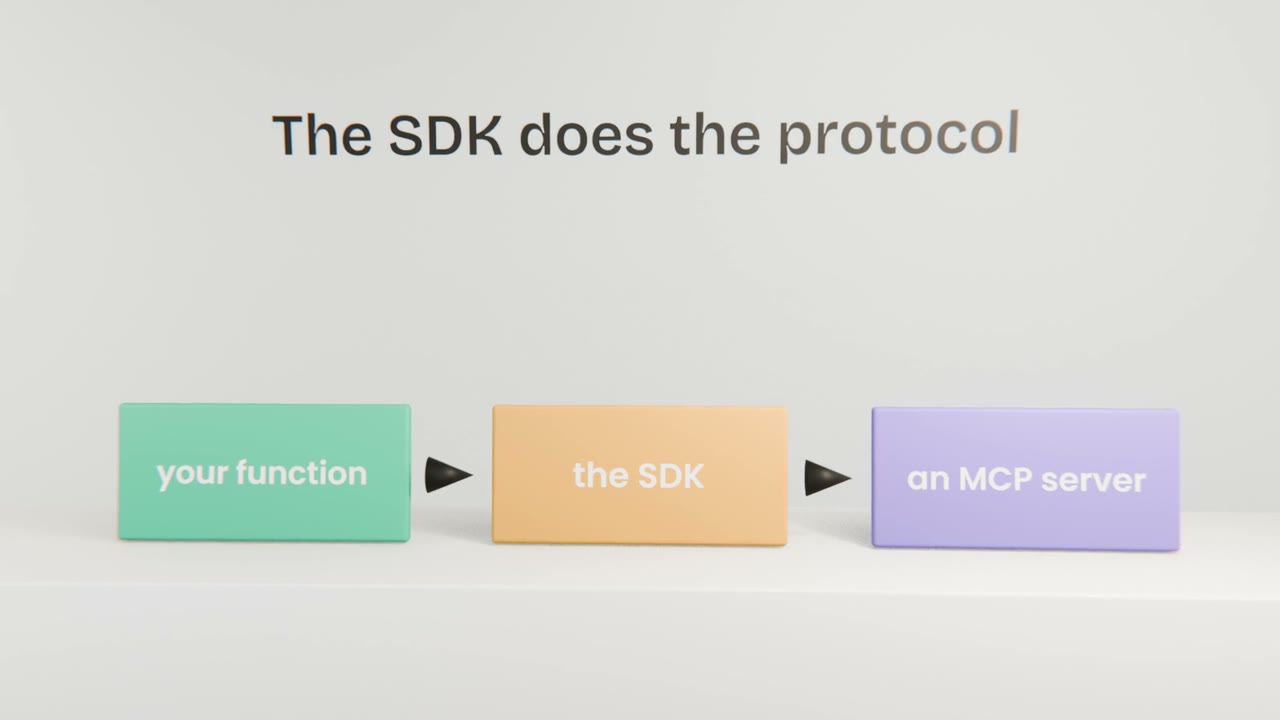
Engineers: write a small server that exposes one of your own functions as a tool any MCP client can use.
Read the short notes and pictures.Do everything inside a blue frame.
A server of your own
Building a server is how your own system becomes usable by any AI client. With the official SDKs it is mostly a matter of describing your tools well and implementing them safely.
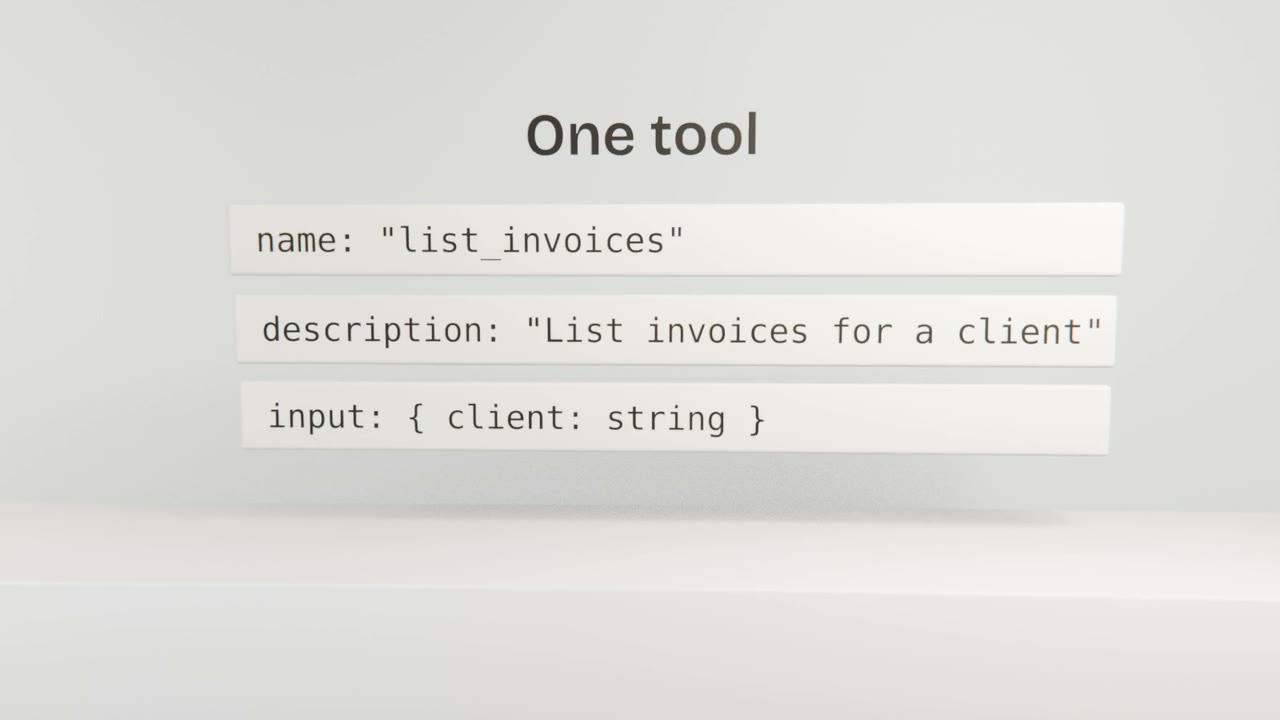
Design
Few, clear tools
Named by what they do.
Descriptions for a model
When to use it, and when not to.
Typed, validated inputs
Never trust arguments.
Useful errors
Messages a model can recover from.
Security
Authenticate
Know which user is calling.
Authorise per call
They see only their own data.
Start read-only
Add writes with confirmation.
Log calls
Name, caller, arguments.
Build a one-tool server
Write an MCP server with one read-only tool over your product’s data, with input validation and per-user authorisation. Test it in the inspector and use it from Claude Code.
Done when
This server is part of your engineer capstone.
Keep these
- A server exposes your functions as tools.
- Describe tools for a model.
- Authenticate, authorise and log.