Vibe Coder · Unit 11: Connectors, MCP and Workflows · Lesson 5 of 9
Scheduled workflows
Some work should happen without you asking: every morning, every Friday, every time something arrives. How to set one up and keep it honest.
Read the short notes and pictures.Do everything inside a blue frame.
Work that runs on its own
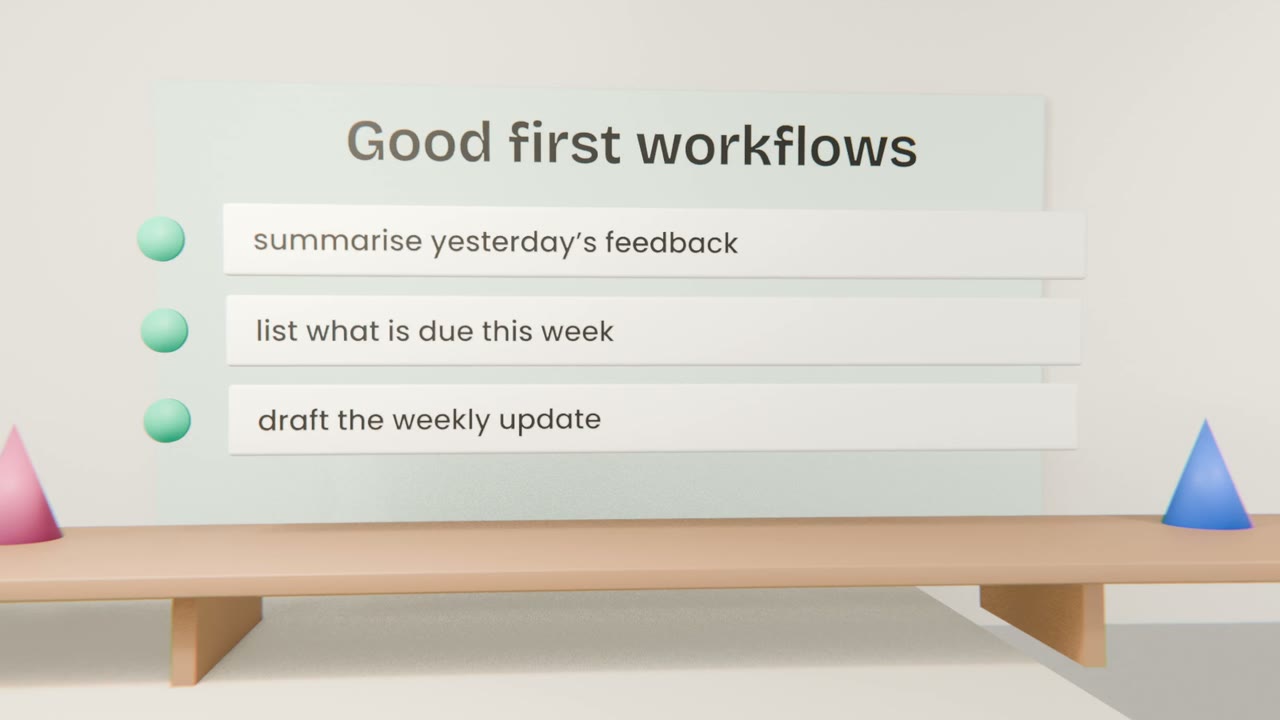
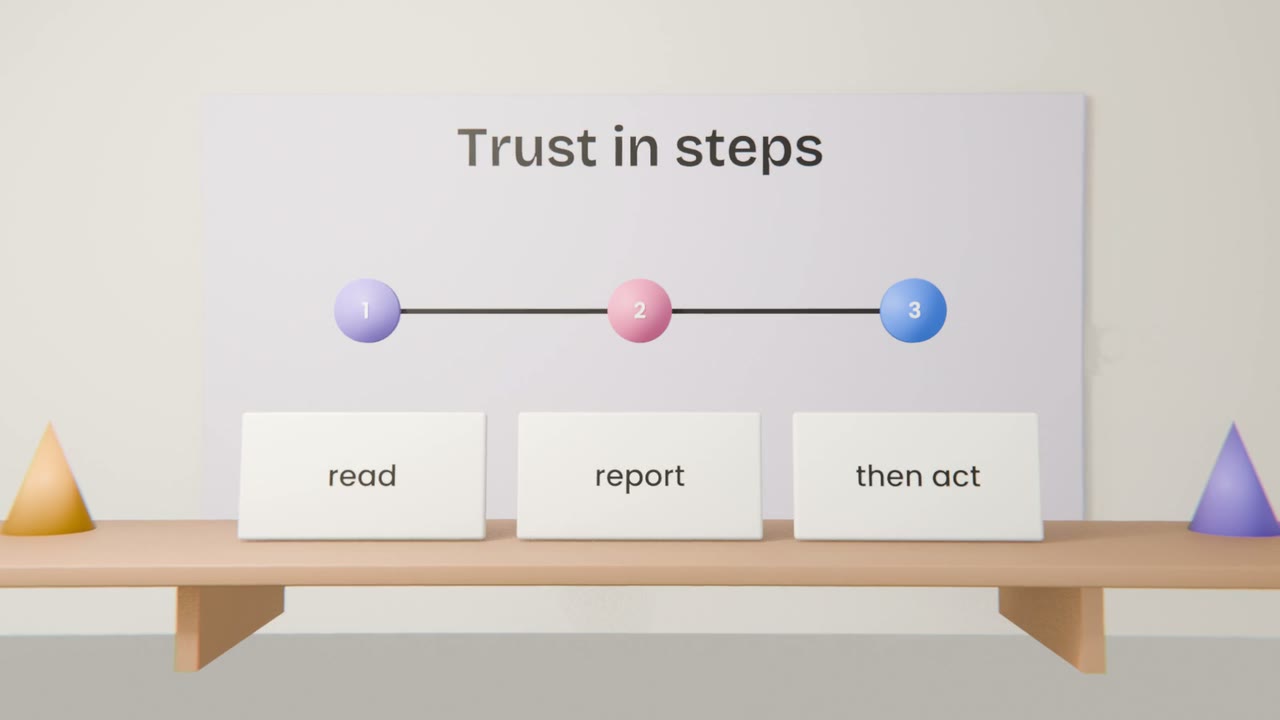
A scheduled task starts a fresh session at a set time, does one job using your connections, and reports back. It is the simplest form of automation, and the safest place to start is a task that only reads and summarises.
Designing one
Write it as a standalone instruction
It starts with no memory of your chats.
Say where to look
Which connector, which folder, which time range.
Say what to produce
Length, format, where to put it.
Run it once by hand
Before you schedule it.
Keeping it honest
Sources in the report
So you can check.
"Nothing to report"
Allow it to say so.
A review date
Turn it off if you stop reading it.
Schedule your first workflow
Write and schedule one weekly task for your product, such as a summary of new feedback or sign-ups, using a connection you set up. Run it once by hand and read the result.
Done when
Your automated workflow is running. Role lessons extend it for your kind of work.
Keep these
- A scheduled workflow is a task with a time.
- Write it as a standalone instruction.
- Start with read and report.