Vibe Coder · Unit 7: From Idea to Prototype · Lesson 2 of 5
A clickable prototype
Build a version people can click through, as an artifact, from your screen list. Real enough to test, cheap enough to throw away.
Read the short notes and pictures.Do everything inside a blue frame.
Real enough to test
A clickable prototype lets someone tap through your product before it exists. It has no sign-in, no database and no real data. Its only job is to show whether the flow makes sense to the person it is for.
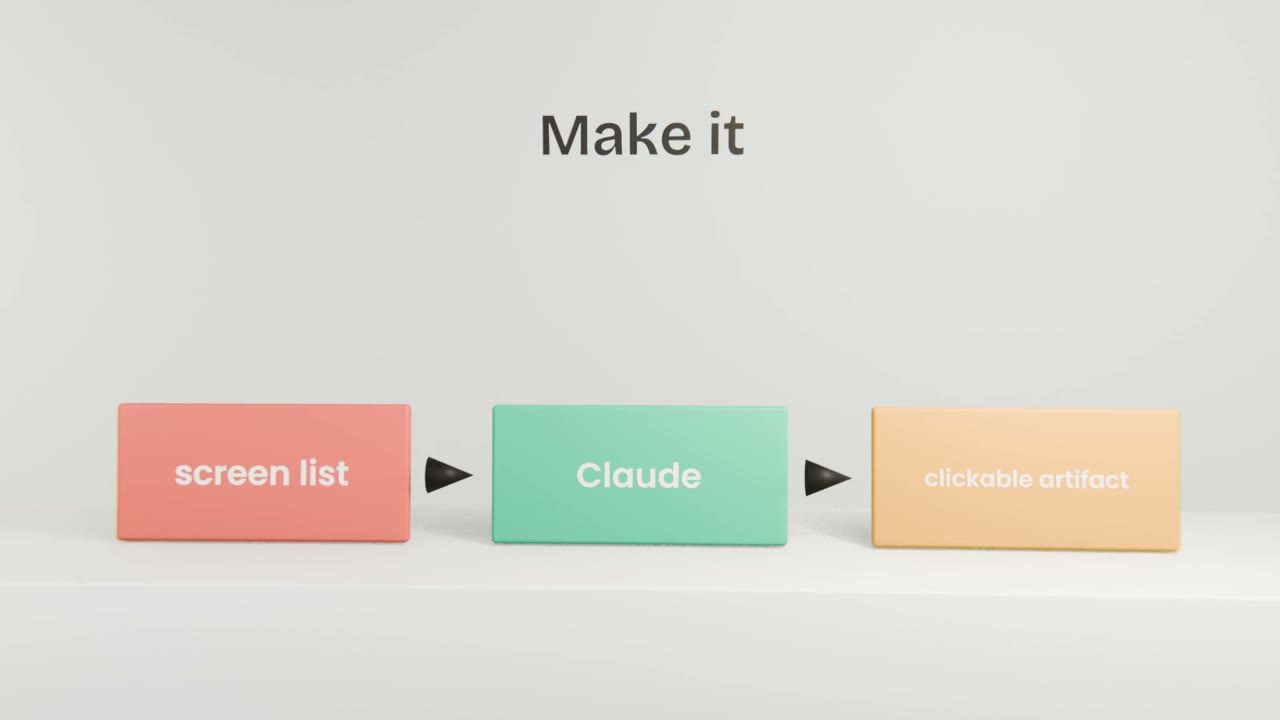
Building it
Paste the screen list
With your brief and user description from the project.
Ask for all screens in one artifact
With working buttons between them and realistic sample data.
Click every path
Including the wrong ones.
Ask for fixes one at a time
"On the invoice screen, move Send to the bottom right."
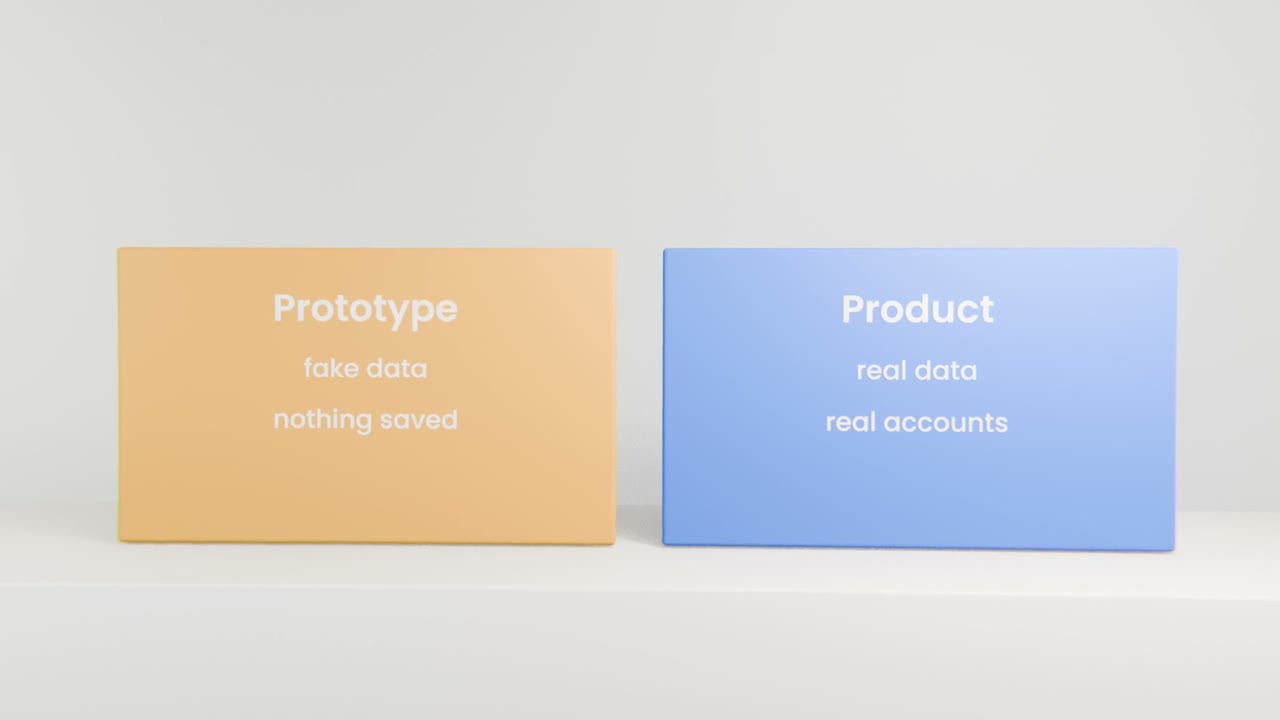
What to leave out
Real sign-in
A button that pretends is enough.
Saving
Sample data that resets is fine.
Edge cases
Test the main path first.
Build your prototype
In your Claude project, turn your screen list into one clickable artifact with sample data. Click through every path, fix the flow, publish it, and open it on your phone.
Done when
Save the link. You will put it in front of five people in two lessons.
Keep these
- A prototype looks real and saves nothing.
- Build it from your screen list as one artifact.
- Fix the flow before the look.