Vibe Coder · Unit 7: From Idea to Prototype · Lesson 3 of 5
Style and design system
Give the prototype one consistent look: a small set of colours, type sizes, spacing and components, written down so AI reuses them.
Read the short notes and pictures.Do everything inside a blue frame.
One look, written down
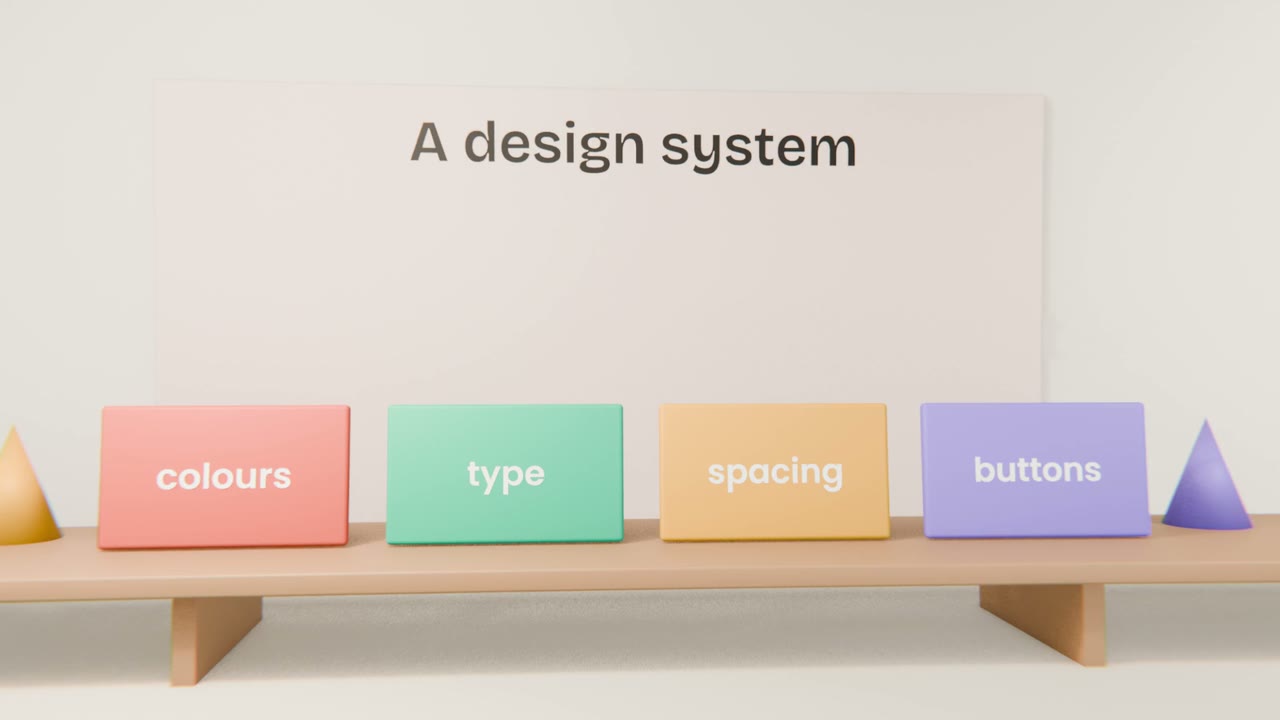
When you ask for screens one at a time, each can come back with slightly different colours and spacing. A design system is a short written set of rules that keeps them the same. It is also the best single thing you can give a coding agent.
The decisions
Colour
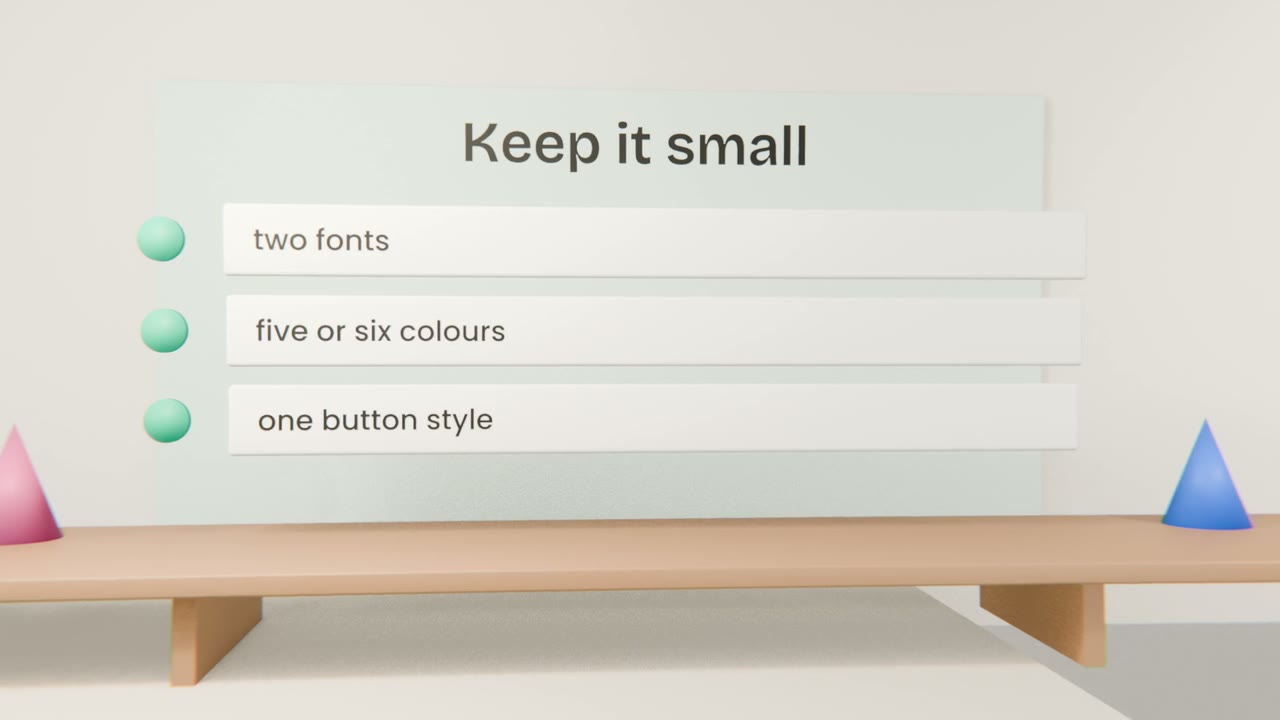
A background, a text colour, one accent, and colours for success and error.
Type
One font for headings, one for text, and three or four sizes.
Spacing
A simple scale, such as 4, 8, 16, 24, 40.
Components
Button, input, card: how each looks in its normal, hover and disabled states.
Making it with Claude
Start from your direction
The moodboard or brand kit from Unit 4.
Ask for a one-page system
As an artifact that shows every colour, size and component.
Check contrast
Ask Claude to check text contrast for accessibility.
Apply it
Ask for the prototype to be restyled using only the system.
Give your prototype one look
Create a one-page design system artifact, check its contrast, and restyle your prototype with it. Save the system as a file in your project.
Done when
Claude Code will read this file when it builds the real app.
Keep these
- A design system is a short list of visual decisions.
- Keep it small and write it down.
- Build accessibility in from the start.