Vibe Coder · Unit 20: Image Models: Flux, ComfyUI and LoRAs · Lesson 2 of 7
Choosing a Flux model
Flux is a family, not one model. Some run only through an API, some have open weights, and the licence decides whether you can use the pictures in a product.
Read the short notes and pictures.Do everything inside a blue frame.
A family of models
Flux is the name of a family of image models from Black Forest Labs. The models share a design but differ in size, speed, where they run and what you are allowed to do with them. Picking one is a product decision, in the same way that choosing a database is.
The FLUX.2 line-up
FLUX.2 [max]
API only. The highest quality and the most consistent editing, with up to 8 reference images through the API.
FLUX.2 [pro]
API only. Built for production use, also with up to 8 reference images.
FLUX.2 [flex]
API only. Lets you set steps and guidance yourself. The strongest at typography.
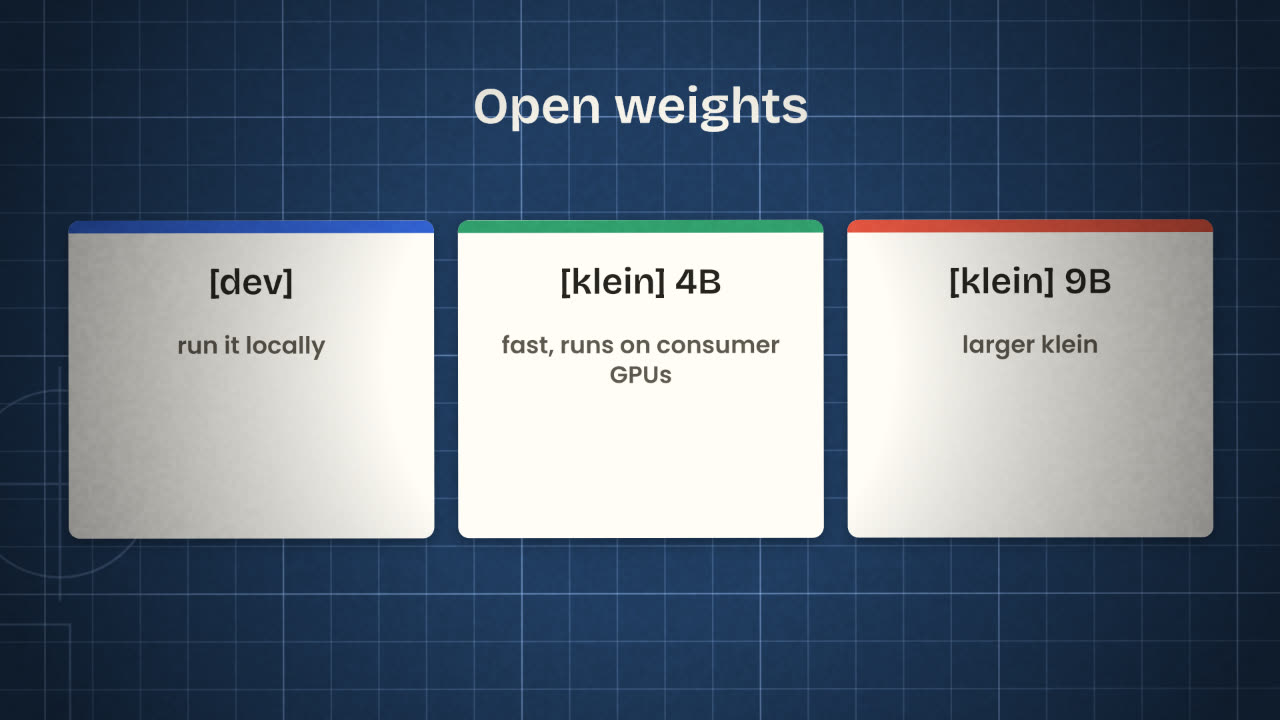
FLUX.2 [dev]
Open weights that you can run locally. Non-commercial licence.
FLUX.2 [klein] 4B
Open weights under Apache 2.0. Very fast, does generation and editing, takes up to 4 reference images, and runs on consumer graphics cards.
FLUX.2 [klein] 9B
A larger klein. FLUX Non-Commercial licence.
All FLUX.2 models produce images of up to 4 megapixels and are built to render text reliably. Older members of the family are still useful for specific jobs: FLUX.1 Kontext edits an existing image from a written instruction, and FLUX.1 Fill repaints a masked area (inpainting) or extends a picture (outpainting).
API or your own machine
Through an API
You send a prompt to a hosted model.
Nothing to install.
You pay per image.
The strongest models live here.
Your prompts and images leave your machine.
On your own machine
You download the weights.
You need a capable graphics card.
No cost per image once it runs.
You can add your own LoRA.
Nothing leaves your machine.
The licence comes first
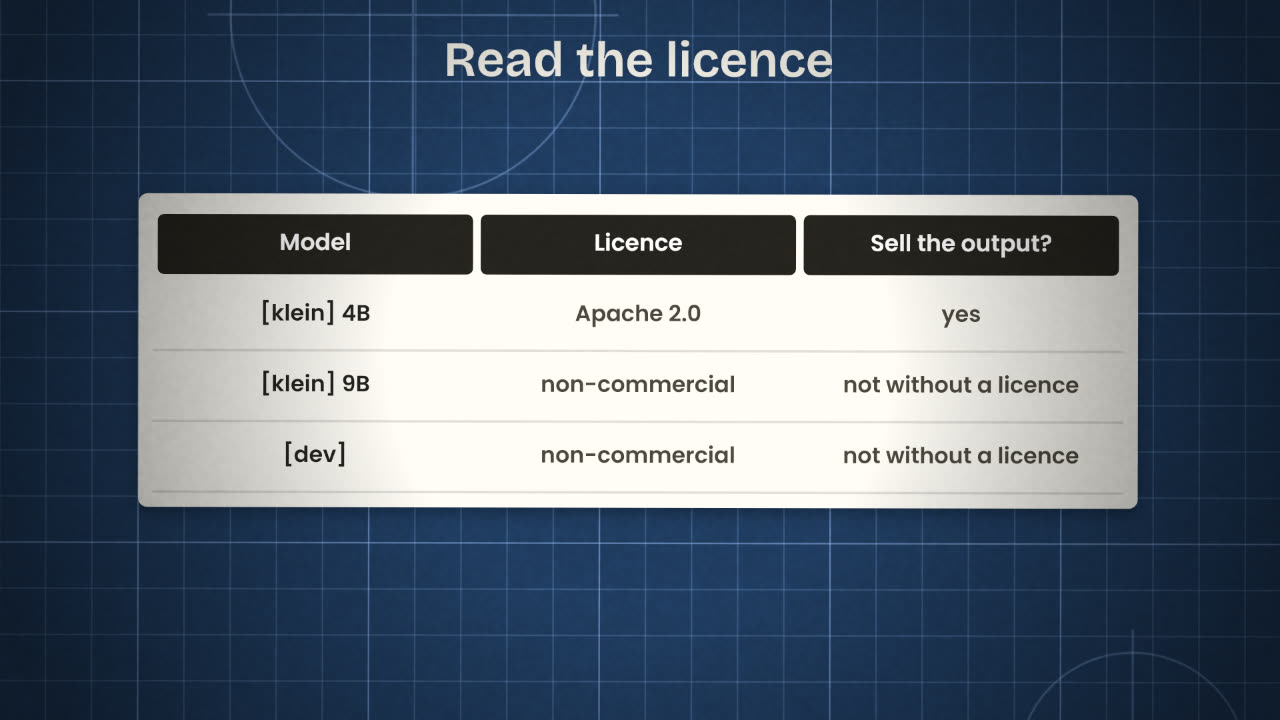
A licence says what you may do with a model and with what it makes. Apache 2.0 allows commercial use. A non-commercial licence does not, unless you buy a commercial licence from the maker. This matters the moment an image appears on a landing page, in an advert or inside a paid product.
Find the licence
On the model’s page, before you download anything.
Match it to your use
A personal experiment and a paid advert are different uses.
Write it down
Keep a note of which model made which image. You will need it if anyone asks.
You are making hero images for a paid product, on a laptop with no graphics card, and one image must include the product name as text. Which FLUX.2 model would you look at first, and why?
Choose your model
For your image brief, decide where the images will be made (an API or your own machine) and which Flux model fits. Read its licence and write one line on why your use is allowed.
Done when
Keep this line with your image brief. It goes into your repository at the end of the unit.
Keep these
- Flux is a family: API-only models and open-weight models.
- Klein 4B is Apache 2.0; dev and klein 9B are non-commercial.
- Choose by where it runs, the licence, and what the image needs.