Vibe Coder · Unit 20: Image Models: Flux, ComfyUI and LoRAs · Lesson 3 of 7
Your first ComfyUI workflow
ComfyUI shows an image model as boxes joined by wires. Build the basic text-to-image workflow from seven nodes and learn what each one does.
Read the short notes and pictures.Do everything inside a blue frame.
The machine, with the cover off
ComfyUI is an open source, node-based interface for generative AI. Where a chat tool gives you one text box, ComfyUI gives you the whole process as a diagram. Each step is a node, a box that does one job. Wires, which ComfyUI calls links, carry the result of one node into the next. The complete diagram is a workflow.
It takes longer to learn than a text box. In return you get three things a product needs: you can see every setting, you can repeat a result exactly, and you can swap one part without touching the rest.
Getting it
Comfy Desktop
An app you install like any other.
ComfyUI Portable
A folder you unpack and run.
Manual install
For people comfortable with a terminal.
Comfy Cloud
Runs in the browser on cloud graphics cards. Nothing to install.
The seven nodes
The first workflow in ComfyUI’s own guide is built from seven nodes. They map one to one onto the parts you met in the first lesson.
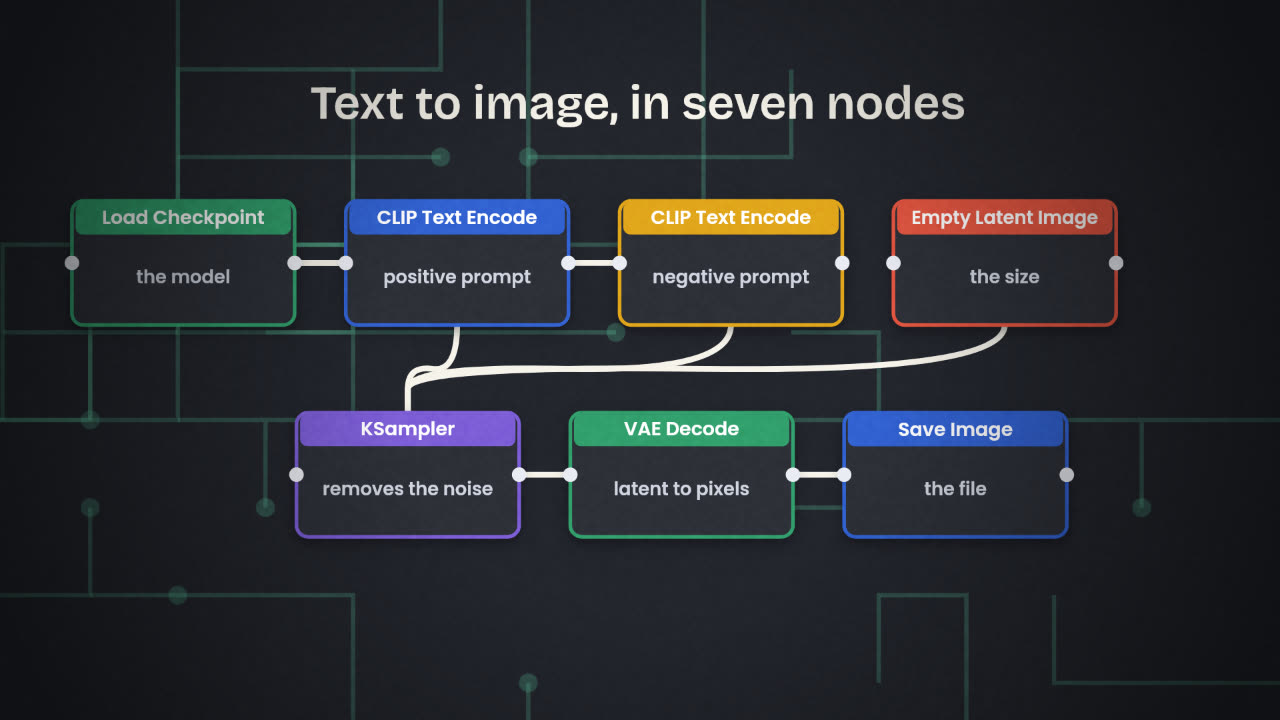
Load Checkpoint
Loads the model file. It gives out three things: the model, the text encoder (CLIP) and the VAE.
CLIP Text Encode (Prompt), twice
One holds the positive prompt, what you want. One holds the negative prompt, what you do not want.
Empty Latent Image
Sets the size of the picture. The guide starts at 512 by 512.
KSampler
Does the work. It takes the model, both prompts and the empty latent, and removes noise. The seed, steps and guidance are set here.
VAE Decode
Turns the finished latent into pixels.
Save Image
Shows the picture and writes it to disk.
Running it
Put a model in place
Model files go in the models folder, with checkpoints in a folder called checkpoints.
If a model is missing
ComfyUI lists it in the Issues tab. Use Download if it is offered, then press R to refresh.
Press Run
Or Ctrl + Enter (Cmd + Enter on a Mac). Nodes light up as they run.
Find the file
Pictures are saved as PNG files, numbered in order, in the output folder.
In the seven-node workflow, which node would you change to (a) make the picture wider, (b) get a different picture from the same prompt, (c) remove an unwanted watermark-like pattern that keeps appearing?
Make your first image in ComfyUI
Open ComfyUI (Comfy Cloud is fine). Build or load the basic text-to-image workflow, write a prompt for one image from your brief, and run it. Then change only the seed and run it again.
Done when
This first model is small and the picture will be rough. The next lesson swaps in Flux.
Keep these
- A node does one job and a link passes its result on.
- Seven nodes make the basic text-to-image workflow.
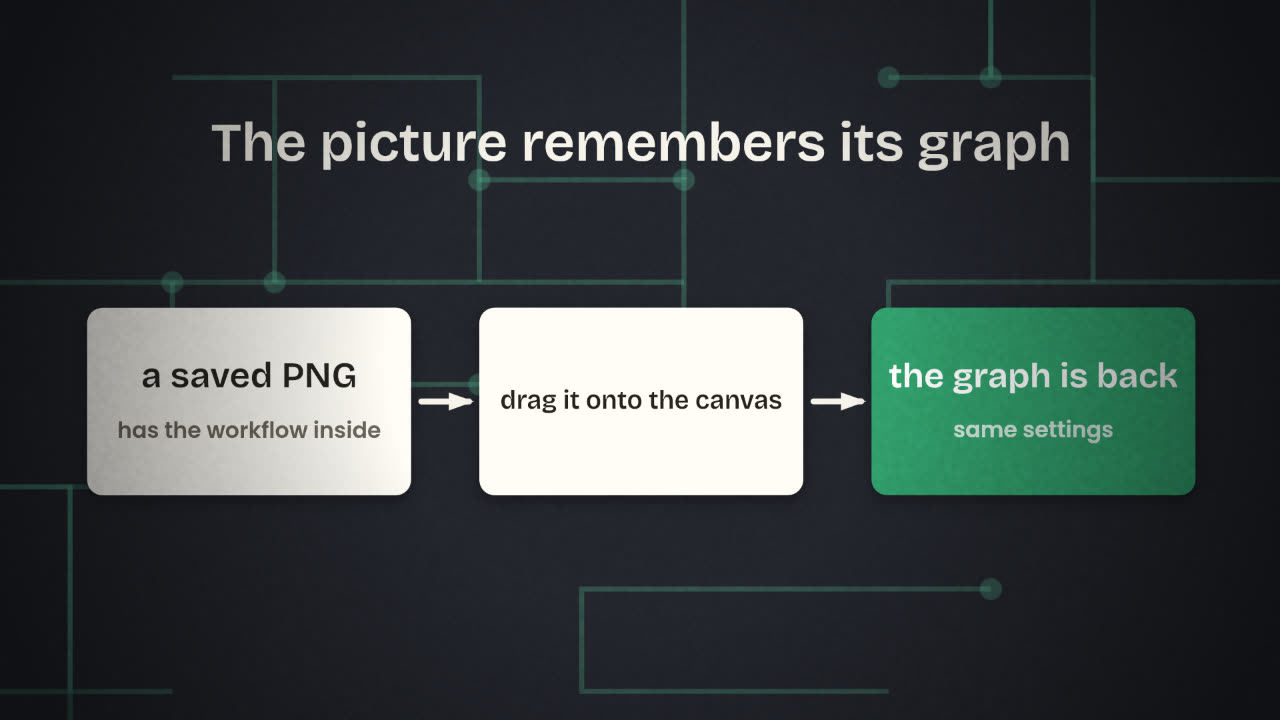
- A saved PNG contains the workflow that made it.