Vibe Coder · Unit 20: Image Models: Flux, ComfyUI and LoRAs · Lesson 4 of 7
Flux in ComfyUI
Swap the small starter model for Flux: start from a template, put three model files in the right folders, and feed it reference images.
Read the short notes and pictures.Do everything inside a blue frame.
From a sketch to a real model
The seven-node workflow used a small starter model so you could see the parts. Flux is far more capable, and it is put together a little differently: its three parts arrive as separate files instead of one checkpoint. You do not need to wire that by hand.
Start from a template
Open the Workflow Templates
ComfyUI ships ready-made workflows for current models, including FLUX.2.
Pick the one that matches your job
Text to image, image editing, or generation with reference images.
Let it tell you what is missing
A template lists the model files it needs. Download each into the folder it names.
If a template is not there
Your ComfyUI may be out of date. Update it. On Comfy Cloud the templates open directly.
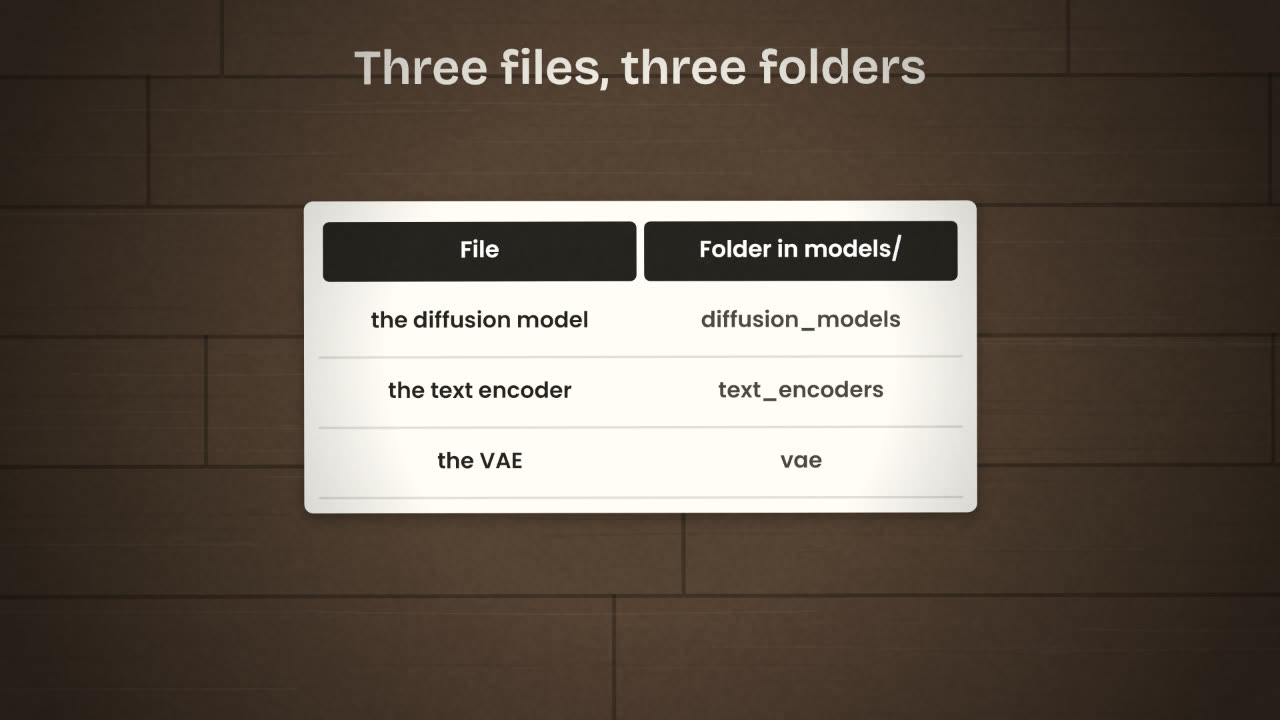
Three files, three folders
ComfyUI’s FLUX.2 [dev] guide names three files and where each belongs. The same layout applies to the klein models with their own file names.
The files
flux2_dev_fp8mixed.safetensors
mistral_3_small_flux2_bf16.safetensors
flux2-vae.safetensors
Where they go
ComfyUI/models/diffusion_models/
ComfyUI/models/text_encoders/
ComfyUI/models/vae/
Writing the prompt
Current Flux models have a strong text encoder, so they follow full sentences. Write a description, not a pile of keywords.
Vague
invoice app, modern, cool, 4k
Specific
A laptop on a pale oak desk showing an invoicing dashboard. Morning light from the left. A ceramic mug beside it. Clean editorial product photography. The screen header reads "Tally".
Reference images
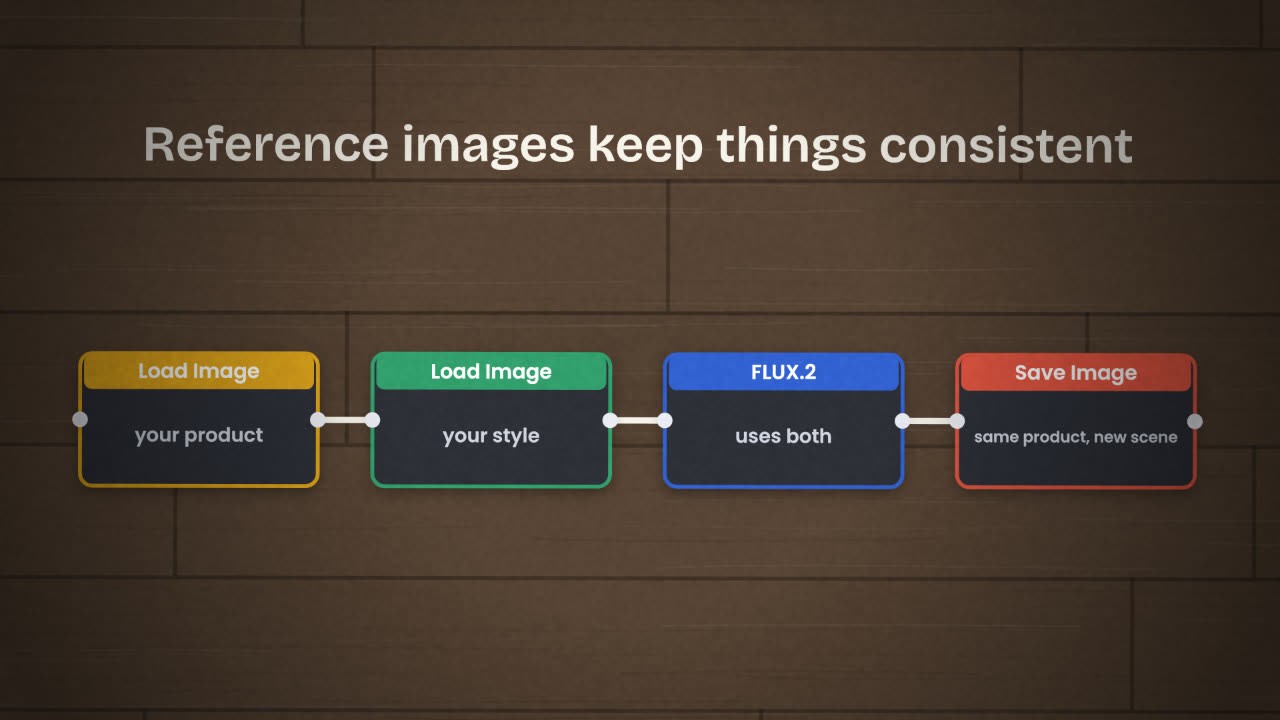
A product has to look like the same product in every picture. FLUX.2 accepts reference images for this: you load your product shot or your style sample through a Load Image node and the model keeps it consistent while changing the scene. Klein takes up to 4 reference images.
You need the same mug-and-laptop scene in three versions: morning, evening, and with a plant added. What do you keep fixed and what do you change for each?
Make three images with Flux
Load a FLUX.2 template, put the model files in place (or use Comfy Cloud), and make three images from your brief. Use one reference image so the product or character matches across them. Save the workflow with a clear name.
Done when
Keep the saved workflow file. It is part of what you publish at the end of the unit.
Keep these
- Start from a workflow template, not an empty canvas.
- Flux is three files: diffusion model, text encoder and VAE.
- Reference images keep a product or character consistent.