Vibe Coder · Unit 12: Login and Data With Supabase · Lesson 3 of 6
Login
Add sign-up and sign-in so each person has an account. What Supabase handles for you and what you must test.
Read the short notes and pictures.Do everything inside a blue frame.
Accounts
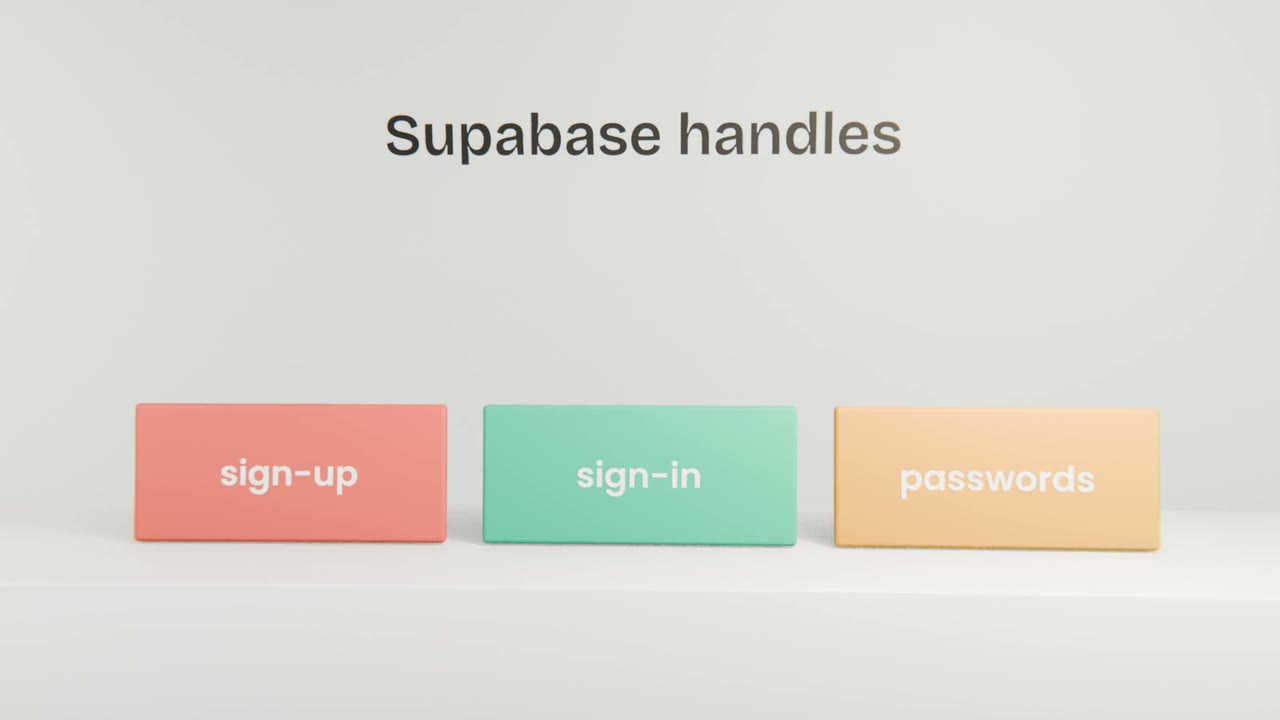
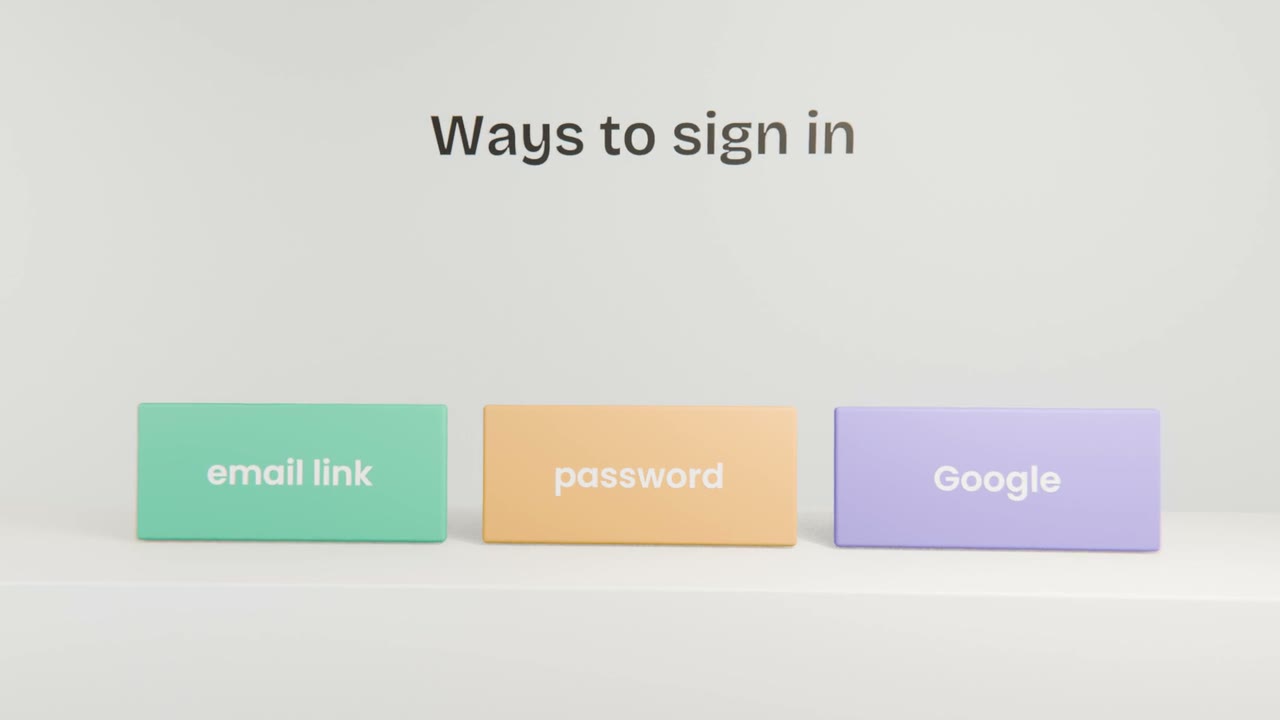
Sign-in is the part of an app where mistakes hurt most, so you do not build it yourself. Supabase Auth creates accounts, checks passwords, sends confirmation emails and keeps people signed in. Your job is to choose how people sign in and to test every path.
What to ask Claude Code for
Sign-up and sign-in pages
Using Supabase Auth, styled with your design system.
Protected pages
Signed-out visitors are sent to sign in.
Sign-out
On every page.
Clear messages
For wrong passwords and unconfirmed emails.
What to test yourself
Sign up with a new email
Does the confirmation arrive and work?
Sign in and out
On a phone as well.
A wrong password
Is the message helpful without revealing too much?
A protected page while signed out
Are you sent to sign in?
Add sign-in to your app
Have Claude Code add sign-up, sign-in, sign-out and protected pages with Supabase Auth. Test all four cases yourself with two different accounts.
Done when
Keep both accounts. You need them to test the next lesson.
Keep these
- Use Supabase Auth, never your own.
- Protect pages that need an account.
- Test every path with two accounts.