Vibe Coder · Unit 12: Login and Data With Supabase · Lesson 2 of 6
Your first table
Create a table, connect your app to it, and watch data survive a refresh: save one thing, read it back.
Read the short notes and pictures.Do everything inside a blue frame.
Save and read back
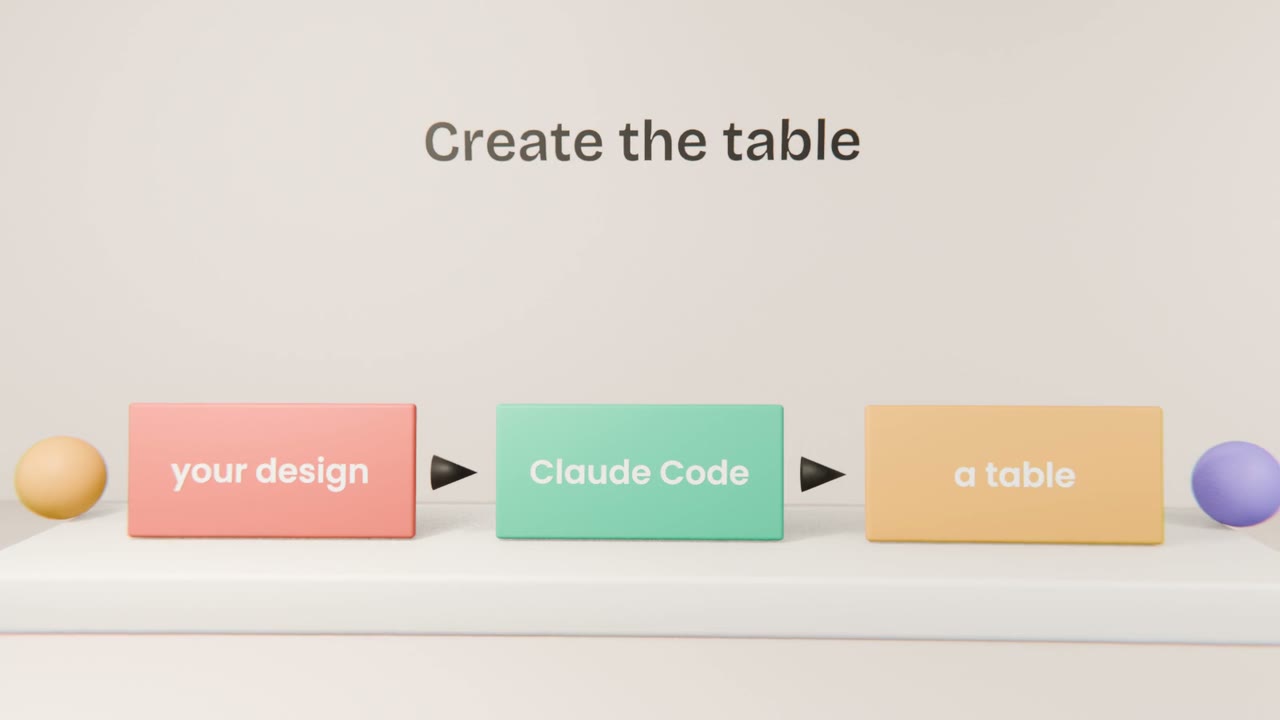
The first database feature should be the smallest possible: create one table, save one item from the app, and show it again after a refresh. Once that works, every other table is a repeat of the same steps.
Doing it
Give Claude Code the table design
And your Supabase project details.
Put the keys in the environment file
Yourself, not in the chat.
Ask for save and list
For the one table only.
Check in the Supabase dashboard
The table editor shows your row.
Keys you will see
Project URL
Where your database lives.
Public key
Safe in the browser, but only because of access rules you will add.
Secret key
Full access. Server only, never in the browser.
Save your first real data
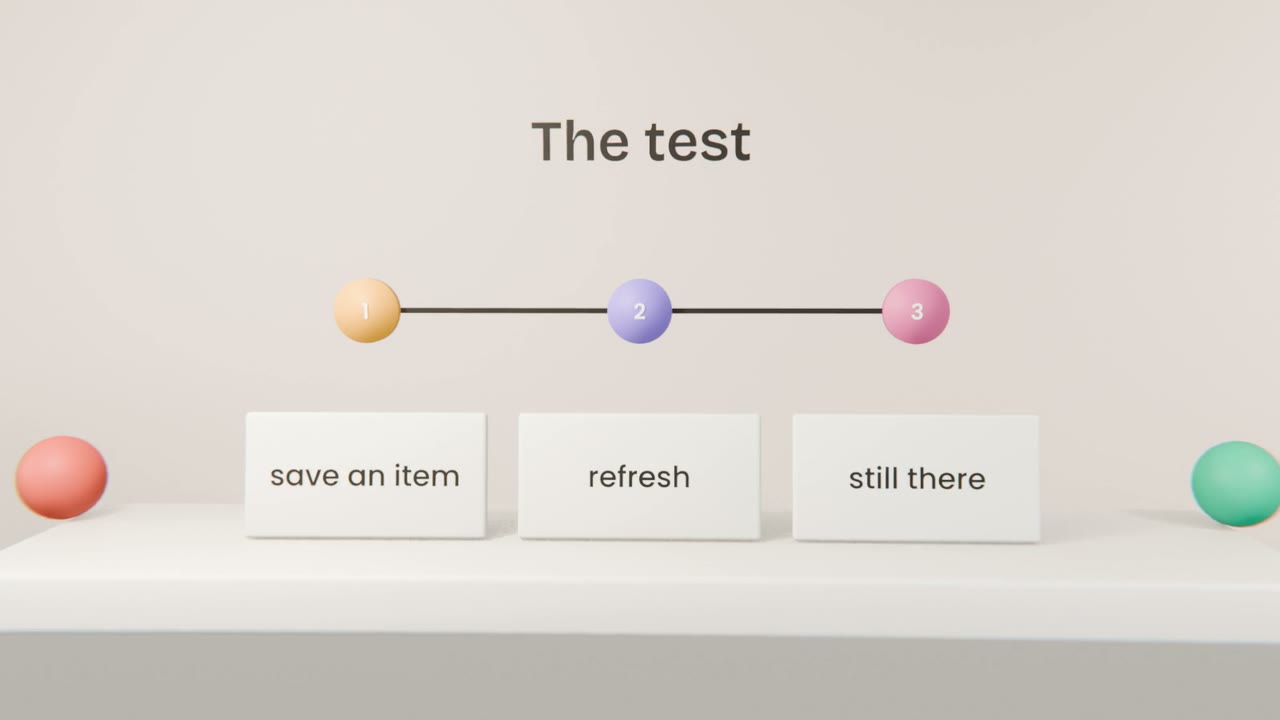
Have Claude Code create your first table and connect the app. Save one real item, refresh, and find the same row in the Supabase table editor.
Done when
Anyone can read this table for now. The next two lessons fix that.
Keep these
- Start with one table.
- Keys go in the environment file.
- Check your data in the dashboard.