Vibe Coder · Unit 12: Login and Data With Supabase · Lesson 1 of 6
What a database is
A database is where your app remembers things. Tables, rows and columns in plain words, and what Supabase gives you.
Read the short notes and pictures.Do everything inside a blue frame.
Where your app remembers
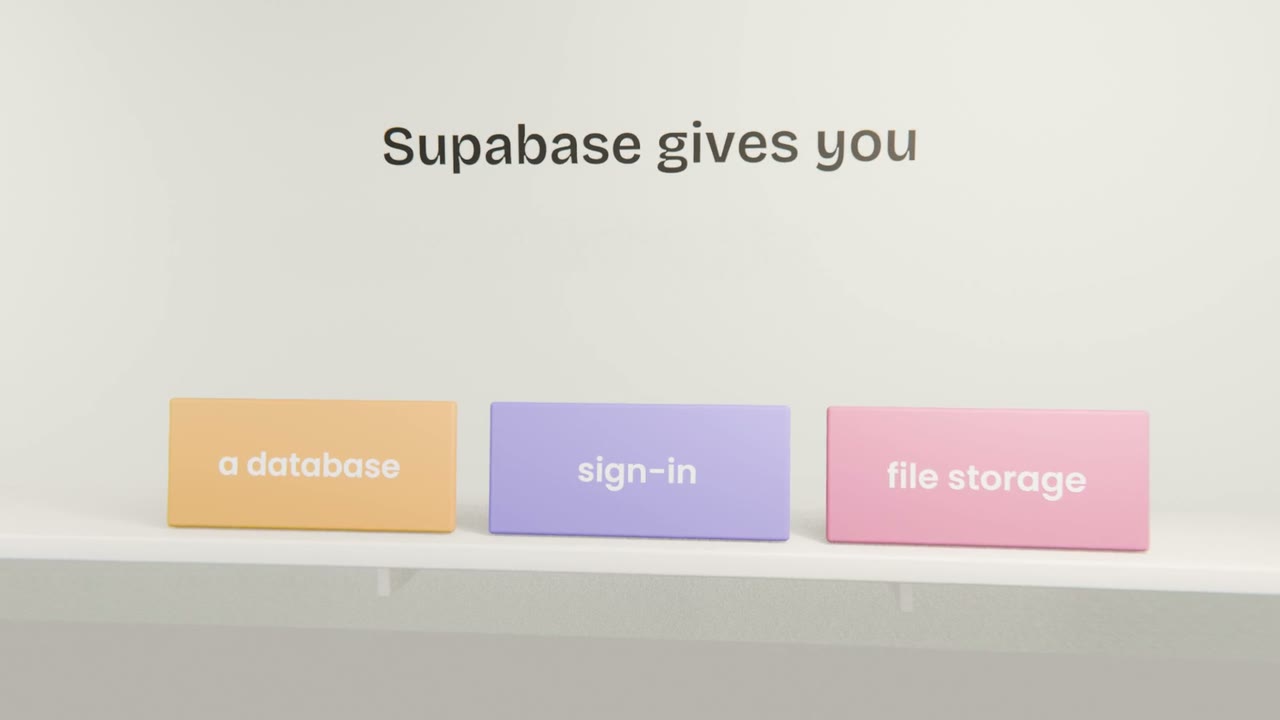
Until now your app has shown sample data. A real product stores what people create and shows it to them the next time. That is the job of a database. Supabase provides one, based on a widely used database called Postgres, along with sign-in and file storage.
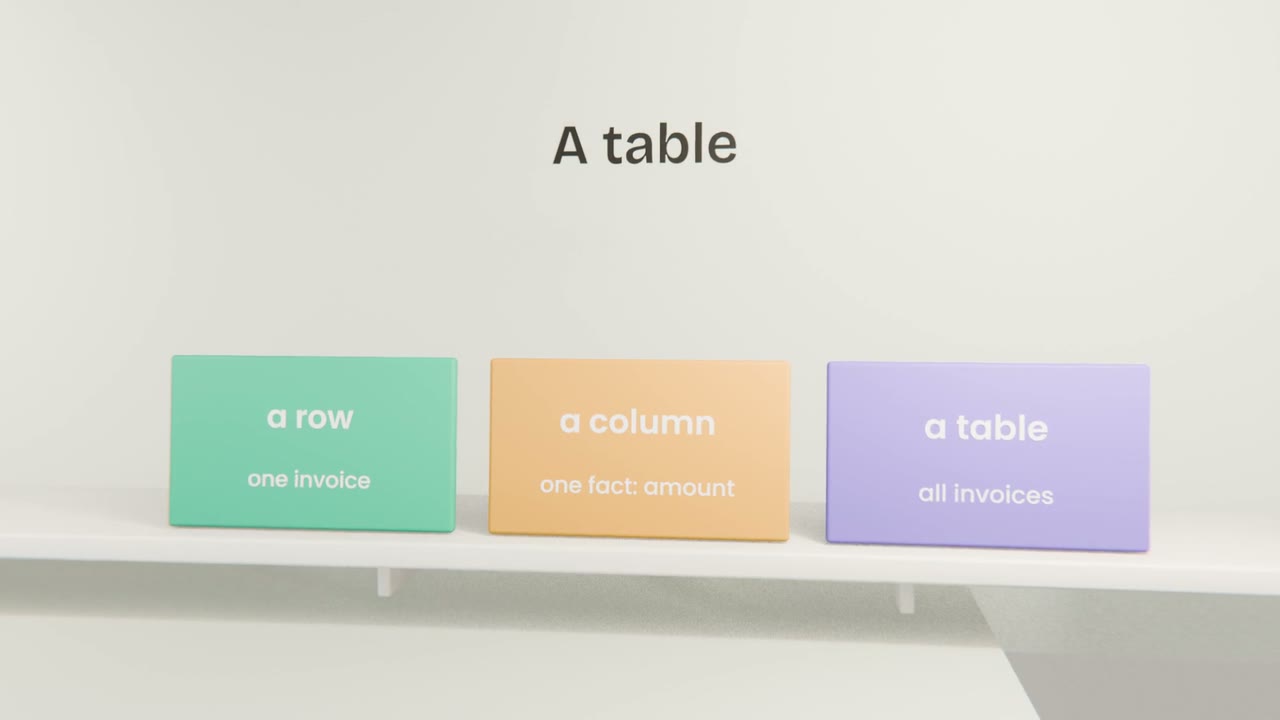
The words
Table
One kind of thing: invoices, clients.
Row
One item: a single invoice.
Column
One fact about every item: amount, date, status.
Id
A unique label for each row, so rows can refer to each other.
From brief to tables
Open your build brief
The Data section lists what must be saved.
One table per kind of thing
Invoices, clients.
One column per fact
With a type: text, number, date, yes or no.
Link them
Each invoice belongs to one client and one user.
Design your tables on paper
Create a Supabase project. Then ask Claude to turn the Data section of your build brief into a list of tables and columns in plain words, and check it against the brief.
Done when
You will create the first table in the next lesson.
Keep these
- A database is where an app remembers.
- Tables hold rows and columns.
- Supabase adds sign-in and storage.