Vibe Coder · Unit 5: Prompting and Context · Lesson 4 of 5
Iterate and compare
The first answer is a draft. How to give feedback that improves it, when to start again, and how to compare versions fairly.
Read the short notes and pictures.Do everything inside a blue frame.
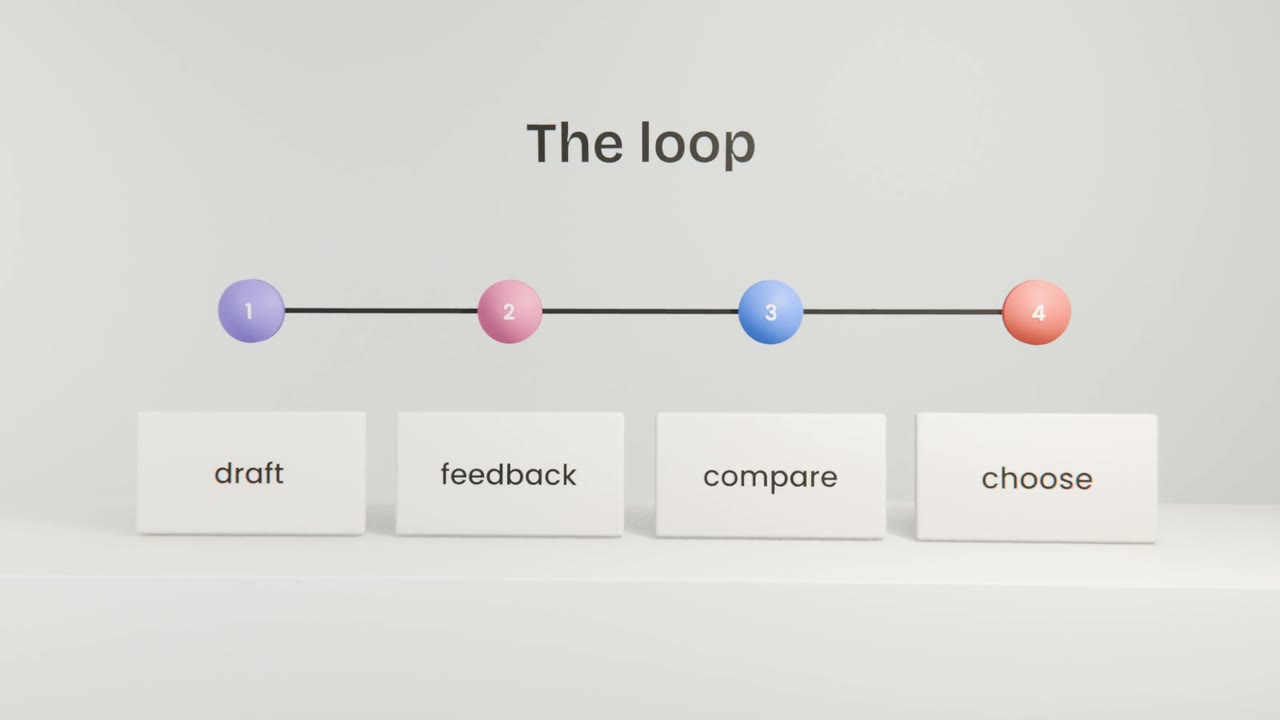
Working in rounds
A first answer shows you what the model understood. Your next message is where the quality comes from. Specific feedback improves it quickly. Vague feedback, such as "make it better", leaves the model guessing again.
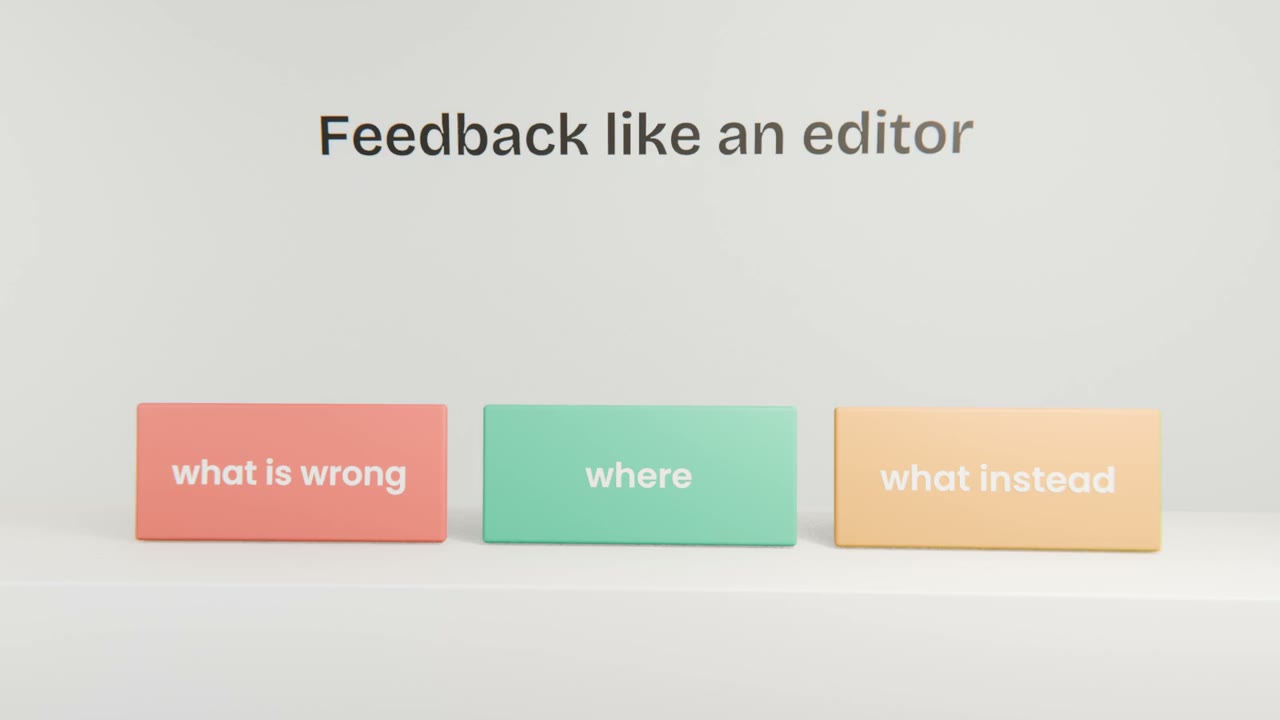
Feedback that works
Vague
Make it better.
Specific
The headline is too long. Cut it to six words.
The second benefit repeats the first: replace
it with one about getting paid faster.
Keep the rest.
Fix it or start again?
Keep going
The answer is close and you can name what to change.
Start fresh
You have corrected the same thing twice, or the chat is long.
Change the prompt
The same mistake appears in every new chat: the brief is missing something.
Improve one prompt in three rounds
Take a prompt from your library. Ask for three versions, give specific feedback on the best one, and repeat once more. Then update the saved prompt so the first answer is that good next time.
Done when
A prompt library improves each time you fold feedback back into it.
Keep these
- Expect to iterate.
- Give specific feedback: what, where, instead.
- Start a fresh chat when you go in circles.