Vibe Coder · Unit 5: Prompting and Context · Lesson 5 of 5
Reusable prompts
Turn a prompt that works into a template with blanks, and keep it where you will find it: a library, project instructions or a skill.
Read the short notes and pictures.Do everything inside a blue frame.
From one good prompt to a tool
By now you have a few prompts that reliably give you good results. They are worth keeping. A template turns one into something you, or a teammate, can reuse in seconds by filling in the blanks.
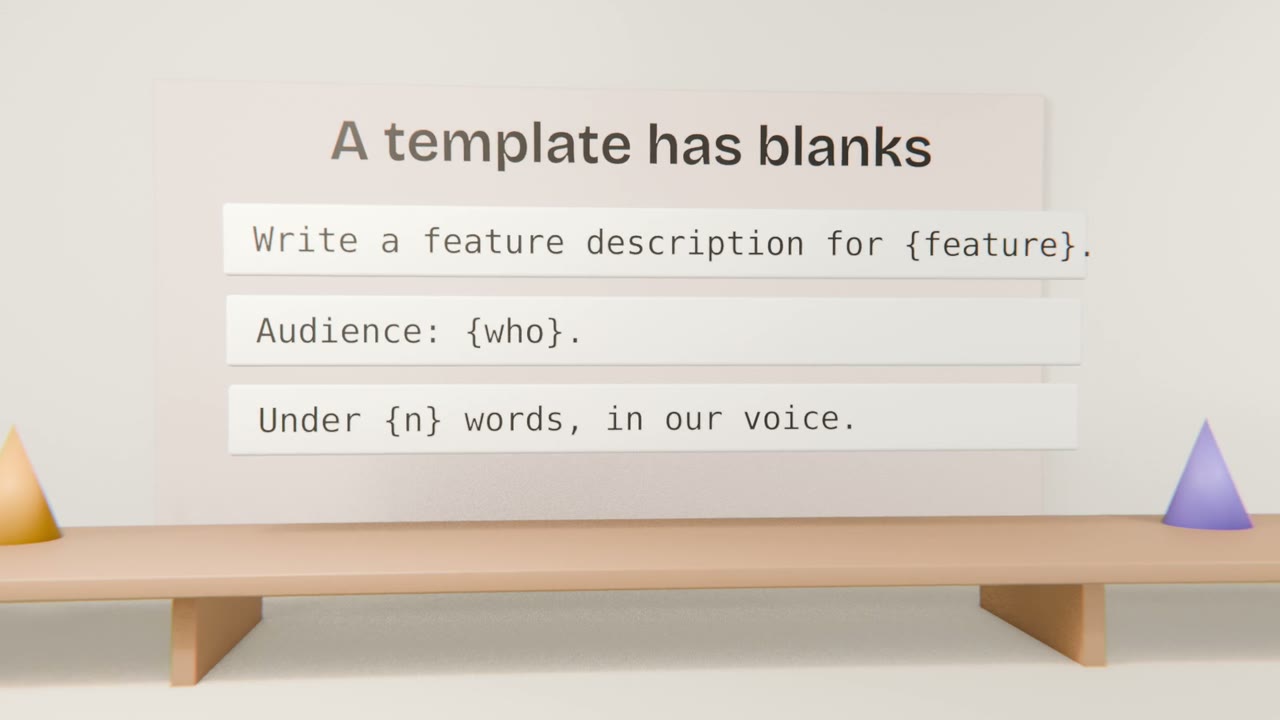
Making a template
Find what changes
The feature, the audience, the length.
Mark the blanks
Use a clear marker such as {feature}.
Keep the rest fixed
The voice, the format, the rules.
Test it three times
With inputs that are properly different.
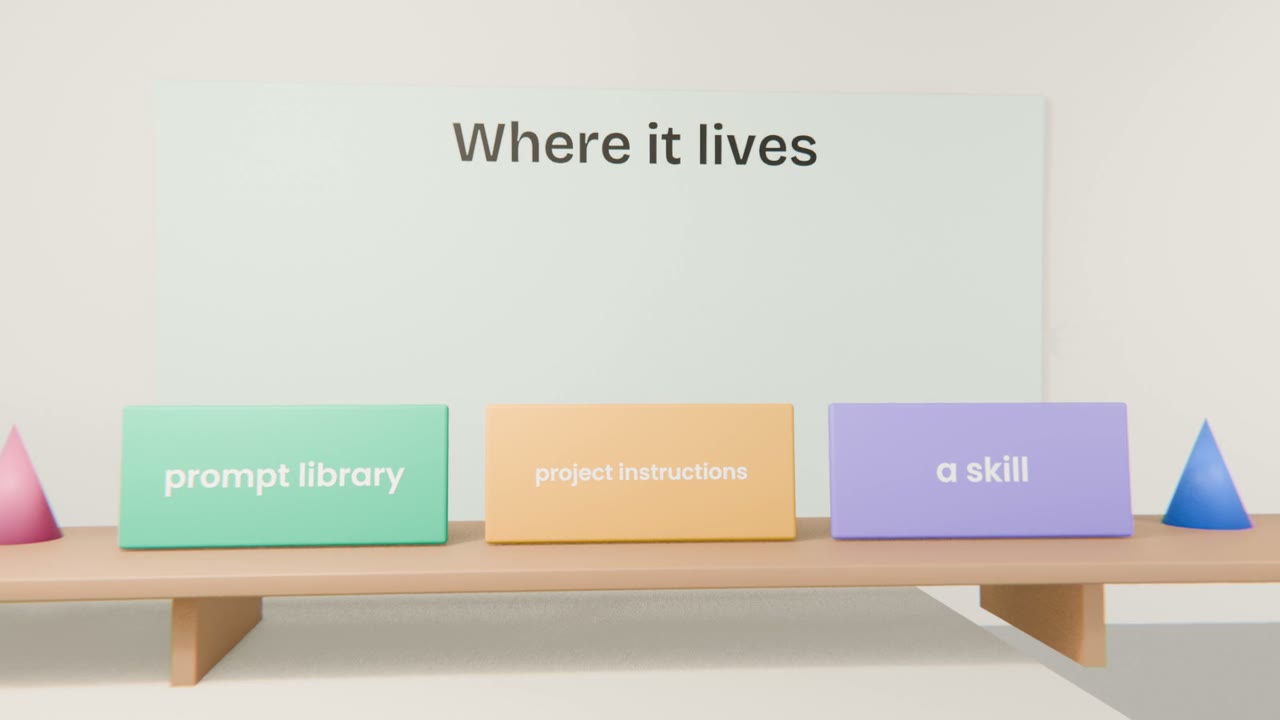
Where each kind belongs
Prompt library
A simple document. Best for prompts you paste now and then.
Project instructions
For rules that apply to every chat about the product.
A skill
For a whole method you want applied automatically.
Finish your prompt library
Turn your four saved prompts into templates with blanks, add one more for a task you will repeat while building, and test each on three inputs. Put the library file in your Claude project.
Done when
Your prompt library is complete. In Unit 6 you use it to decide exactly what to build.
Keep these
- Turn working prompts into templates.
- Keep them in a library, in project instructions or as a skill.
- Test on several inputs, and re-test over time.