Vibe Coder · Unit 16: AI Agents · Lesson 6 of 9
The OpenAI Agents SDK
Engineers: build an agent in Python with the OpenAI Agents SDK. Agents, function tools, handoffs, guardrails, sessions and tracing.
Read the short notes and pictures.Do everything inside a blue frame.
From canvas to code
Visual builders are a fine way to find out what your agent should do. When the agent matters to the product, engineers usually move it into code: it can be reviewed in a pull request, covered by tests and deployed like everything else. The OpenAI Agents SDK is a small Python library for this. There is a separate JavaScript and TypeScript version.
The smallest agent
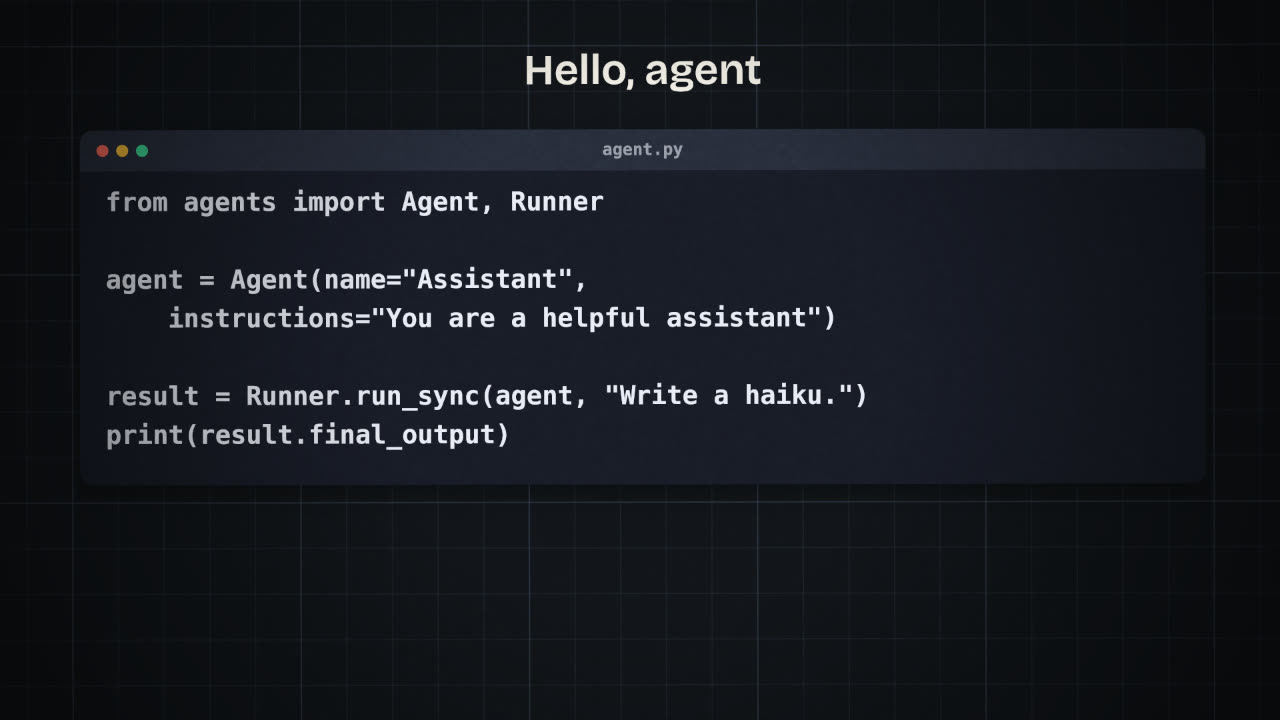
Install
pip install openai-agents

export OPENAI_API_KEY=...
agent.py
from agents import Agent, Runner

agent = Agent(
    name="Assistant",
    instructions="You are a helpful assistant",
)

result = Runner.run_sync(agent, "Write a haiku about invoices.")
print(result.final_output)Tools
Any Python function can be a tool. You mark it, and the SDK reads the name, the type hints and the docstring to build the schema the model sees, with validation through Pydantic. The docstring is the tool description, so write it for the model.
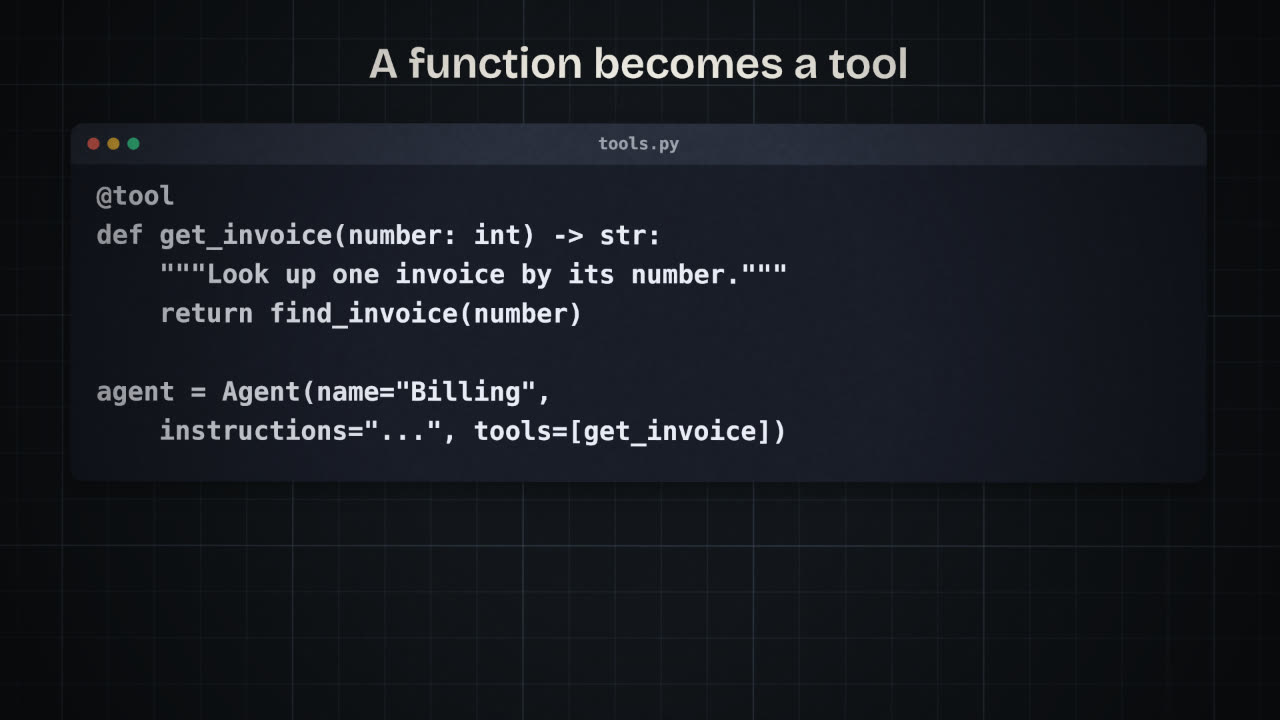
A tool
from agents import Agent
from agents.decorators import tool

@tool
def get_invoice(number: int) -> str:
    """Look up one invoice by its number.
    Returns client, amount, due date, status."""
    return find_invoice(number)
The agent that uses it
billing = Agent(
    name="Billing",
    instructions=(
        "Answer questions about invoices. "
        "Never state a detail you did not get "
        "from get_invoice."
    ),
    tools=[get_invoice],
)
The other parts
Handoffs
One agent passes the conversation to another that is better suited. Useful for triage. Agents can also be used as tools by other agents.
Guardrails
Checks that run on the input or the output and can stop a run. For example: refuse anything that is not about billing.
Sessions
A memory layer that keeps the conversation between runs.
Tracing
A built-in record of each run: every model call, tool call and handoff, in order.
Start with one agent and one tool
Get a correct answer end to end.
Read the trace
For every surprising answer, before changing the prompt.
Add a guardrail
For the input you most want to refuse.
Split only when needed
Add a second agent and a handoff when one agent’s instructions are doing two jobs.
Write, in plain words or code, an input guardrail for a billing agent and say what should happen when it trips.
Port your agent to the Agents SDK
Rebuild your agent in Python with the OpenAI Agents SDK, using the instructions and tool definitions from your agent/ folder. Give it at least one function tool, run your test questions, and read the traces.
Done when
Keep the test script. You will reuse it for the other SDKs.
Keep these
- Agent, tools, handoffs, guardrails, sessions and tracing.
- A function with type hints and a docstring becomes a tool.
- Read the trace before you change the prompt.